What's New
We are delighted to release our new version of Signals, 25.7. This release brings enhancements in Signals Synergy, our ChemDraw sketcher, Tables, Samples, History, Inventory, Plates and Materials. We have new beta capabilities enabling Semantic Search and extended beta capabilities around the in vitro analysis object, updated data factory and supplier lists. Finally, we have also fixed a number of small bugs.
The following improvements are available for users, administrators and developers on the Signals platform. Certain features may only be available with appropriate licensing and/or with enablement by an administrator.
- Fundamentals
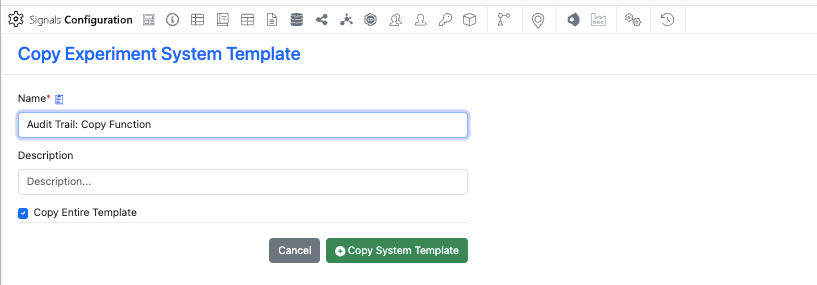
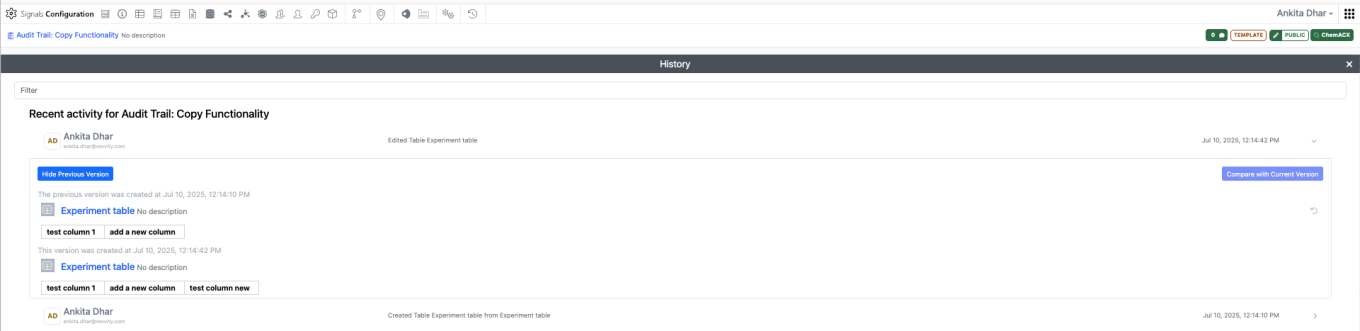
–The audit trail for System Templates and Experiments captures the previous and current versions of Layout Changes for actions including Rename Page, Add Page, Delete Page, & Reorder Page
–The “Updated User” audit record within the Admin Audit Trail displays current and previous versions of the specific changes to User metadata
- AI
–Semantic Search (beta)
- Data Workflows & Analytics
–Preview of the assembled data in Vitro Analysis (beta)
– Calculations can be applied when analyzing two instrument readouts in Vitro Analysis (beta)
– Re-execution of Analytics steps in Vitro Analysis (beta)
– Improved error handling in Vitro Analysis (beta)
- SAR & Decisioning
– Inventa Analysis SAR Groups preview can now be filtered by Data Factory project
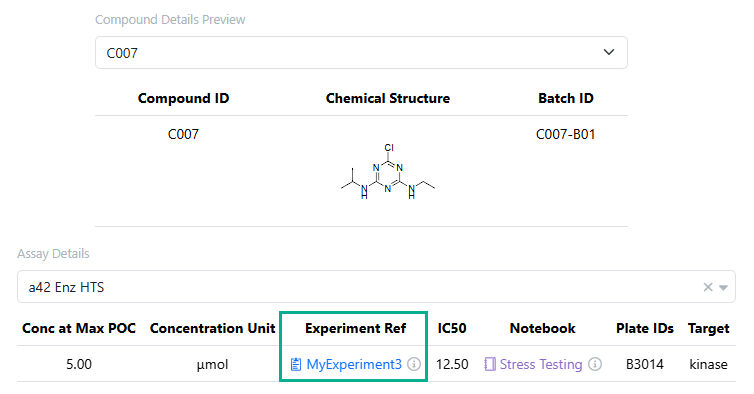
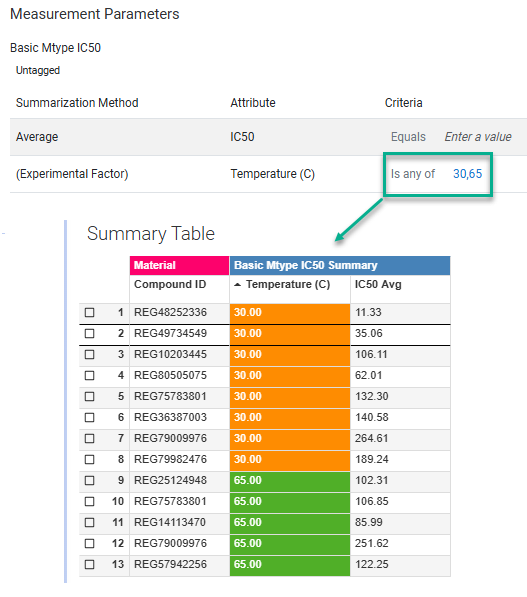
– Integrated Summary App now supports well-level details within the combined unsummarized table.
– Target Engagement Profiler now uses “continuous” as the default x-axis
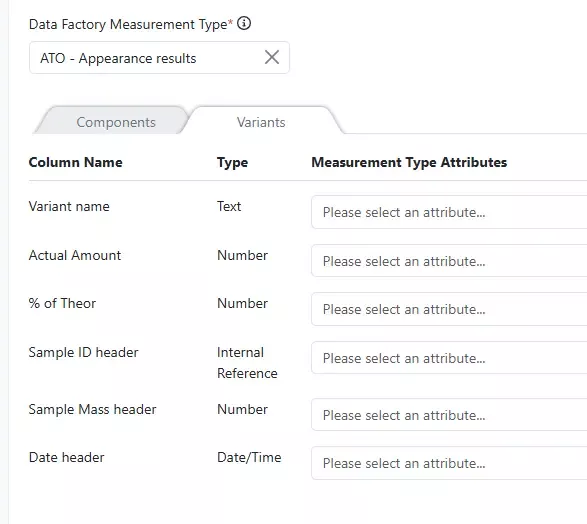
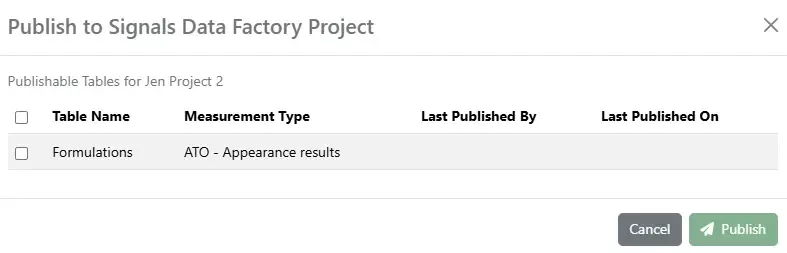
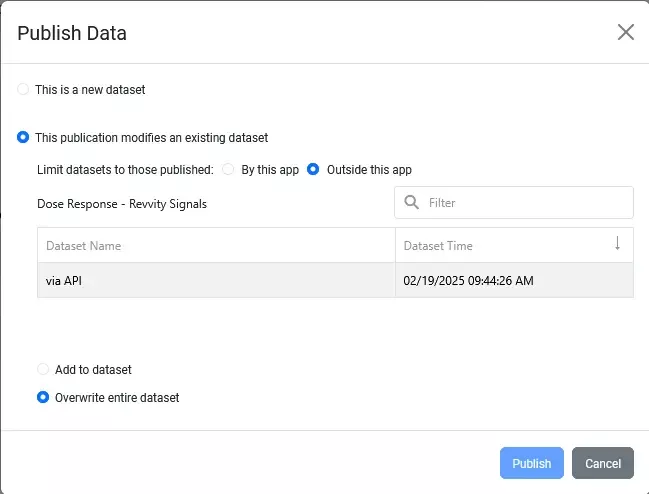
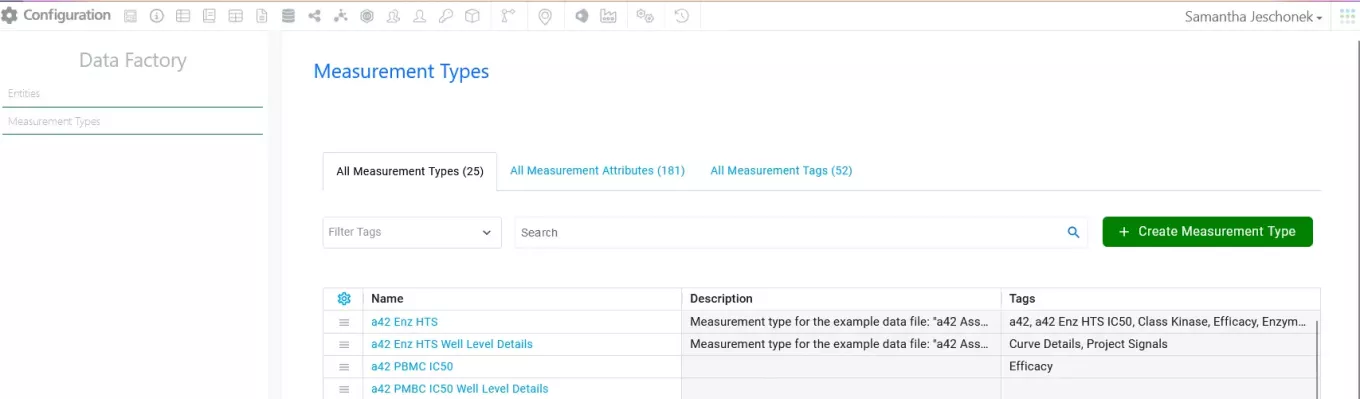
– Data Factory projects now support Custom Entity data and Material Sync (beta)
- Synergy
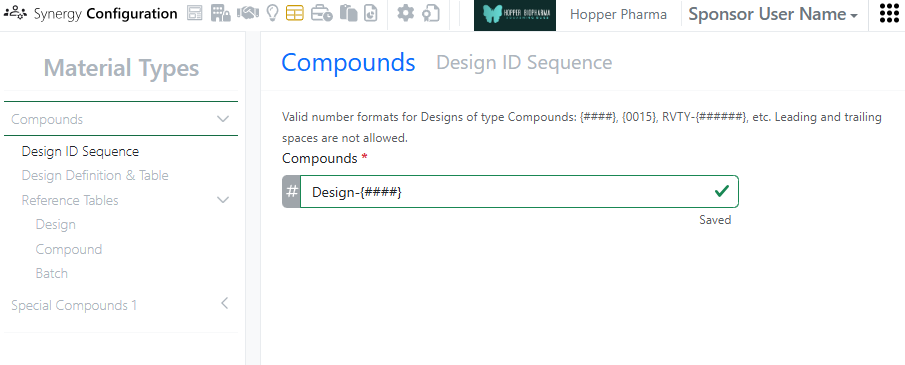
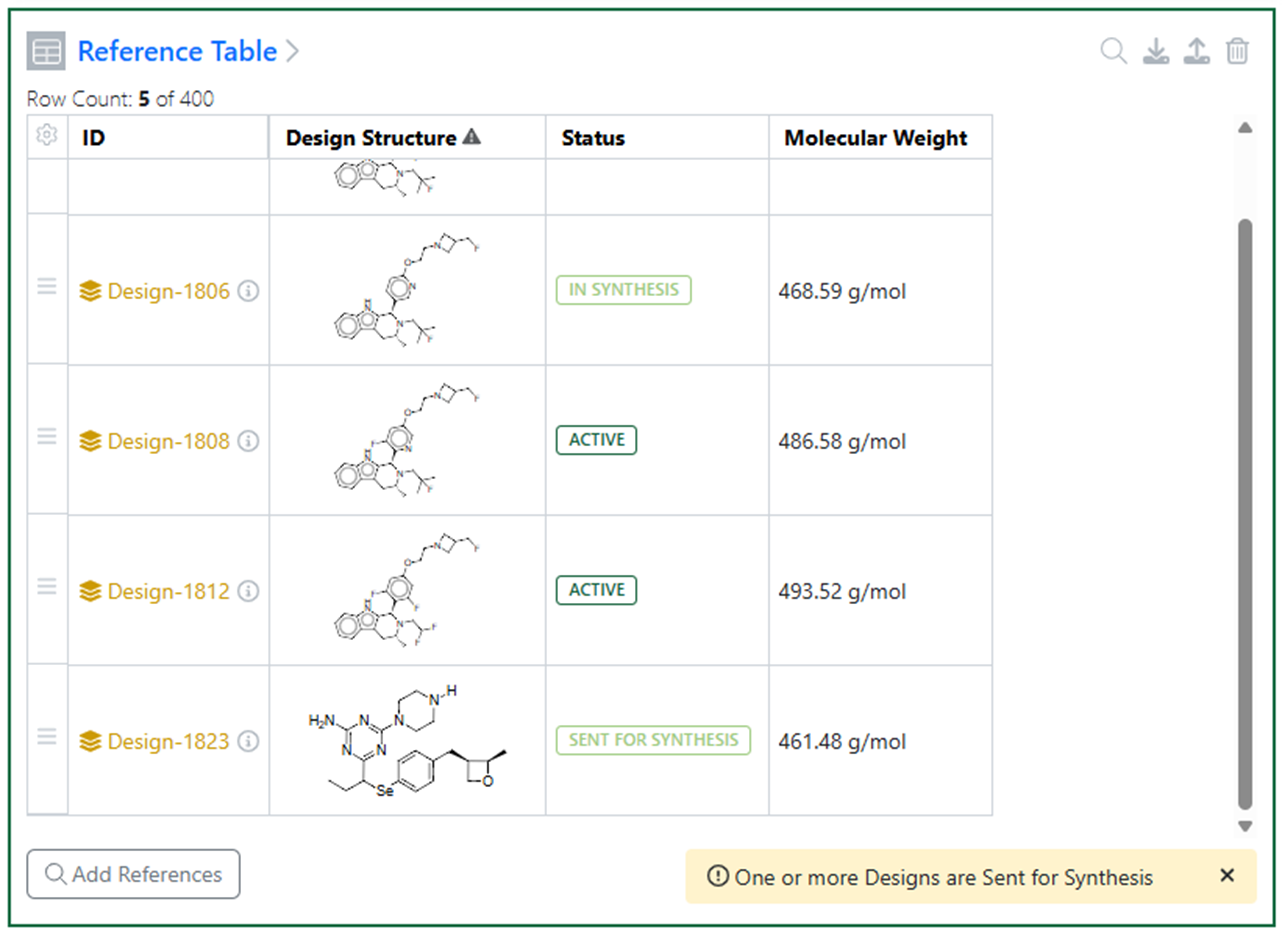
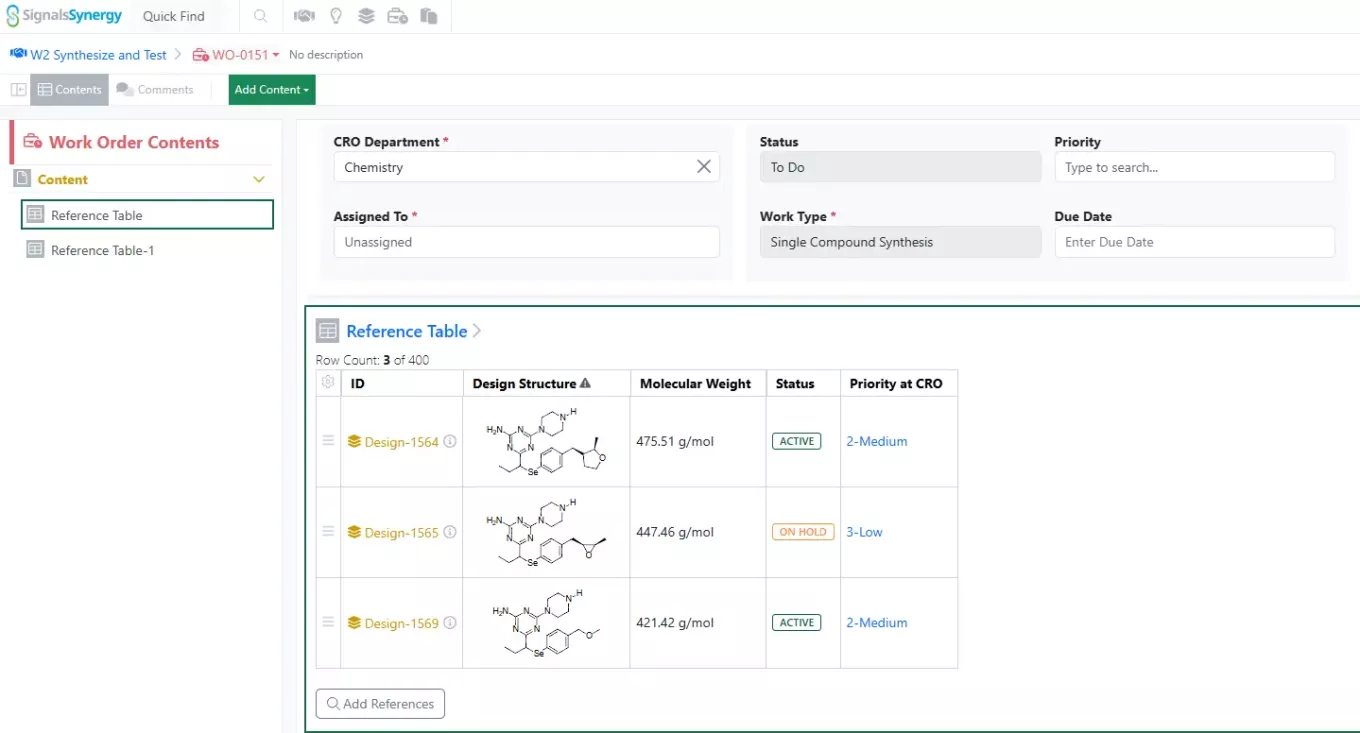
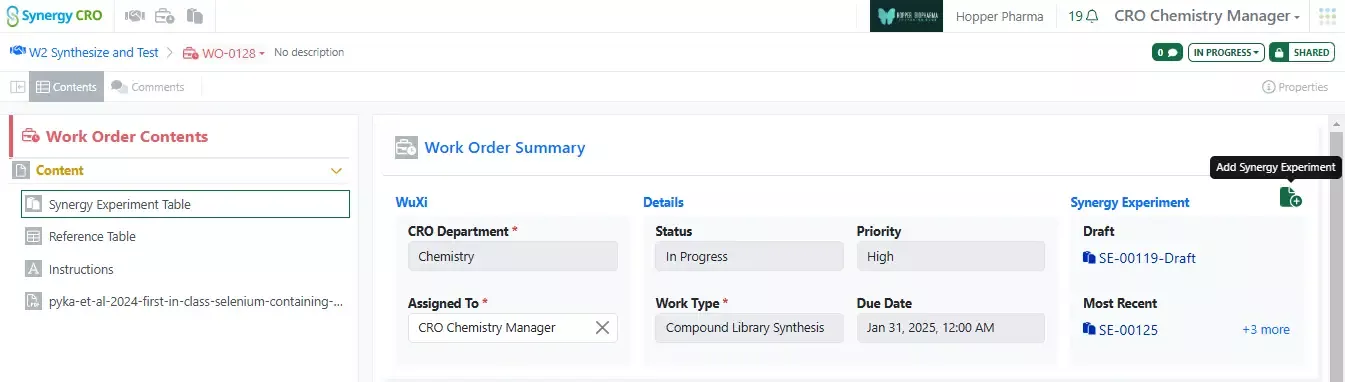
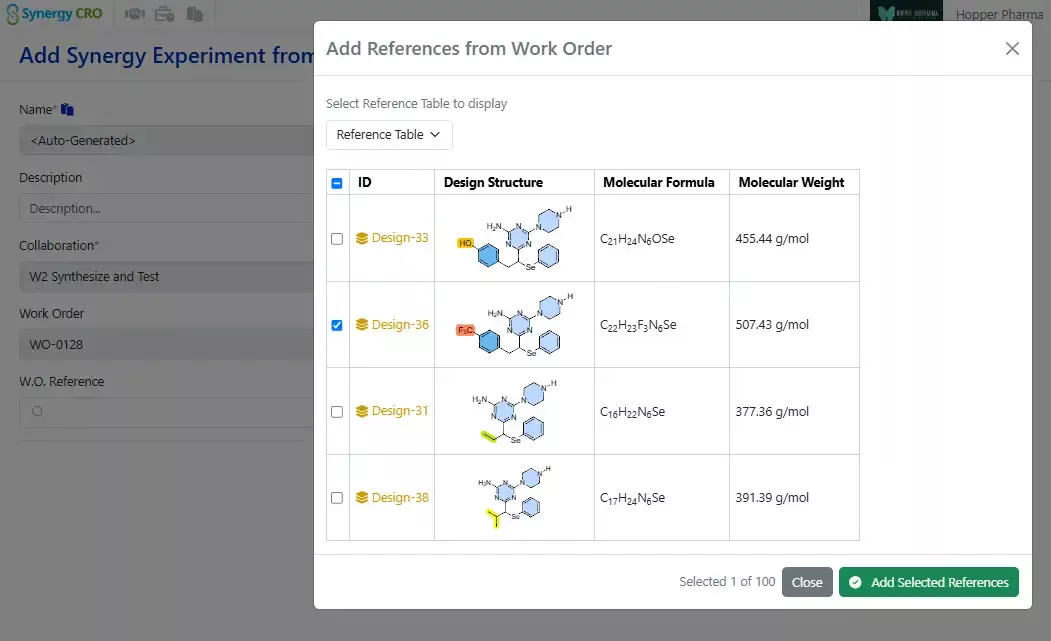
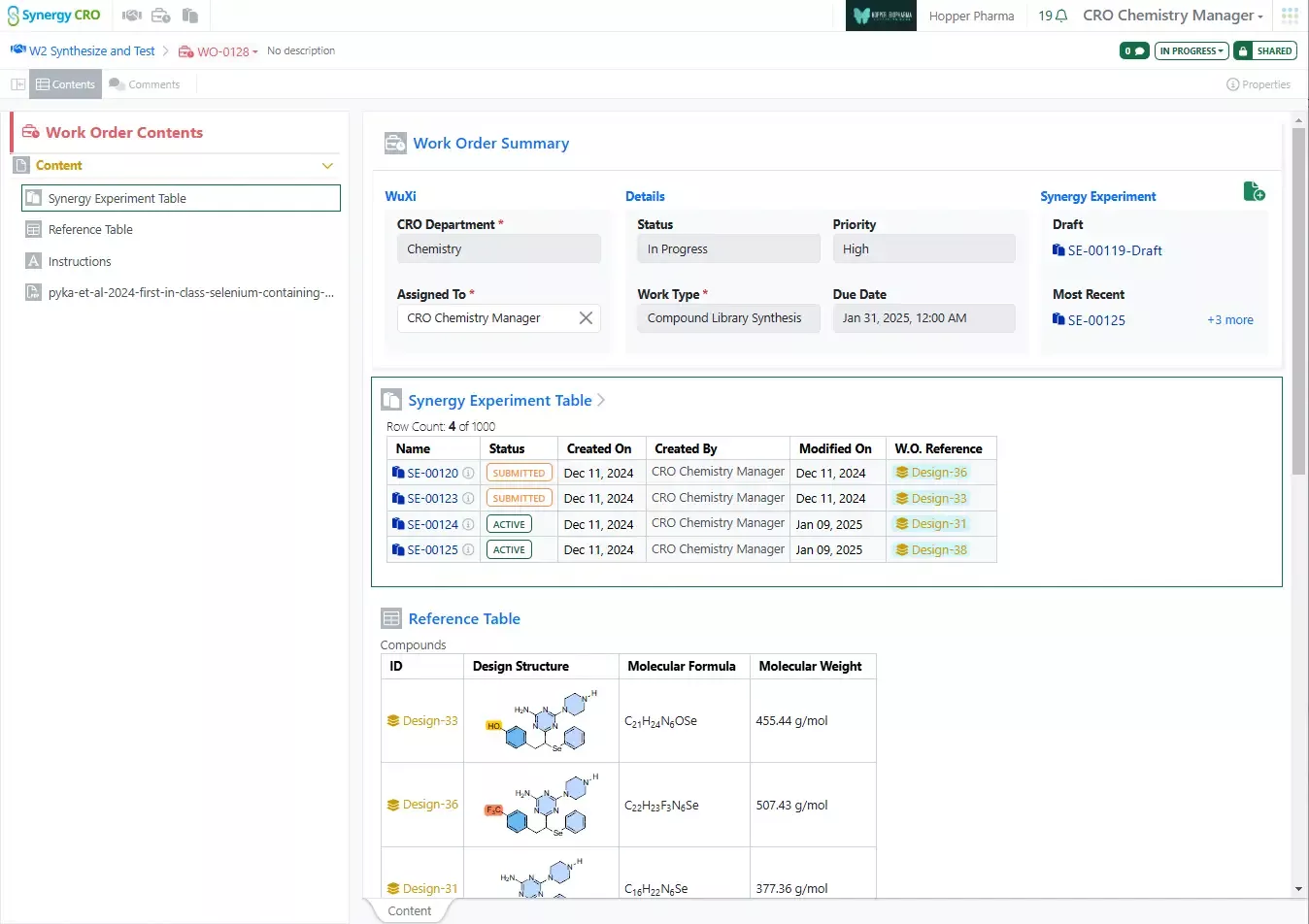
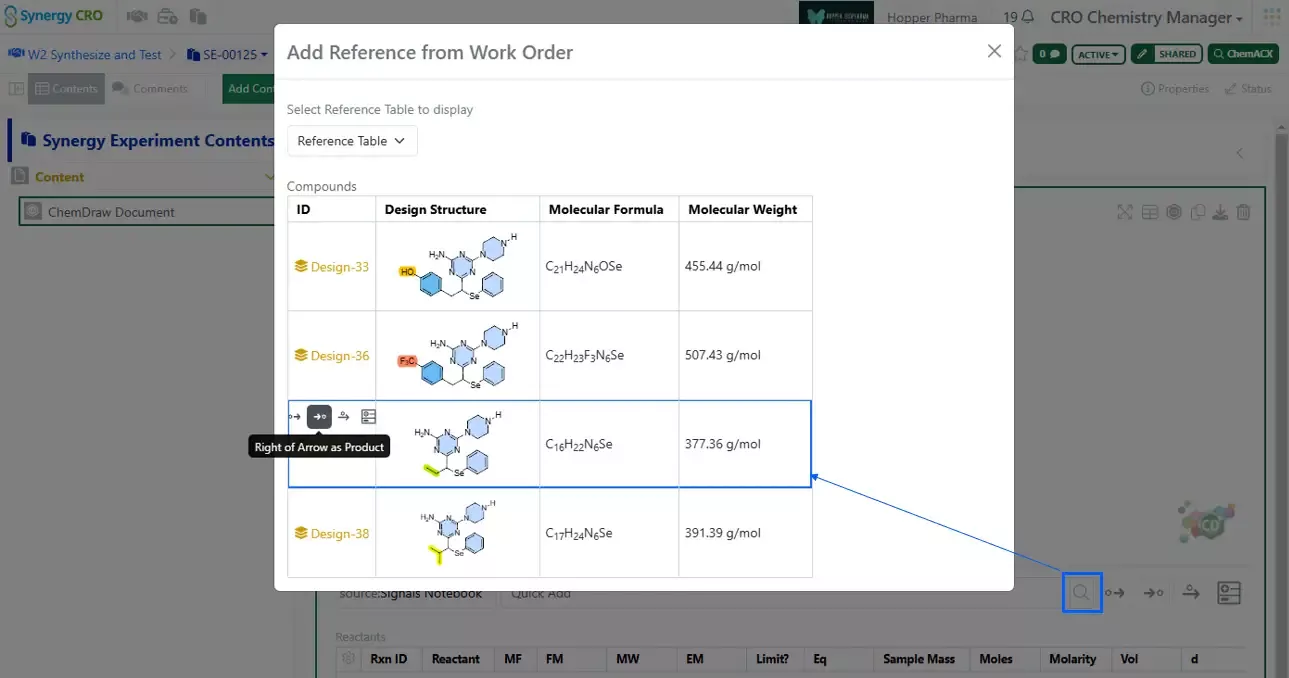
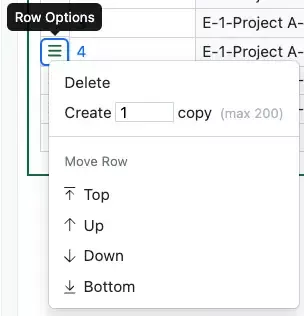
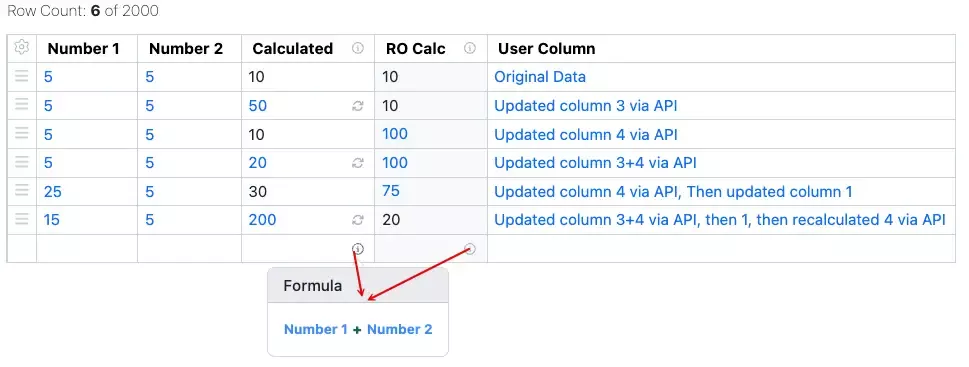
– Bulk fill values in Reference Tables for selected rows
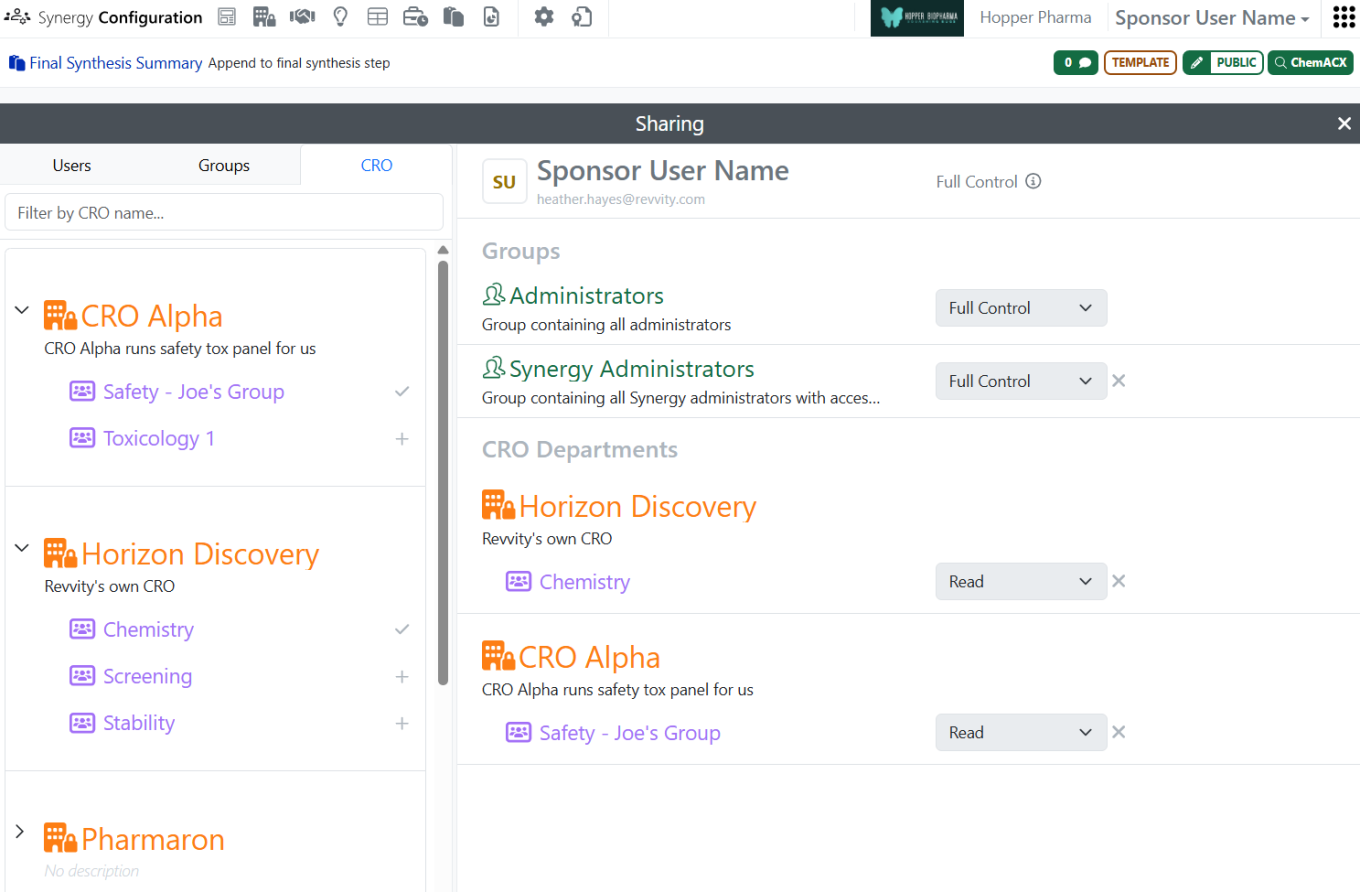
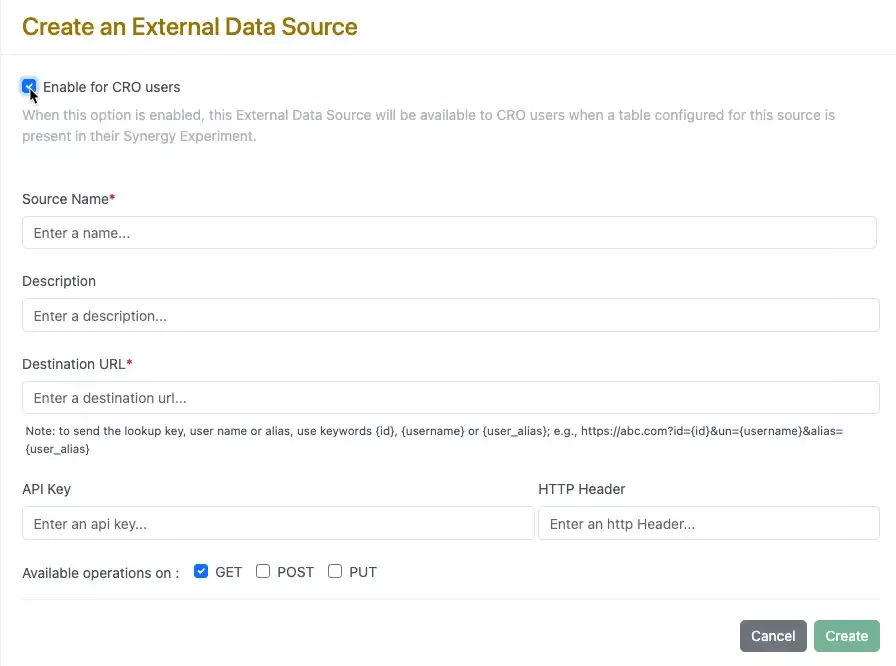
– Sharing of batch salt information to CROs in Reference Tables
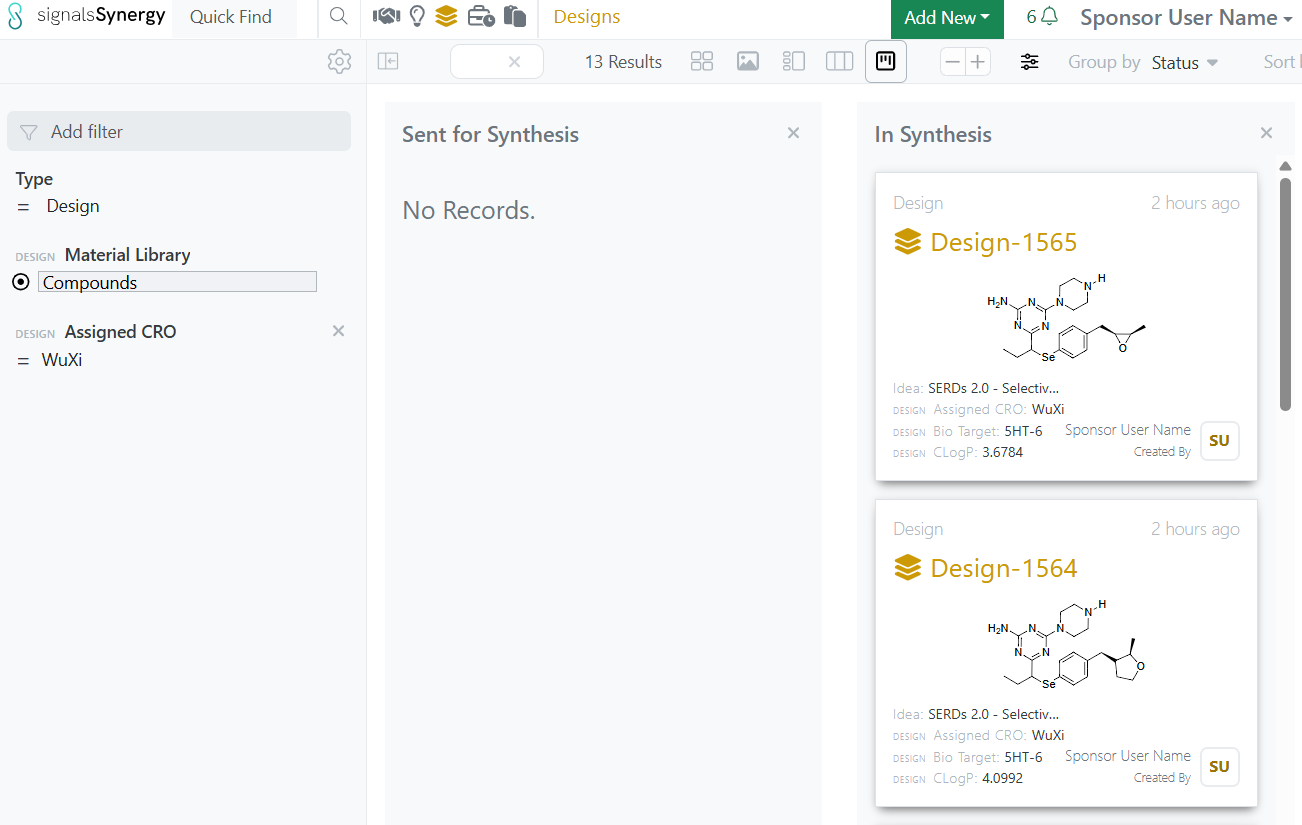
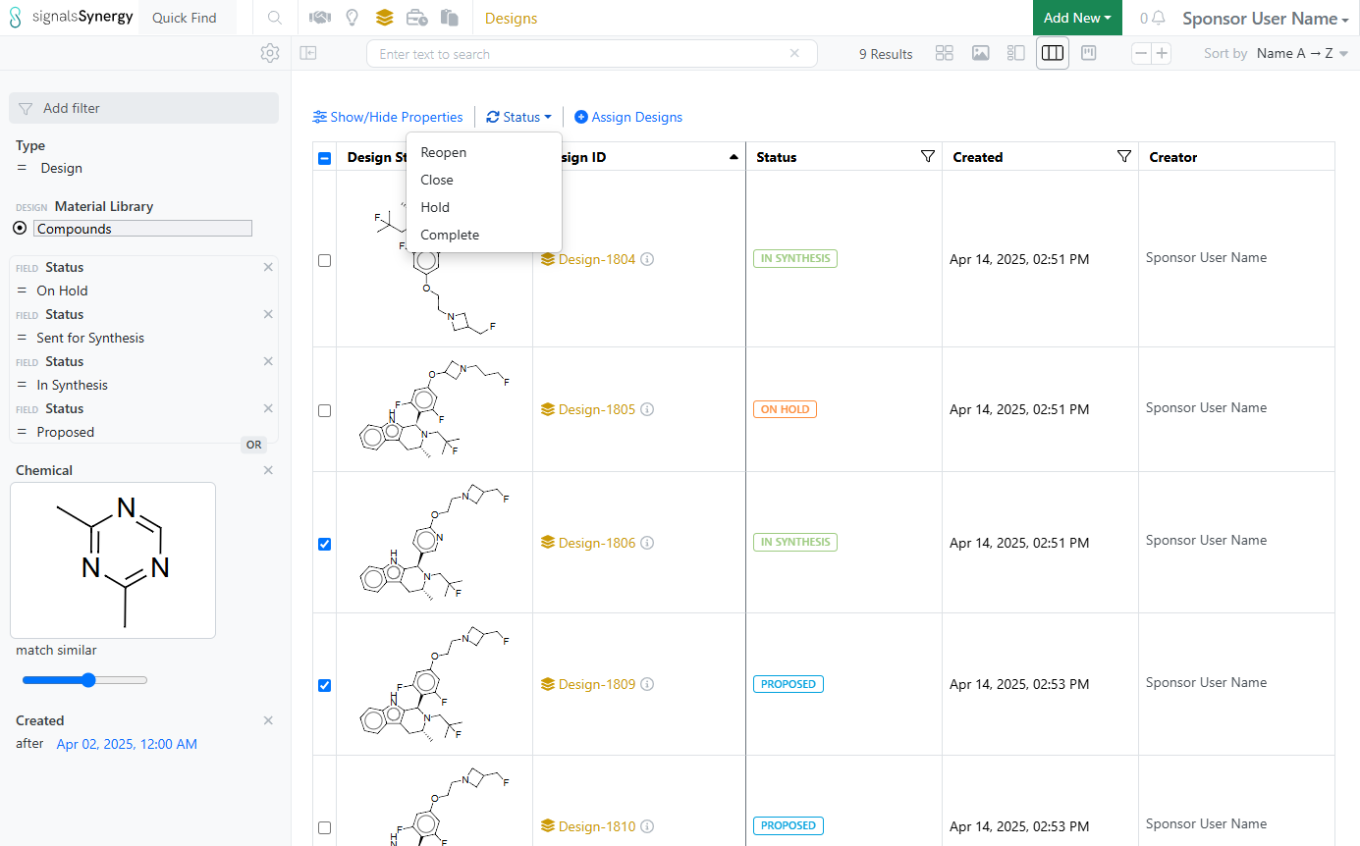
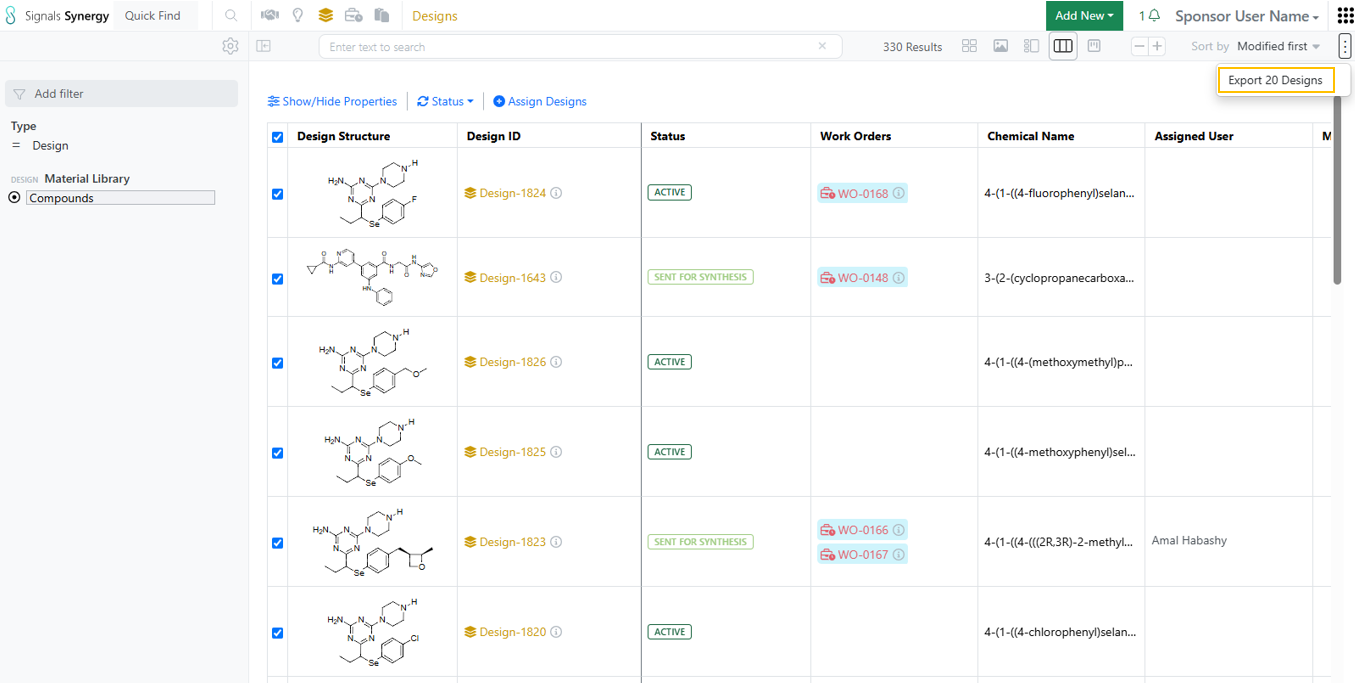
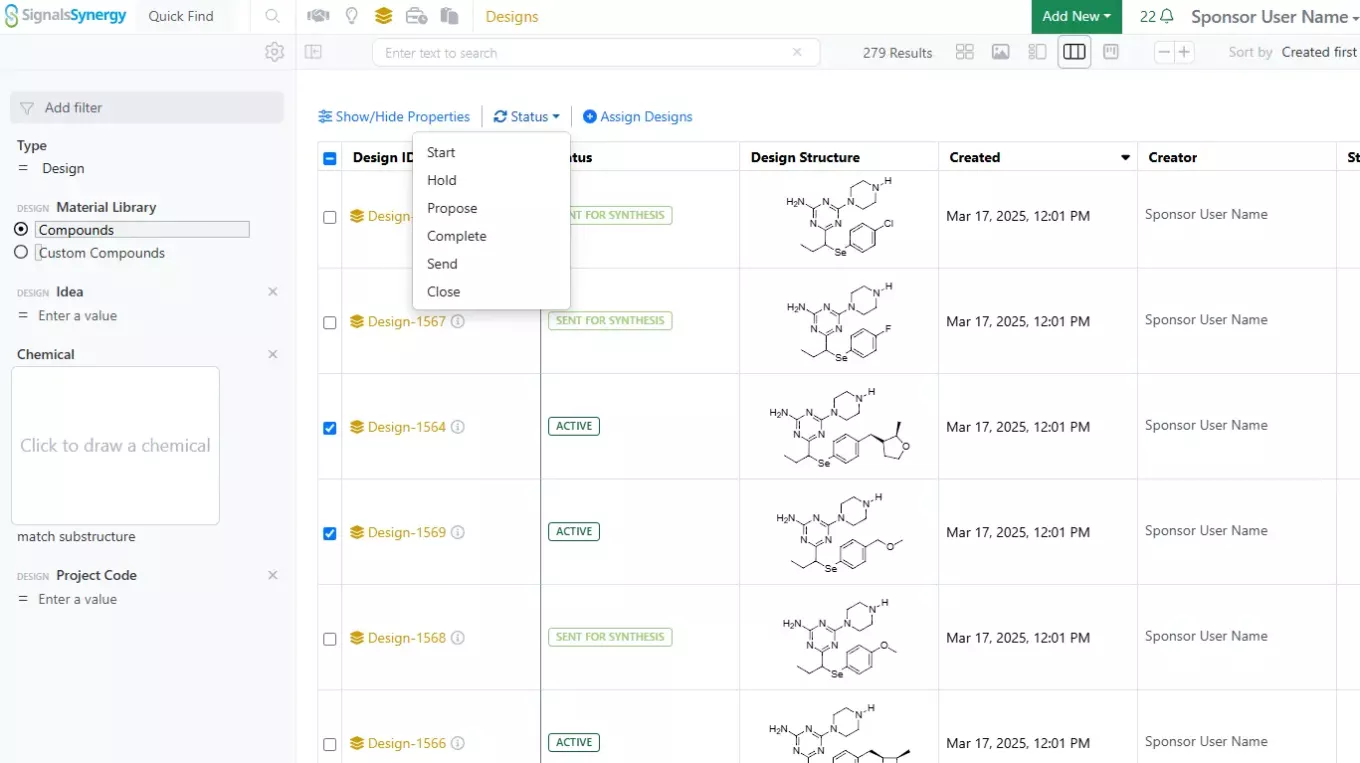
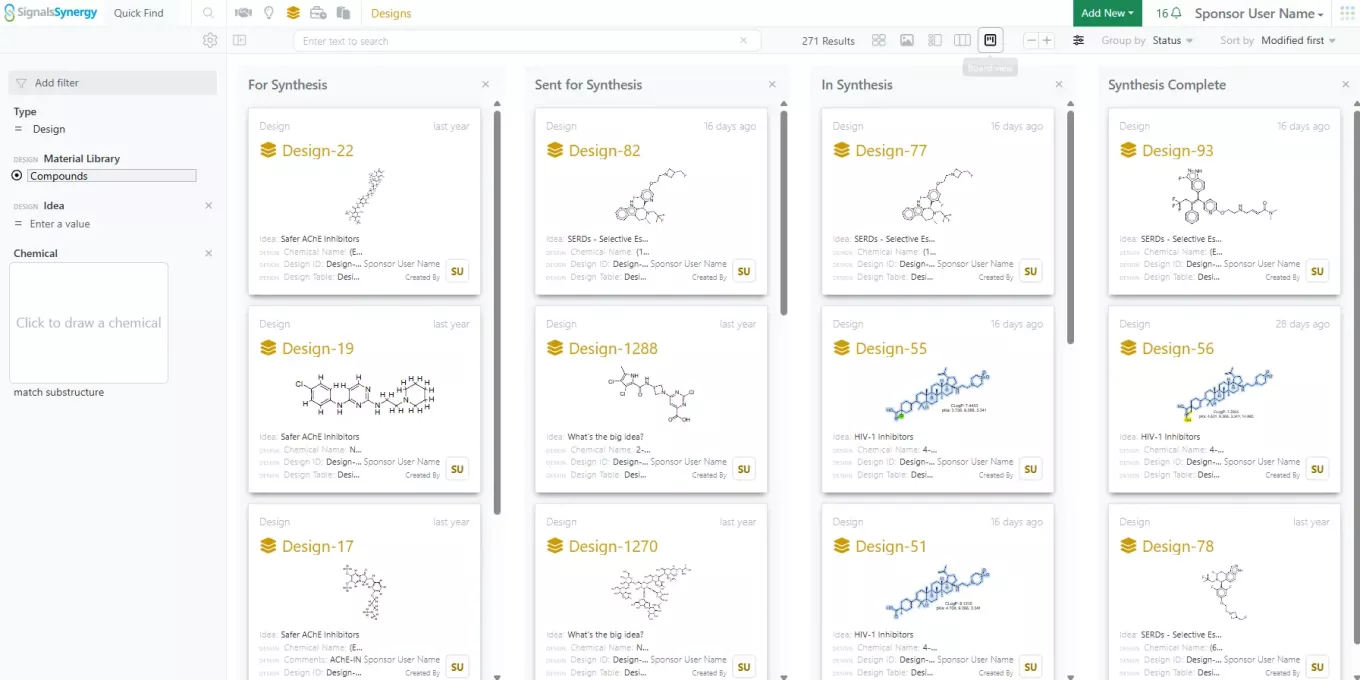
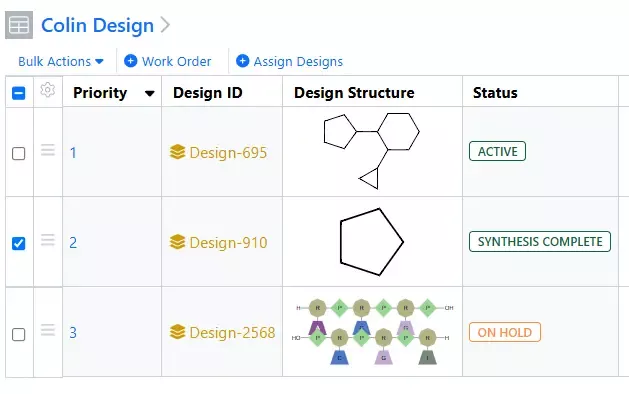
– Status Modified field and filter for Designs and Work Orders
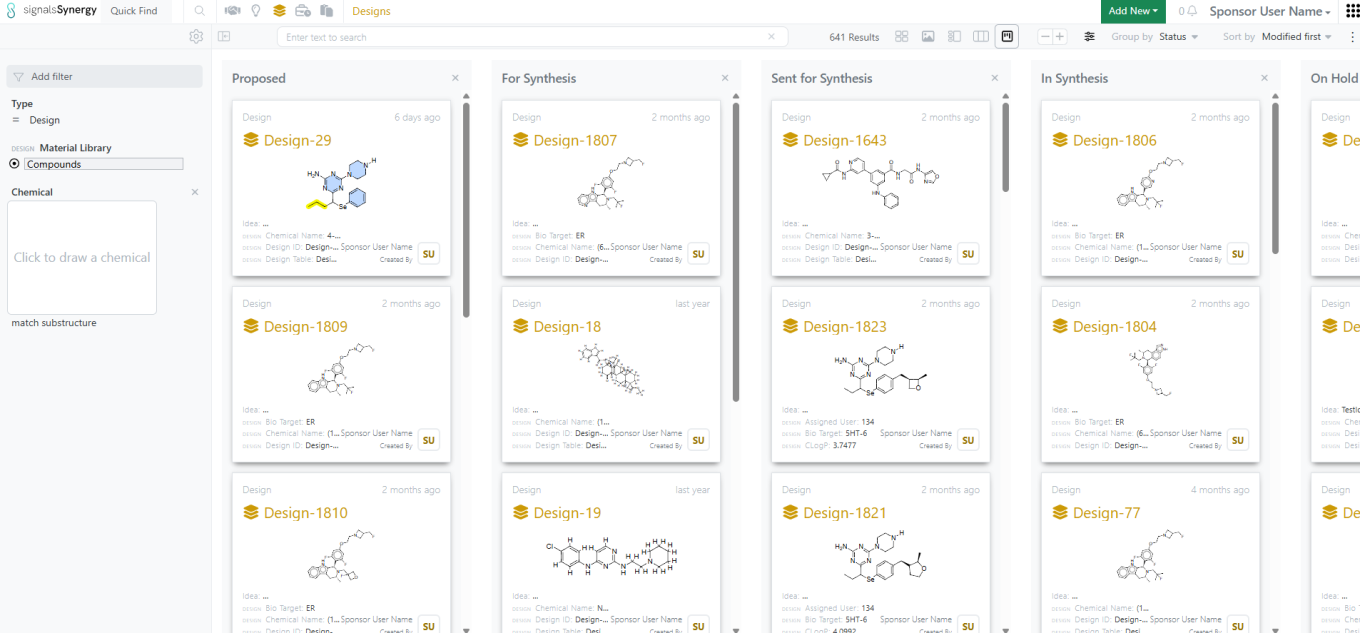
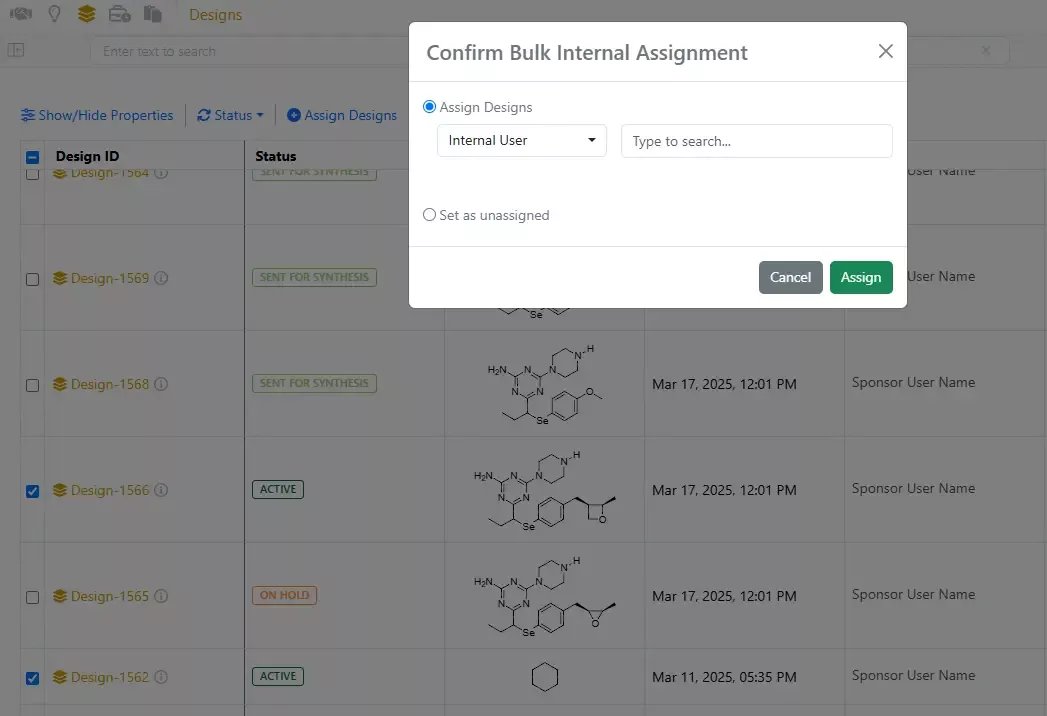
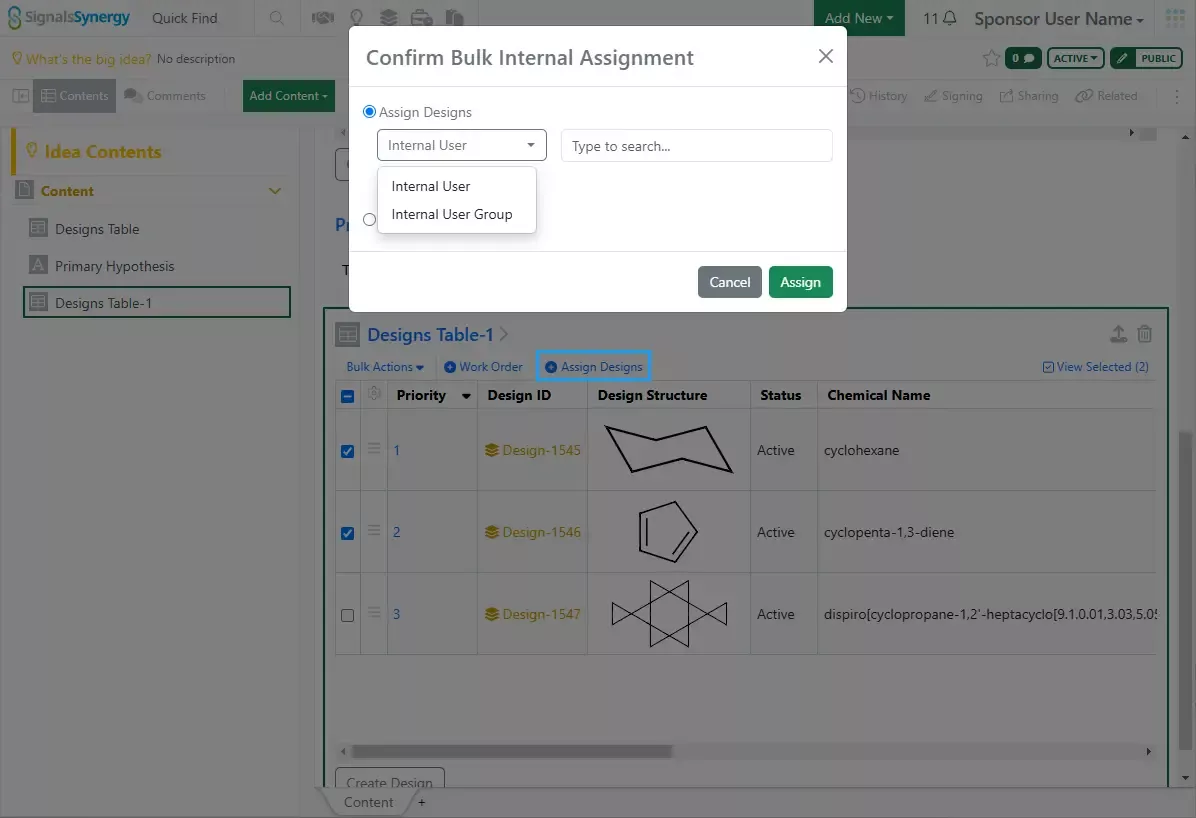
– Notifications for internal users and groups assigned to Designs
- Chemistry
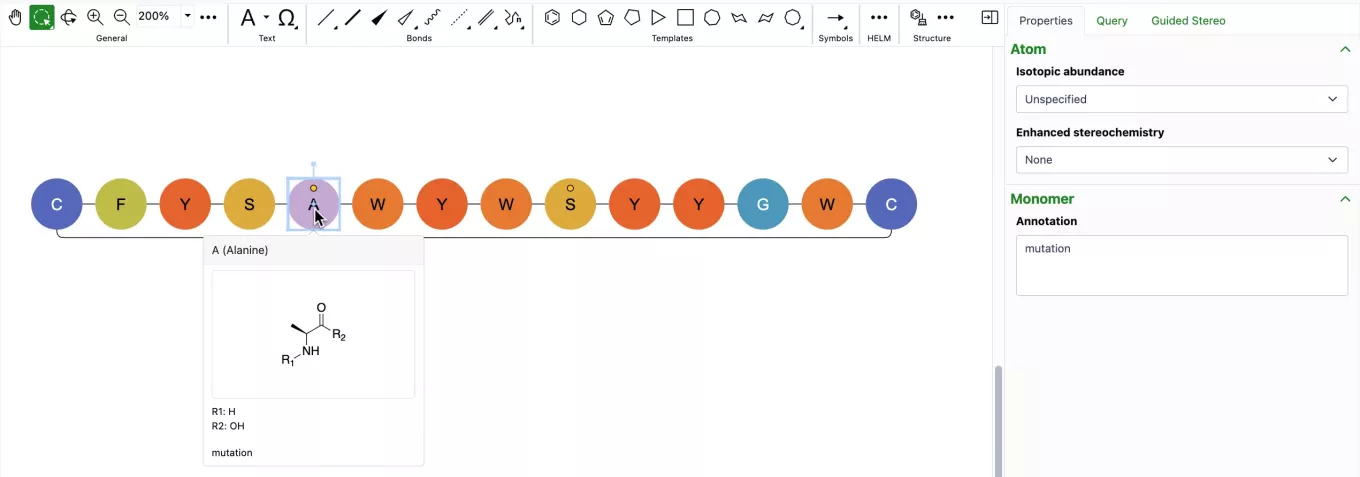
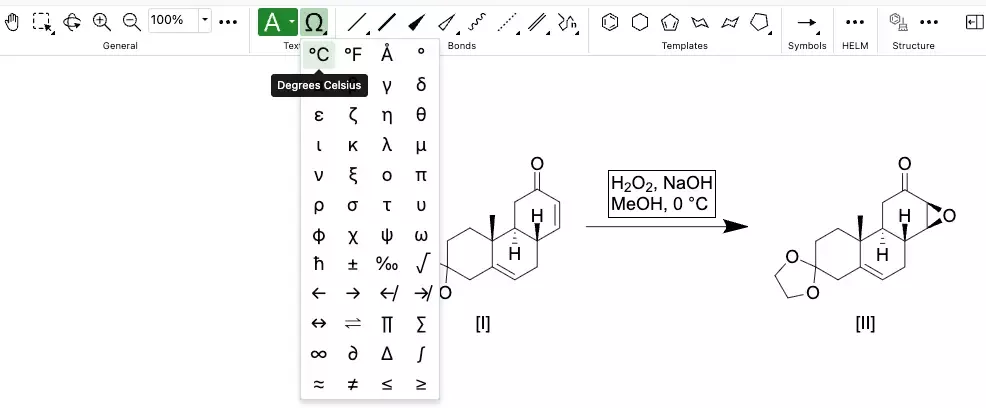
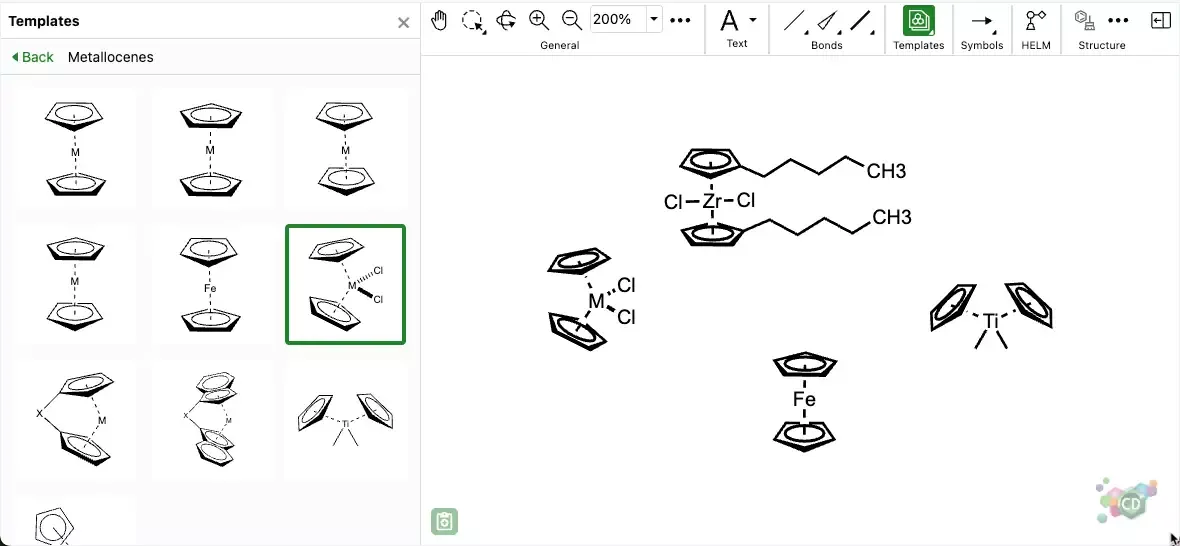
– View basic chemical properties in the Analysis panel
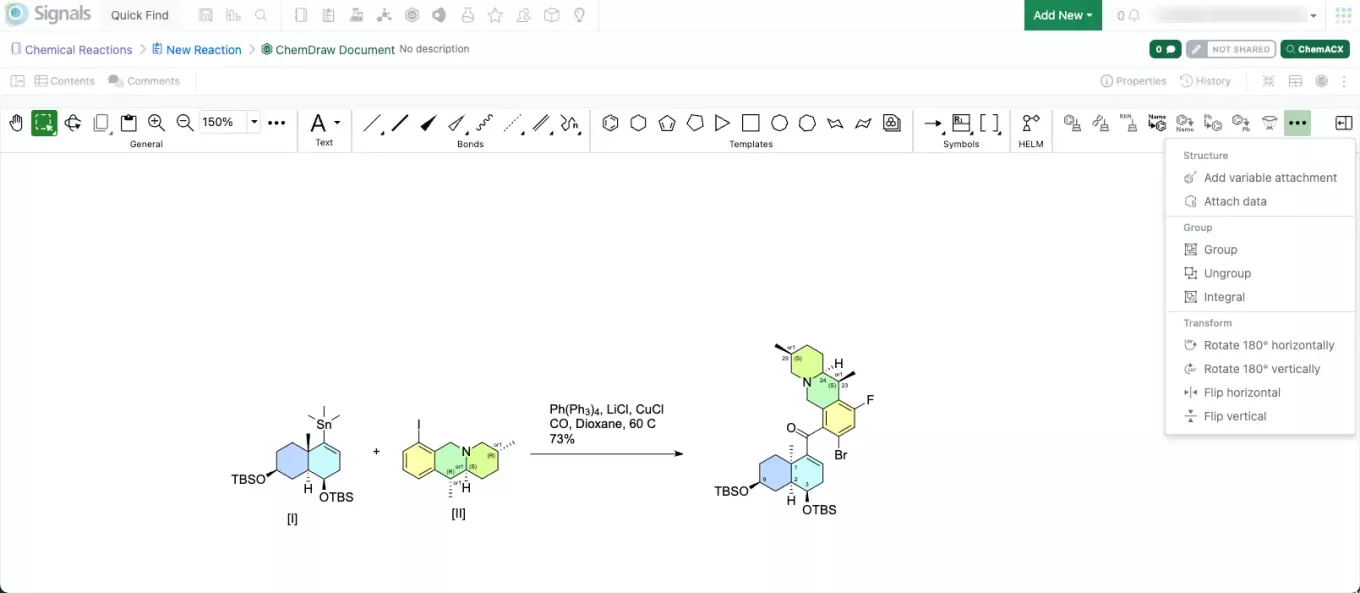
– Add chemical properties directly to the ChemDraw canvas
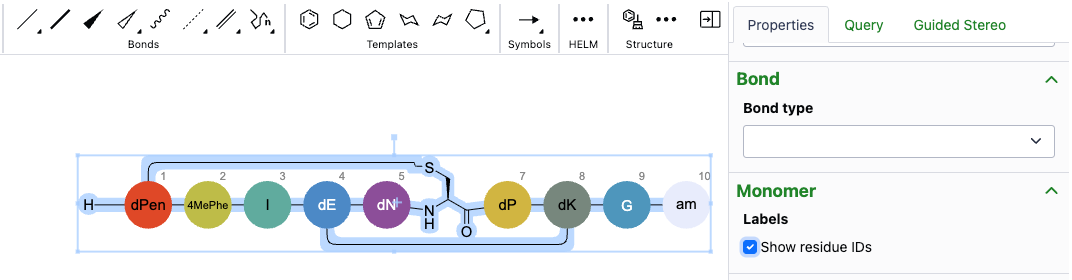
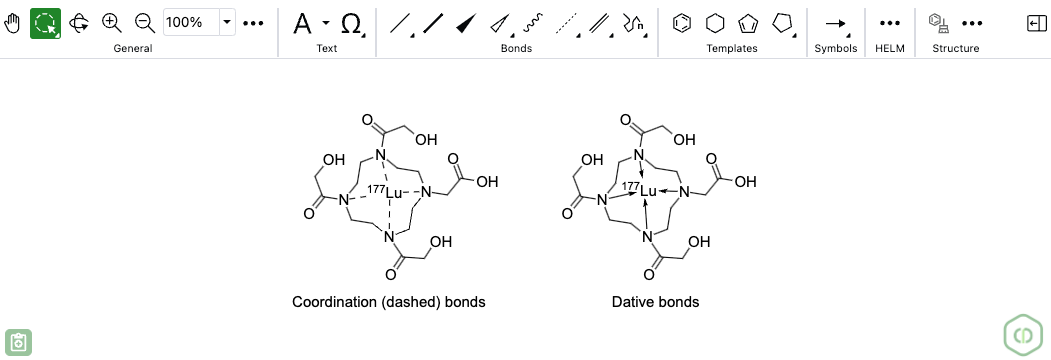
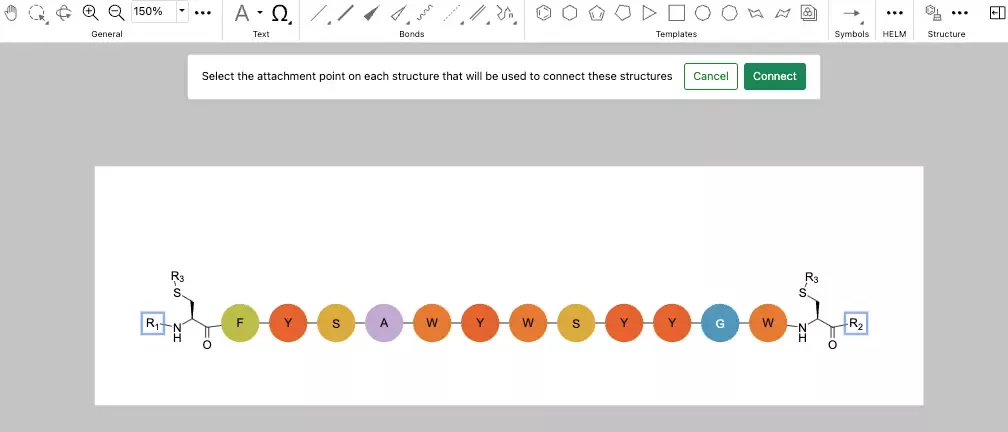
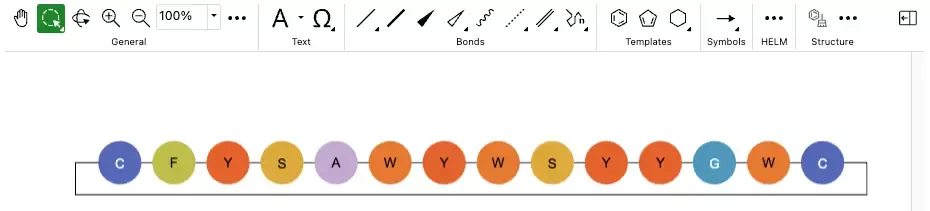
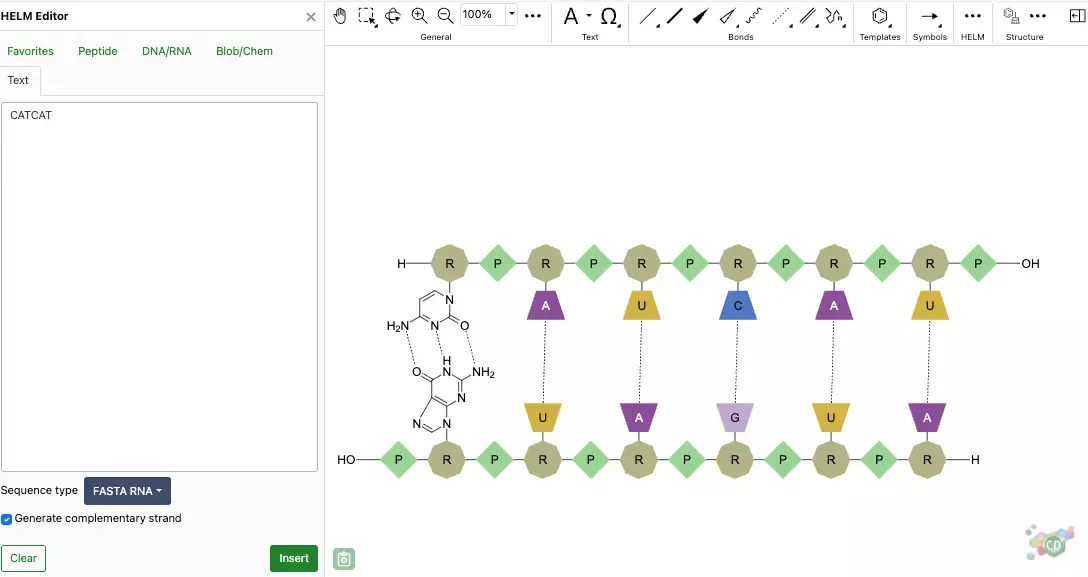
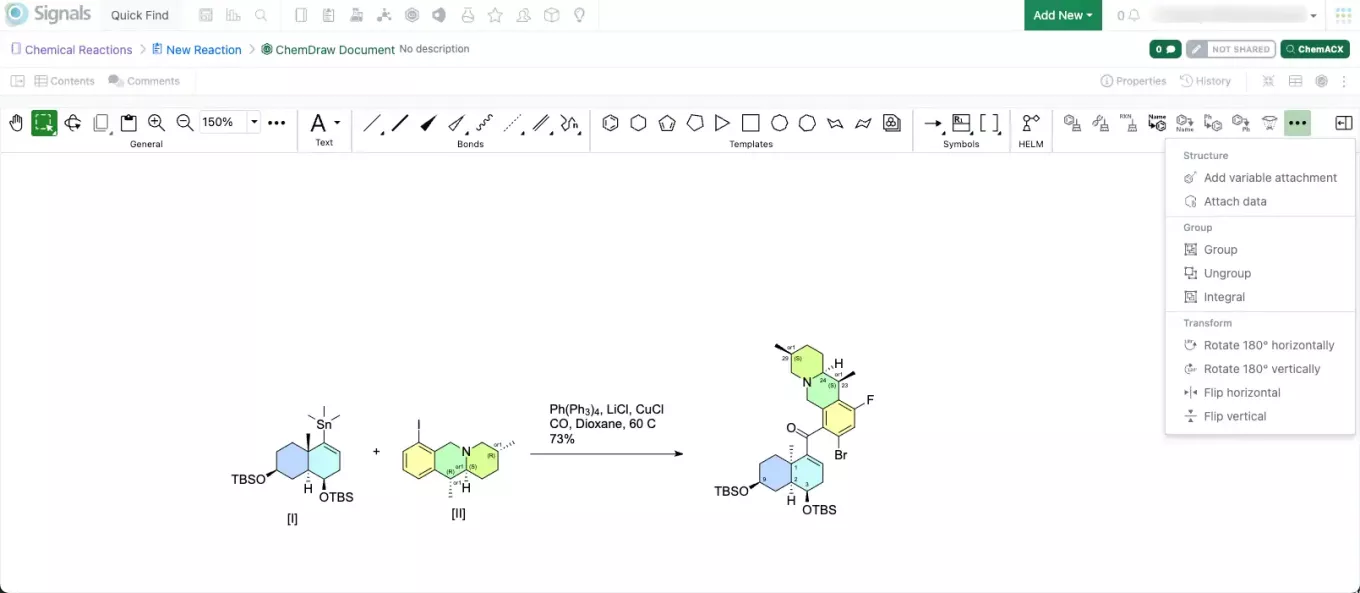
– Hydrogen-bonded fragments are treated as a single structure
- Admin Defined Tables & Variation Tables
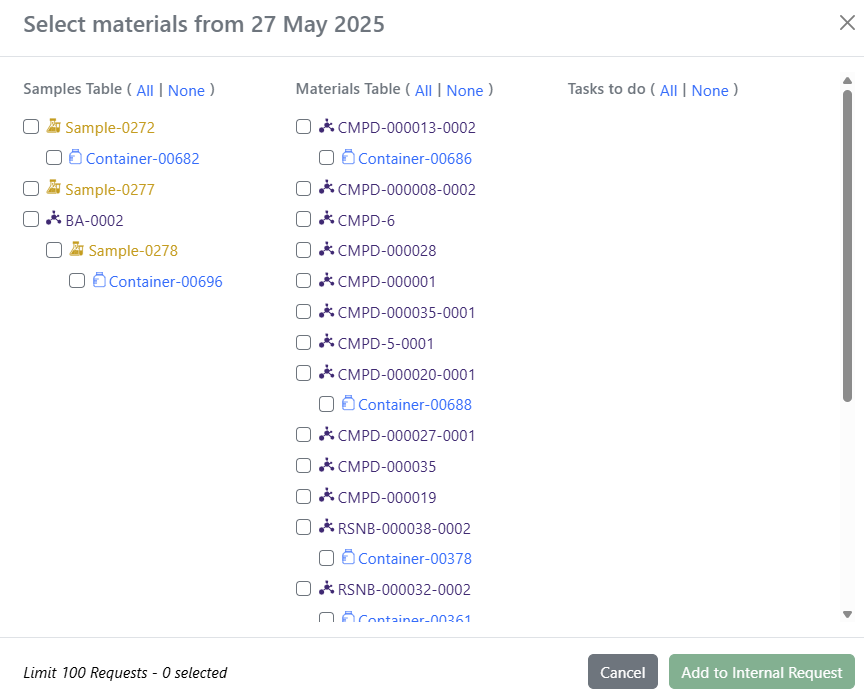
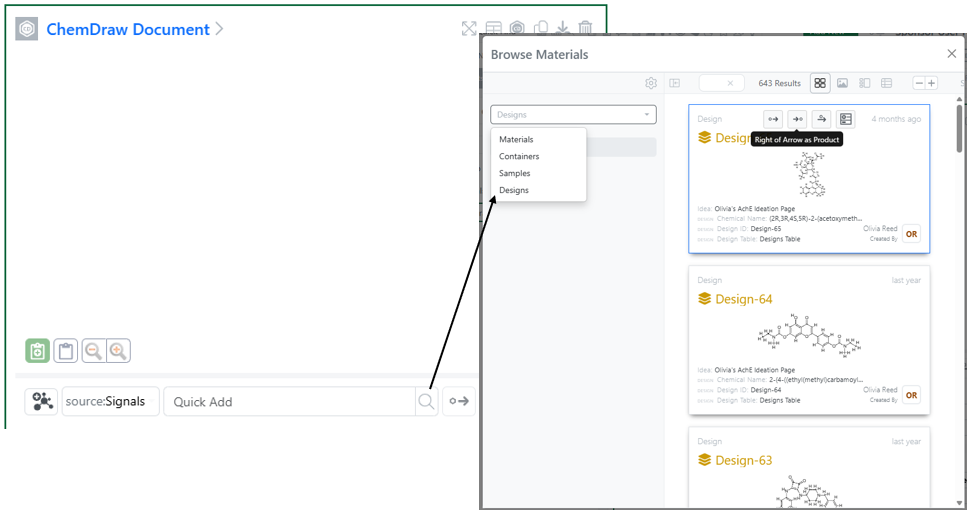
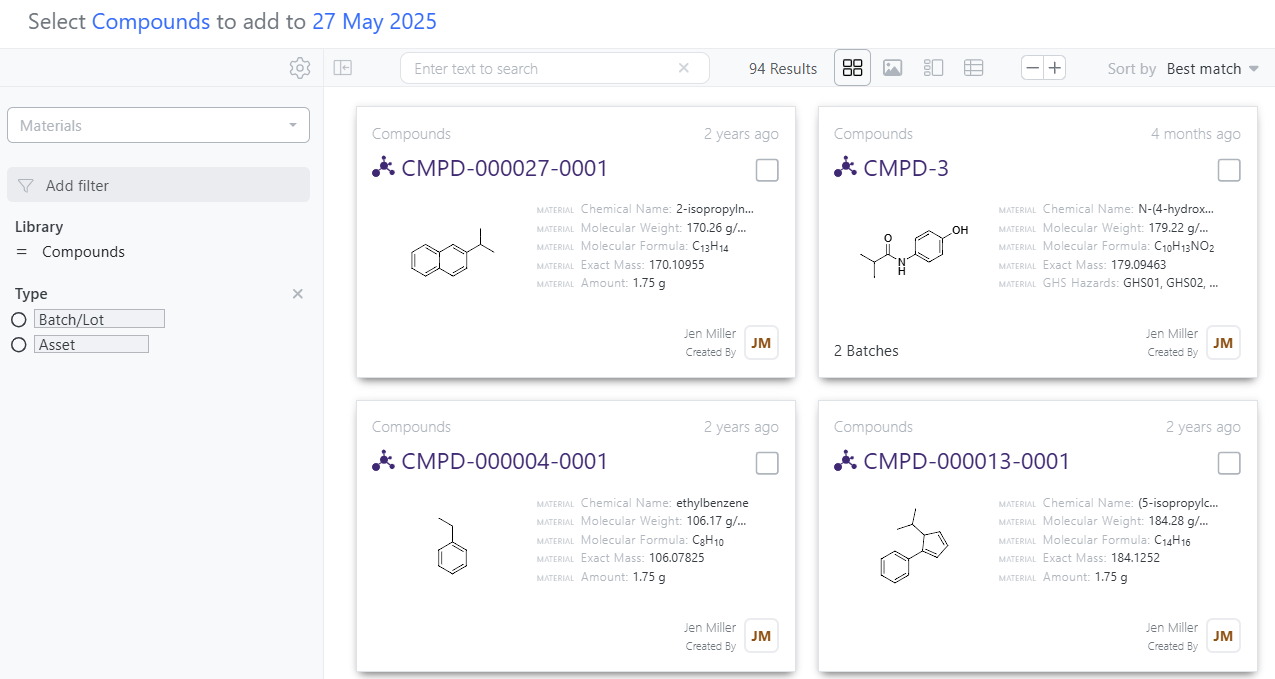
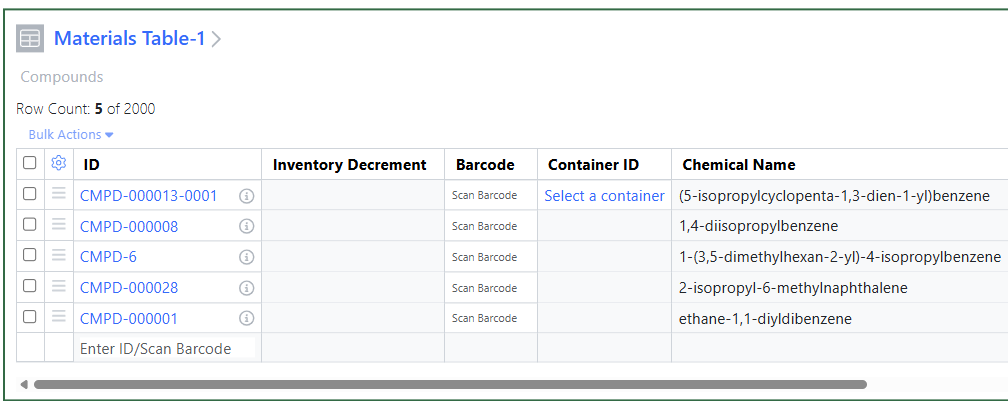
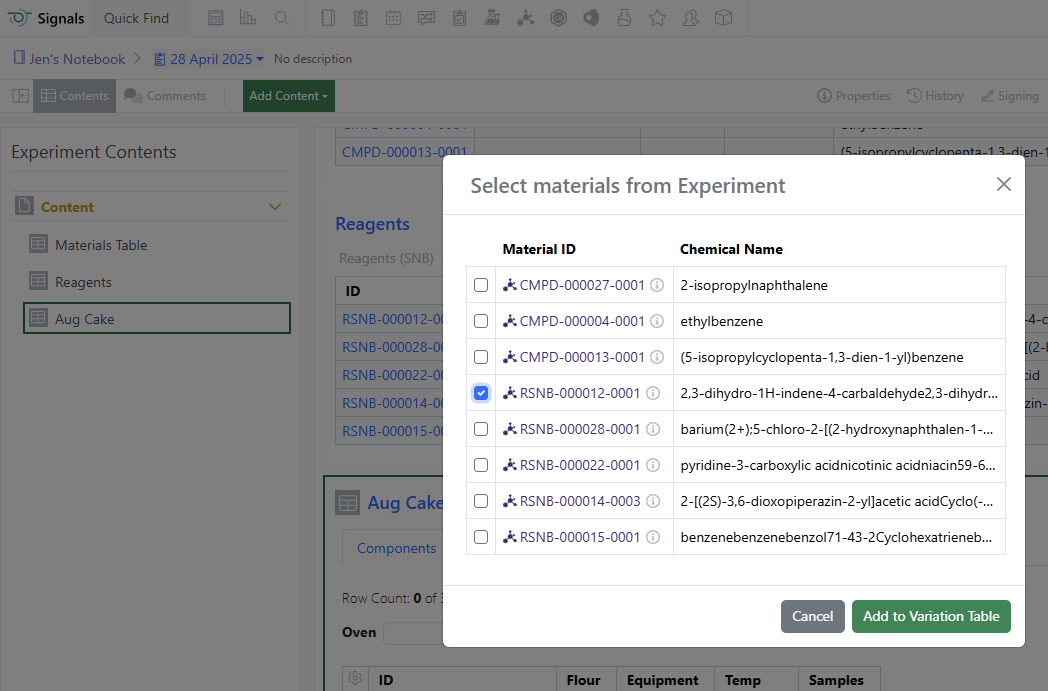
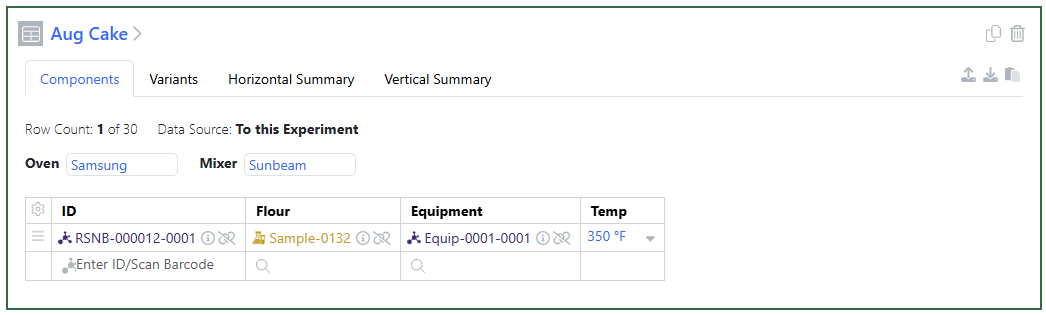
– Update to Material selection from experiment to include Name
- Samples
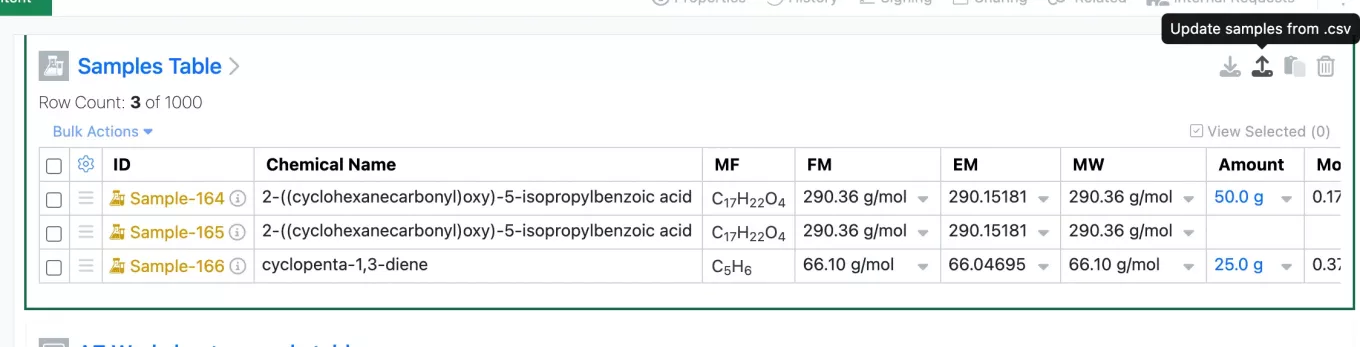
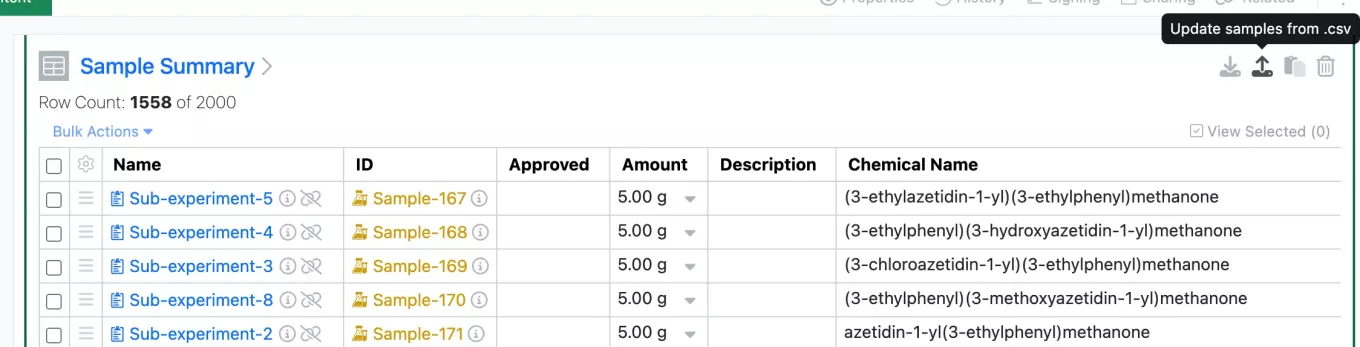
– Inclusion of Reaction ID in Sample Update Modal
- Plates
– New Properties Annotation Type
- Inventory
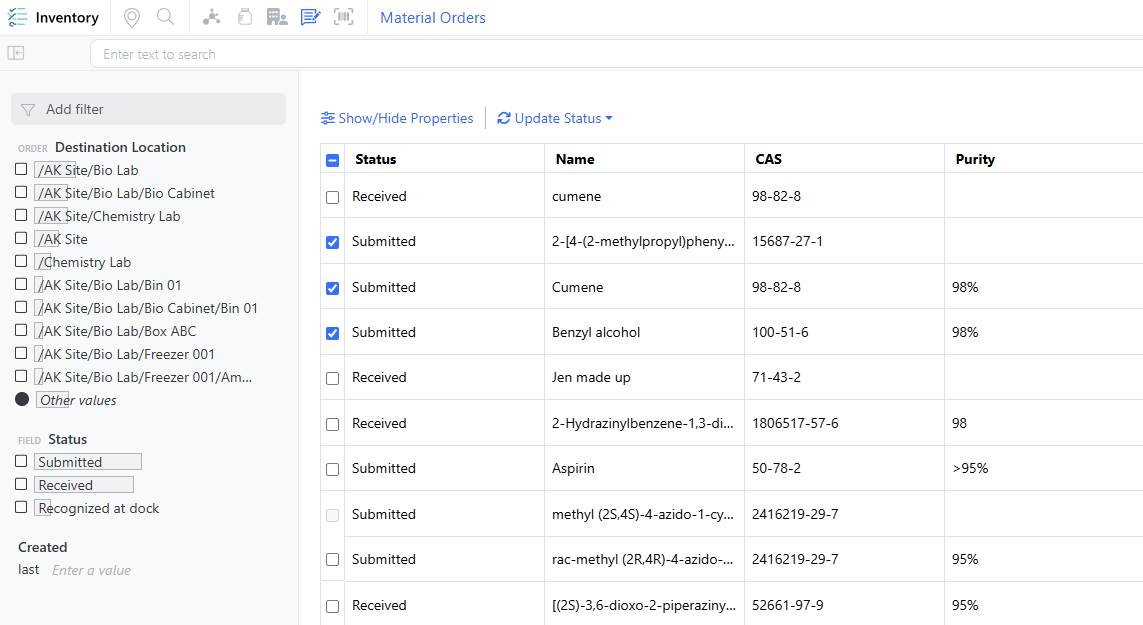
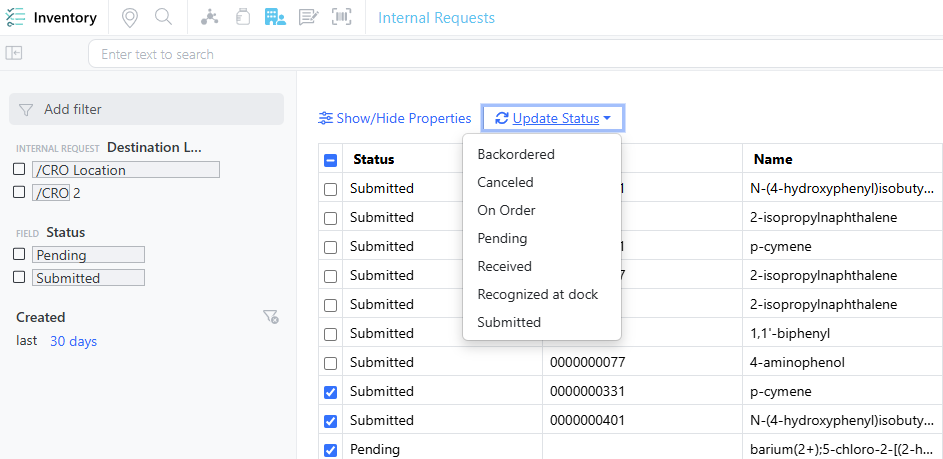
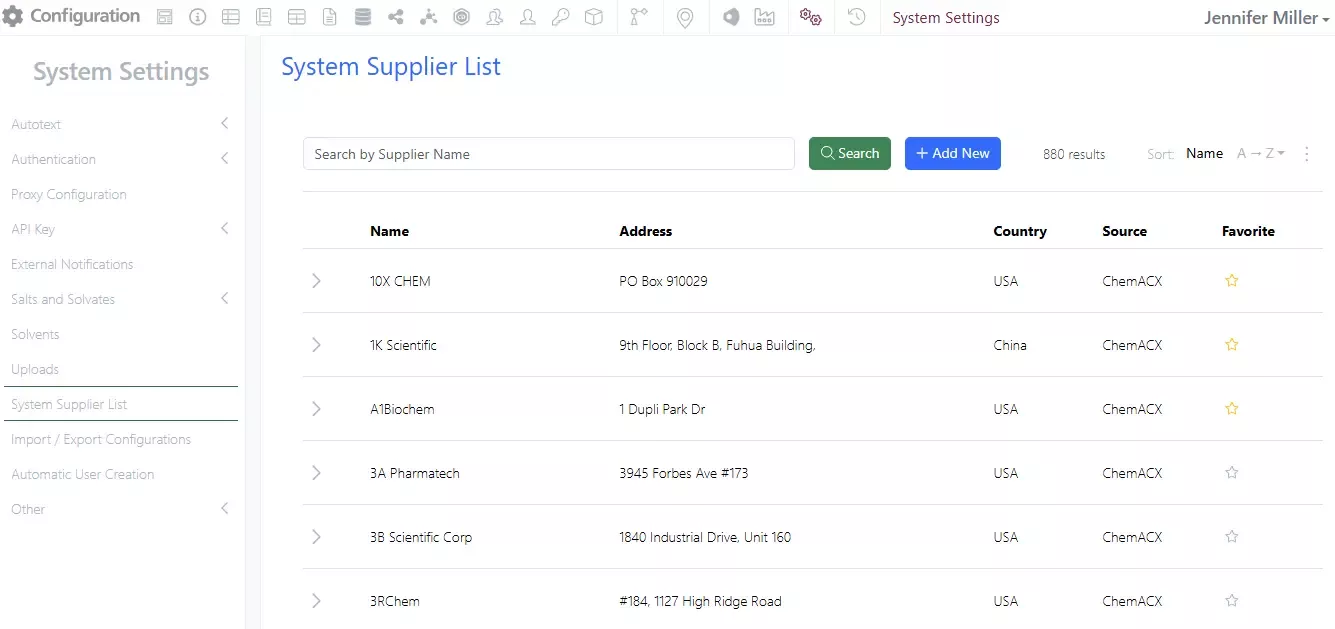
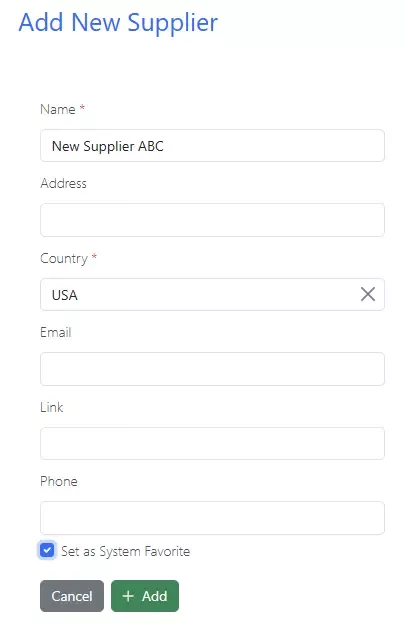
– System Supplier List available in new Material Library (beta)
– Exponential notation update on Container Amount on Batch/Lots
- Materials
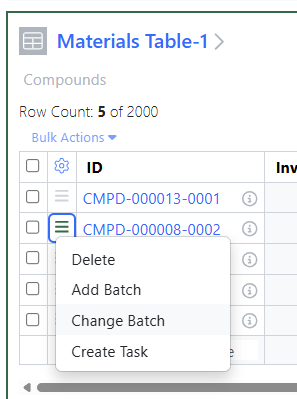
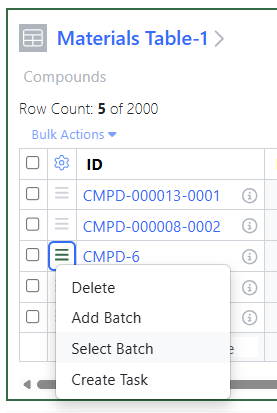
– Bulk import of salts for compounds
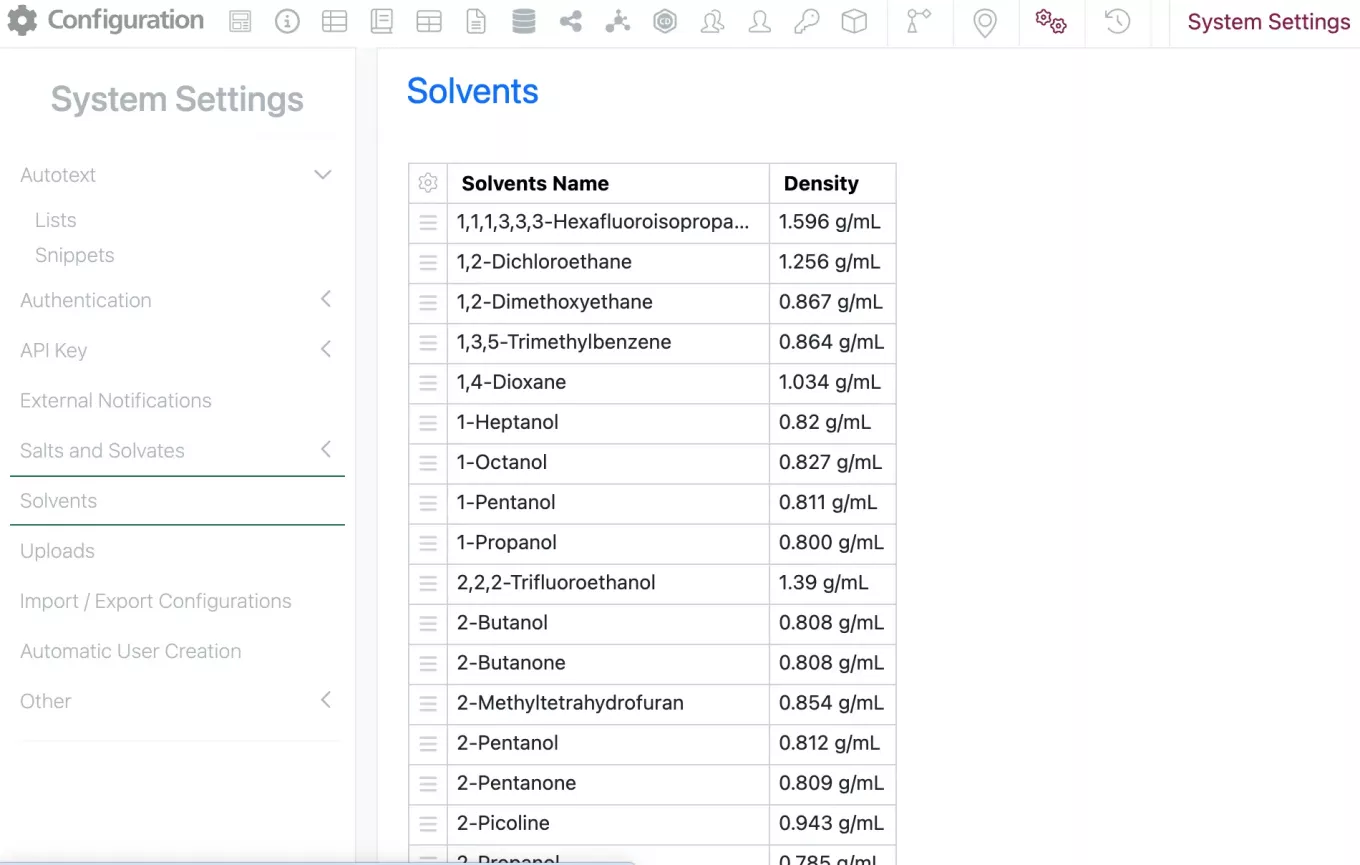
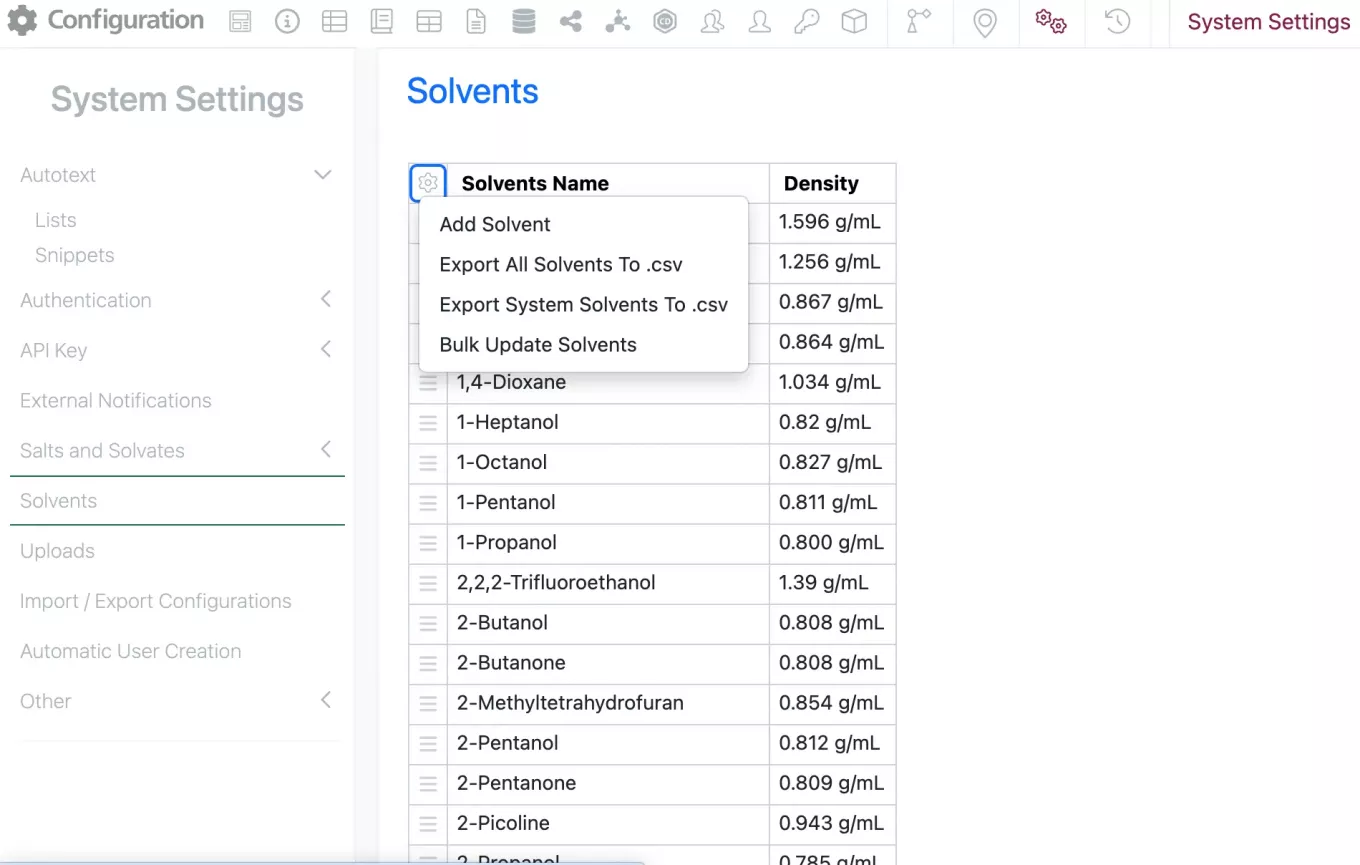
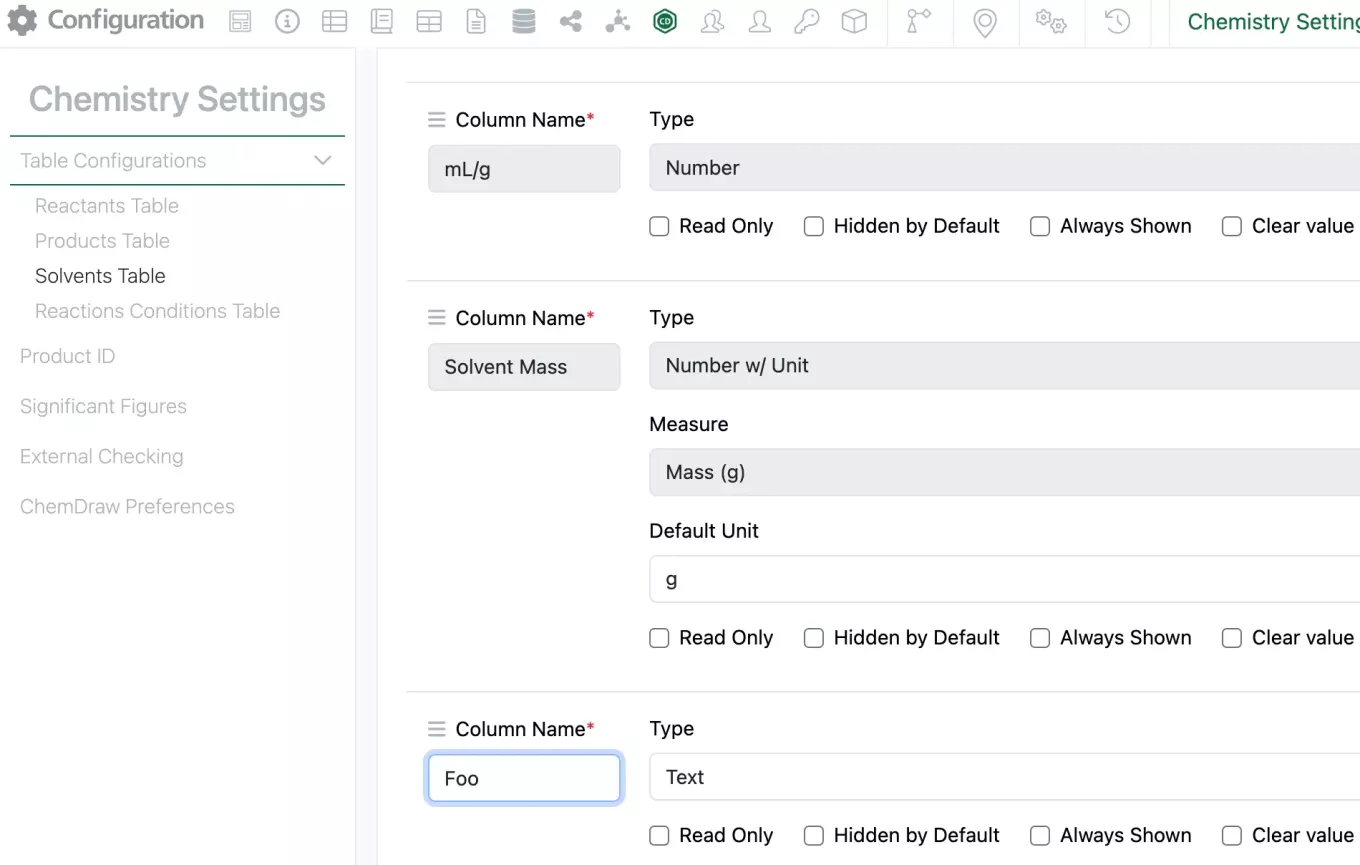
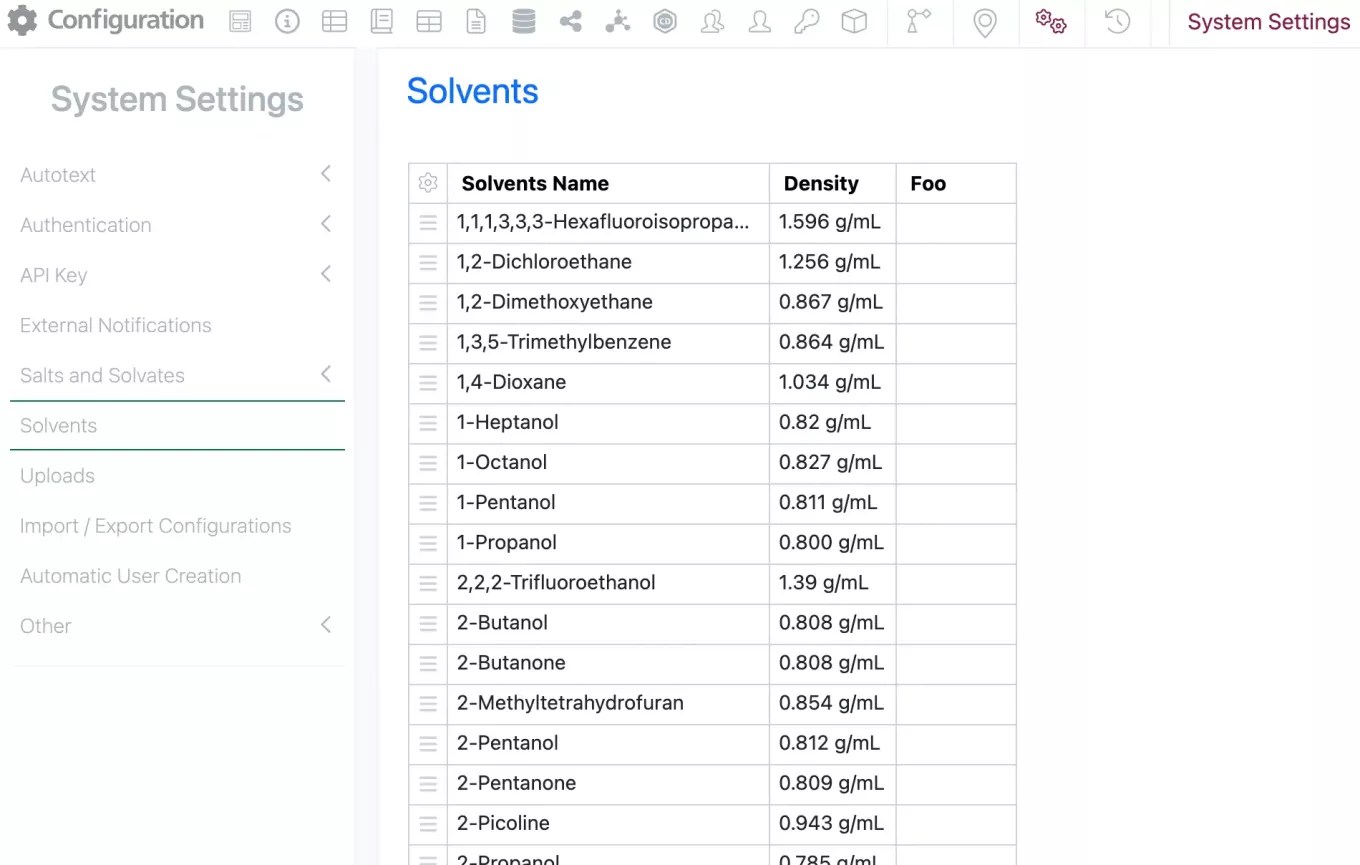
– Bulk update of salts & solvates for materials
– 'dd-MM-yyyy' date format for bulk import
- Integrations & APIs
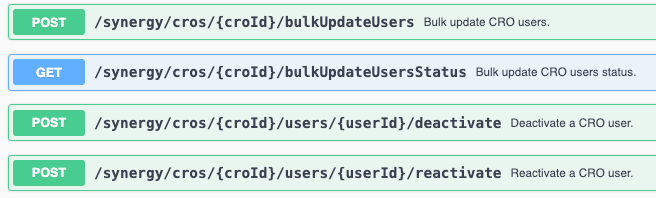
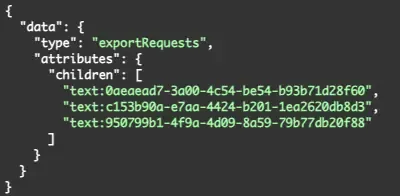
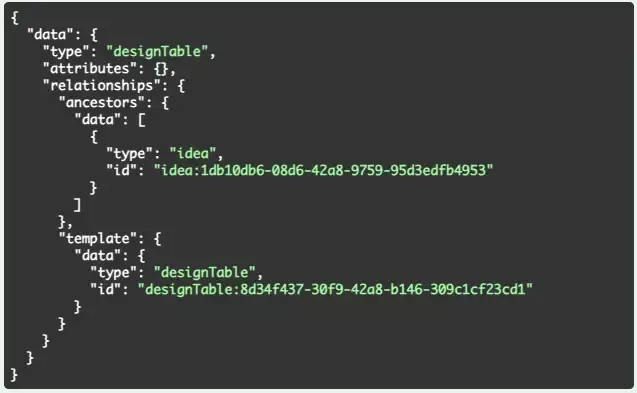
– New API to recall Synergy Work Order
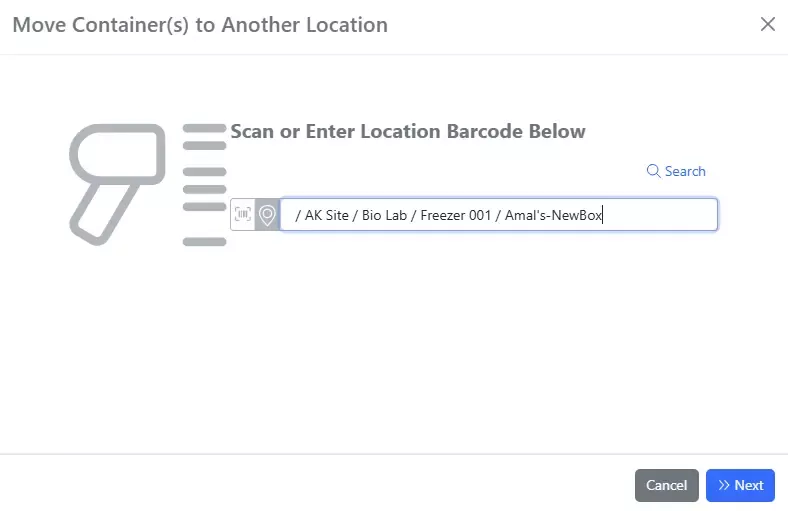
– New APIs to move locations to new parent locations
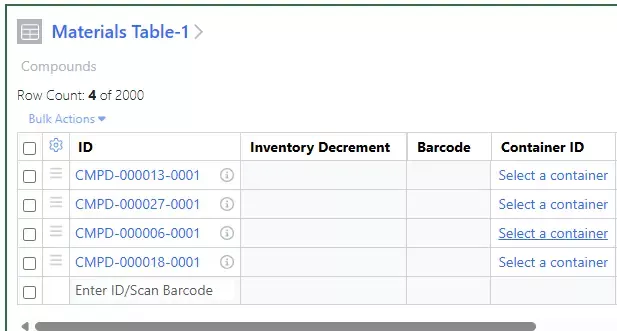
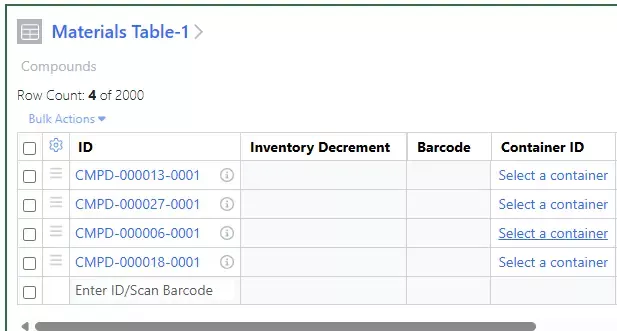
– New API for creating a material from a material table
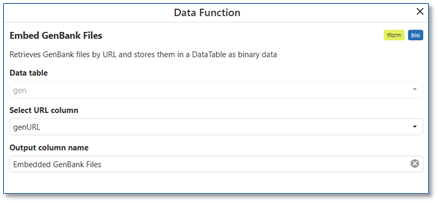
– Download option for Notebook API Yaml Files
We also fixed several small bugs in this release. Details of the enhancements are described below.
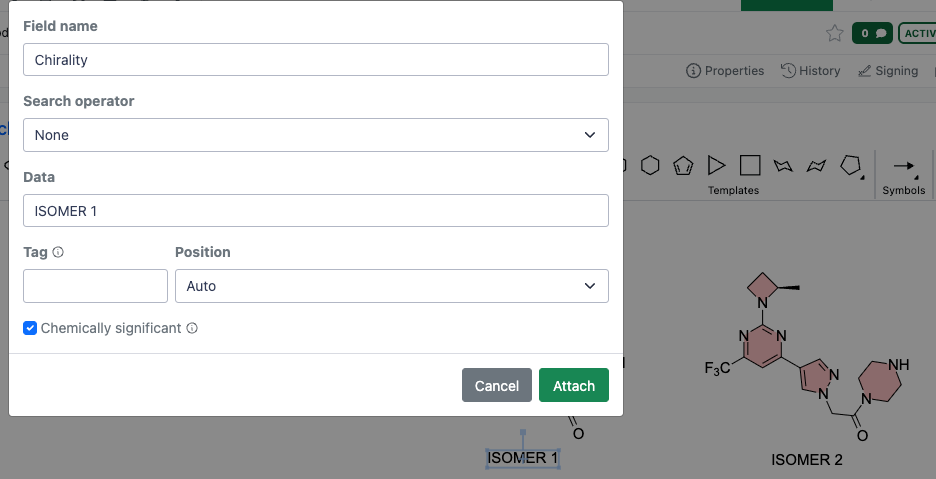
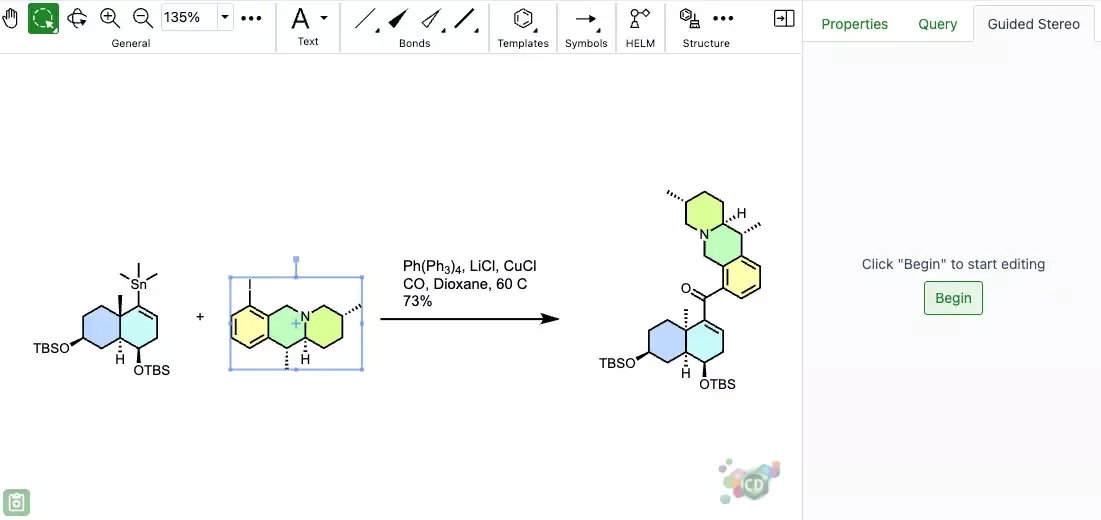
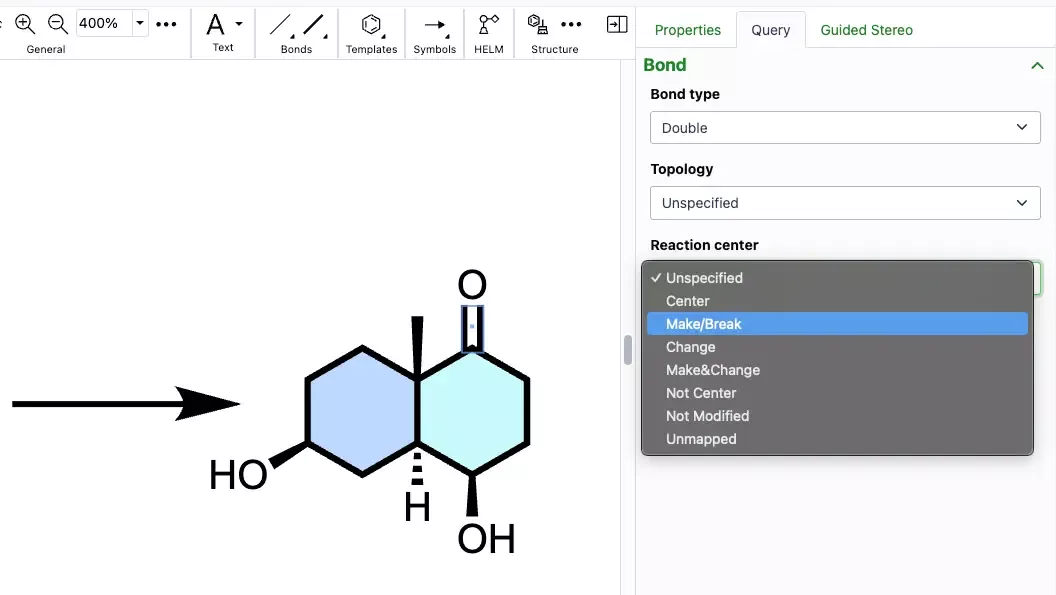
Administrators should be aware that the stereochemical annotation of pseudochiral OR centers using the guided stereo tool will change to add an additional label which will interpreted as chemically significant. This change will occur in a future release and only apply to annotations made subsequent to the change, existing compounds will remain with the prior understanding until edited.
Administrators are recommended to subscribe to the channels within our support news site found at https://support.revvitysignals.com/hc/en-us/categories/360004446171-Support-News which contains more information about releases and other pertinent product information.
This content is anticipated for release on our Production E3 environments, and for Private Cloud customers on our deferred release schedule, in November 2025.
Further Details
The following improvements are available for users, administrators and developers on the Signals platform. Certain features may only be available with appropriate licensing and/or with enablement by an administrator.
Fundamentals
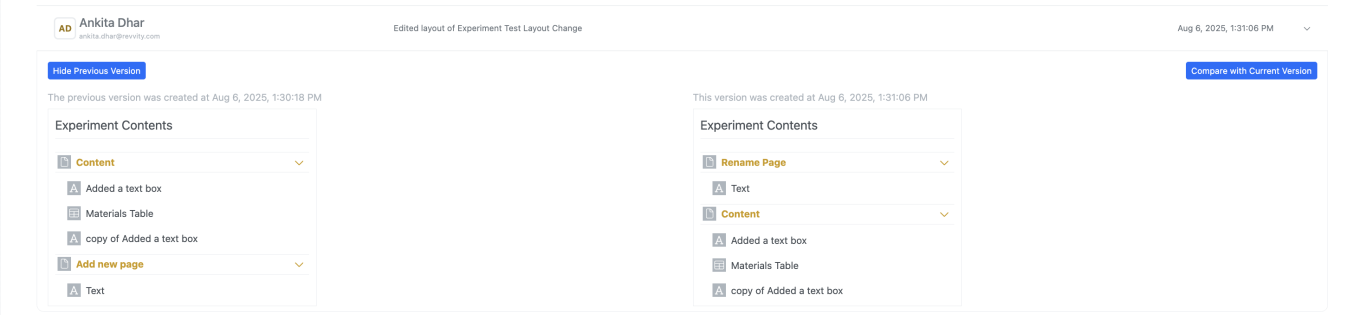
When a user updates the Layout for System Templates and Experiment-like objects, the audit trail captures previous and current versions for the layout changes including Rename Page, Add Page, Delete Page, & Reorder Page. This change only applies to content updated after the update.
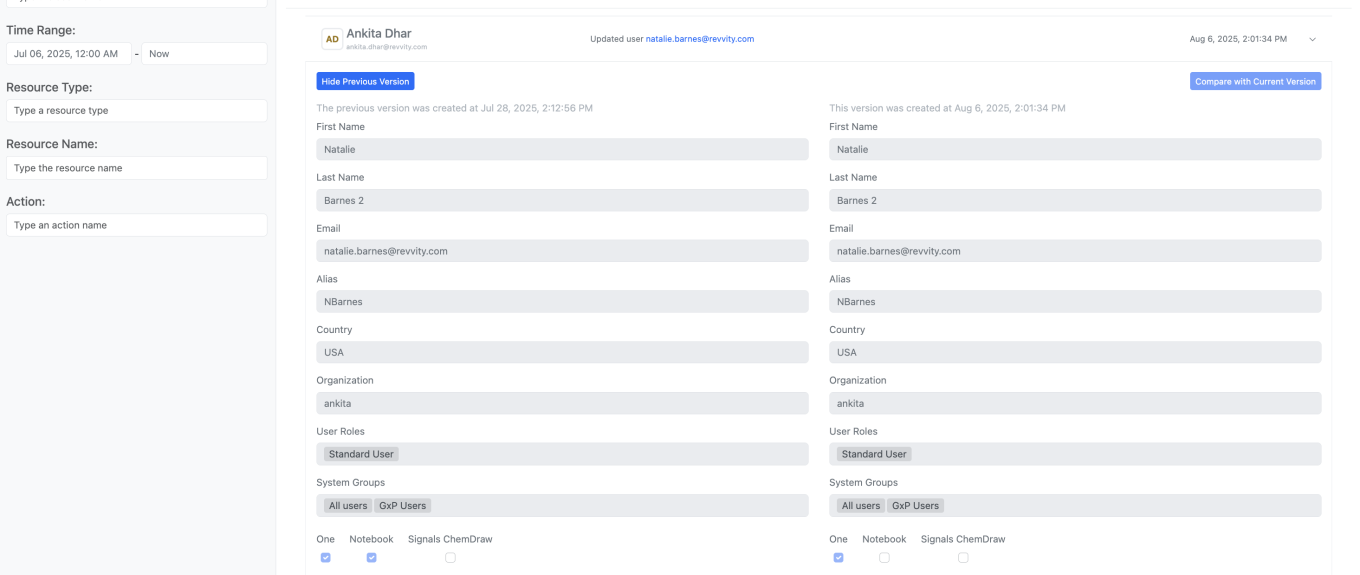
Additionally, when an admin updates metadata within a User’s profile, the “Updated User” audit record within the Admin Audit Trail displays current and previous versions of the specific changes to the user’s metadata.
SAR & Decisioning
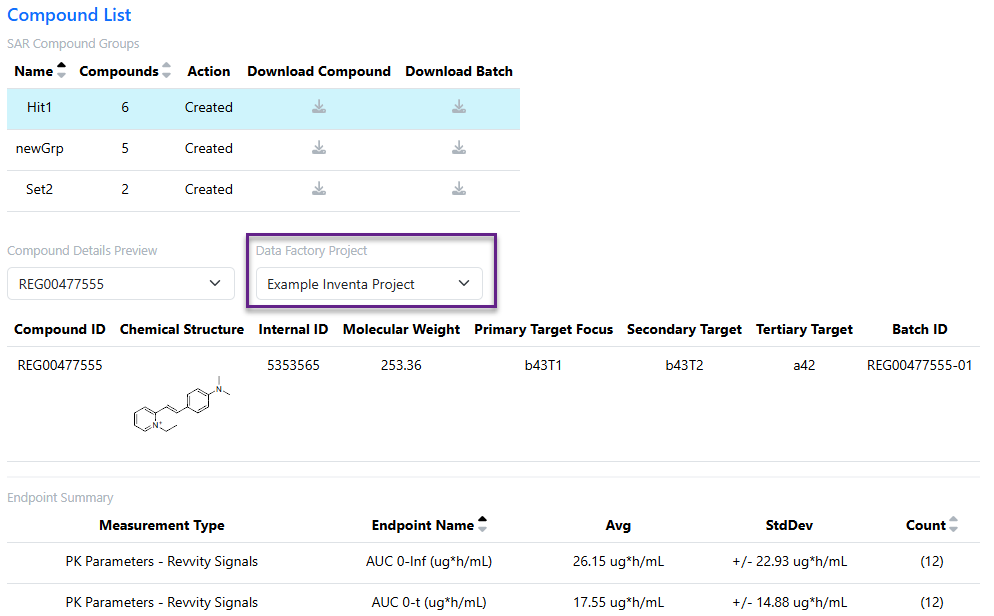
Inventa Analysis users can now filter SAR Groups data by Data Factory project to focus on the most relevant data.
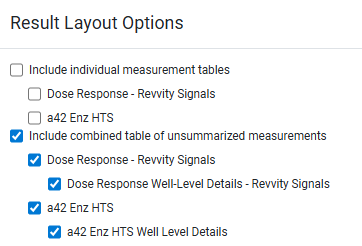
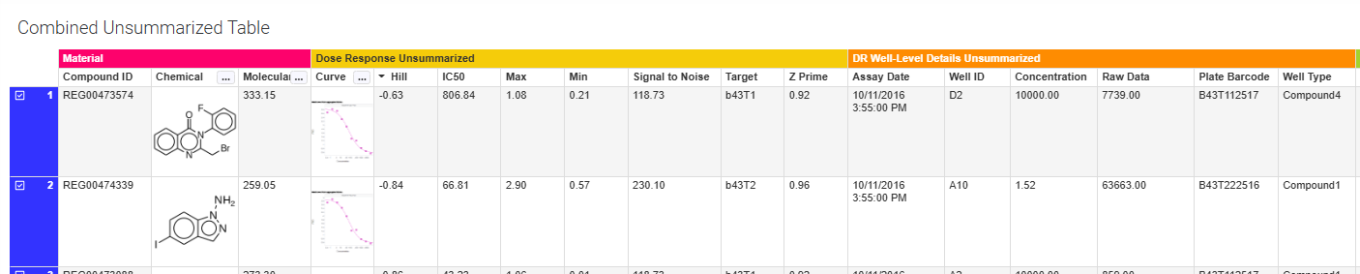
Users can now include Details-level measurement types in the Combined Unsummarized Table within the the Integrated Summary App.
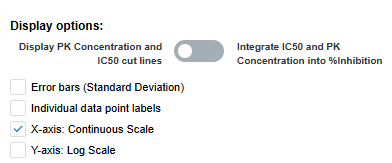
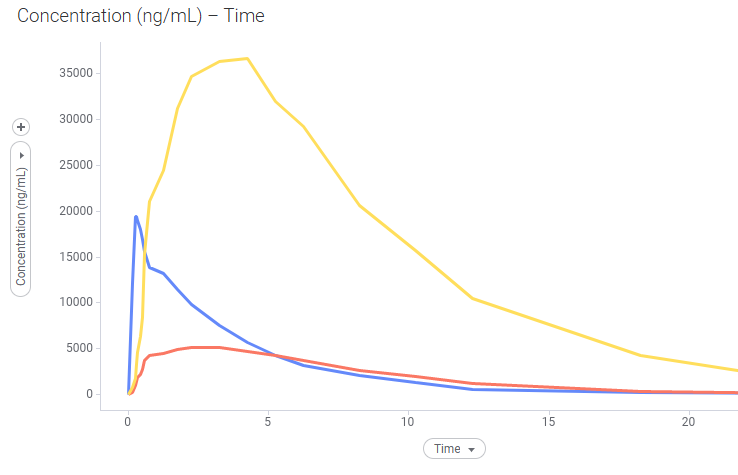
The Target Engagement Profiler now defaults to “continuous” x-axis when viewing Concentration vs. Time, within a convenient checkbox to switch to a categorical view.
Synergy
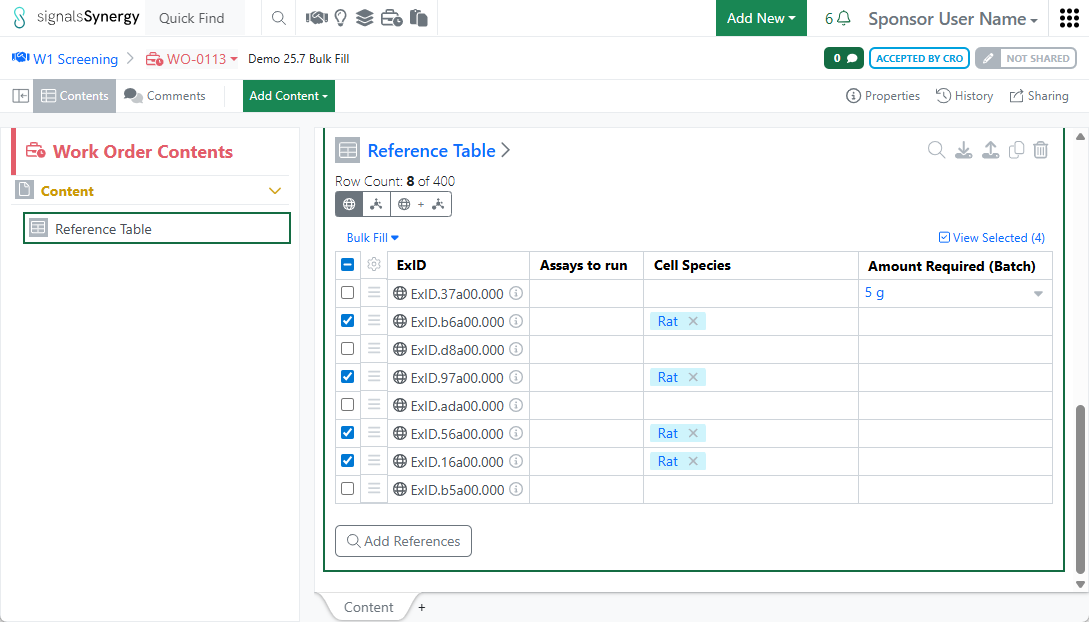
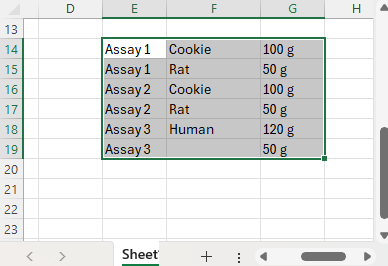
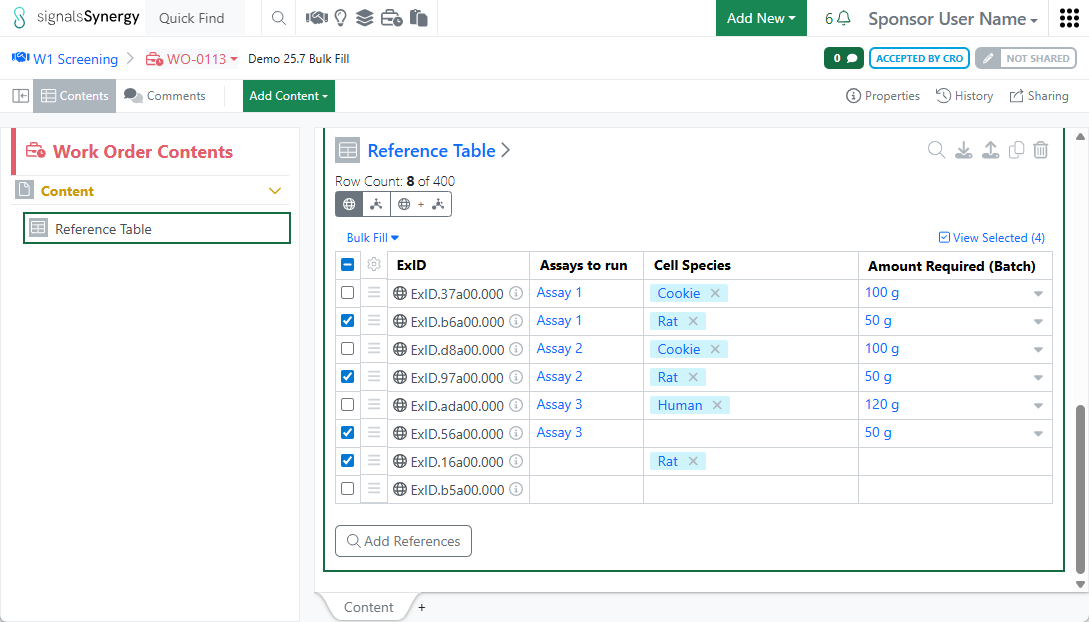
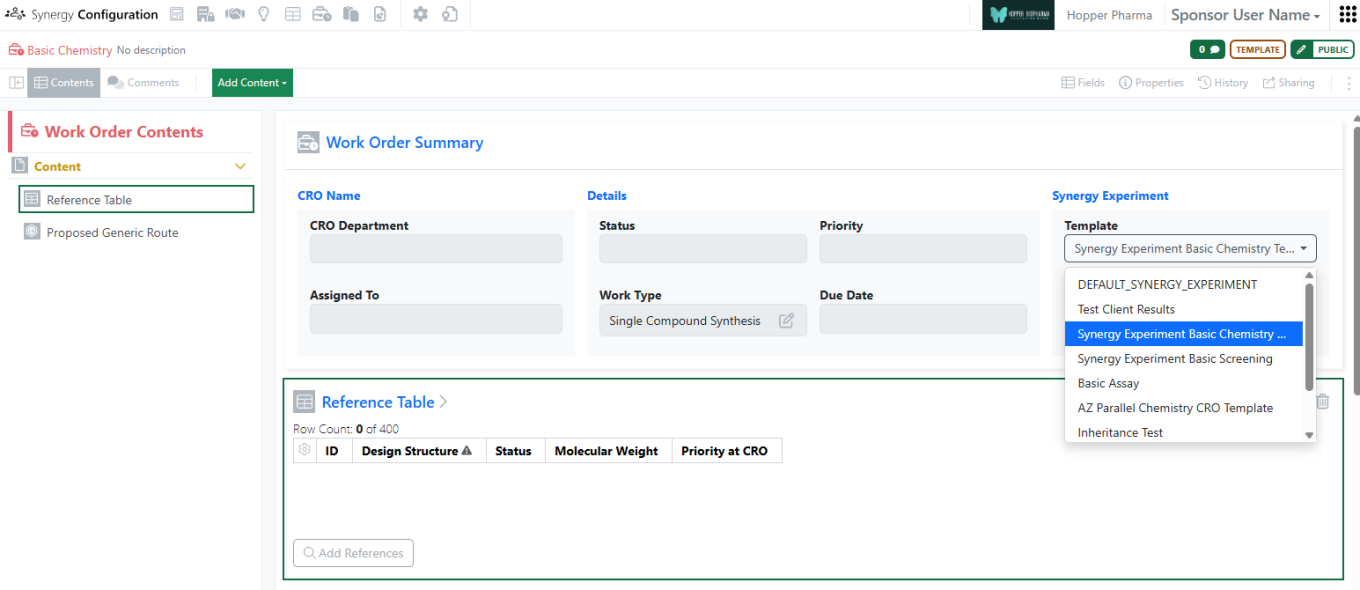
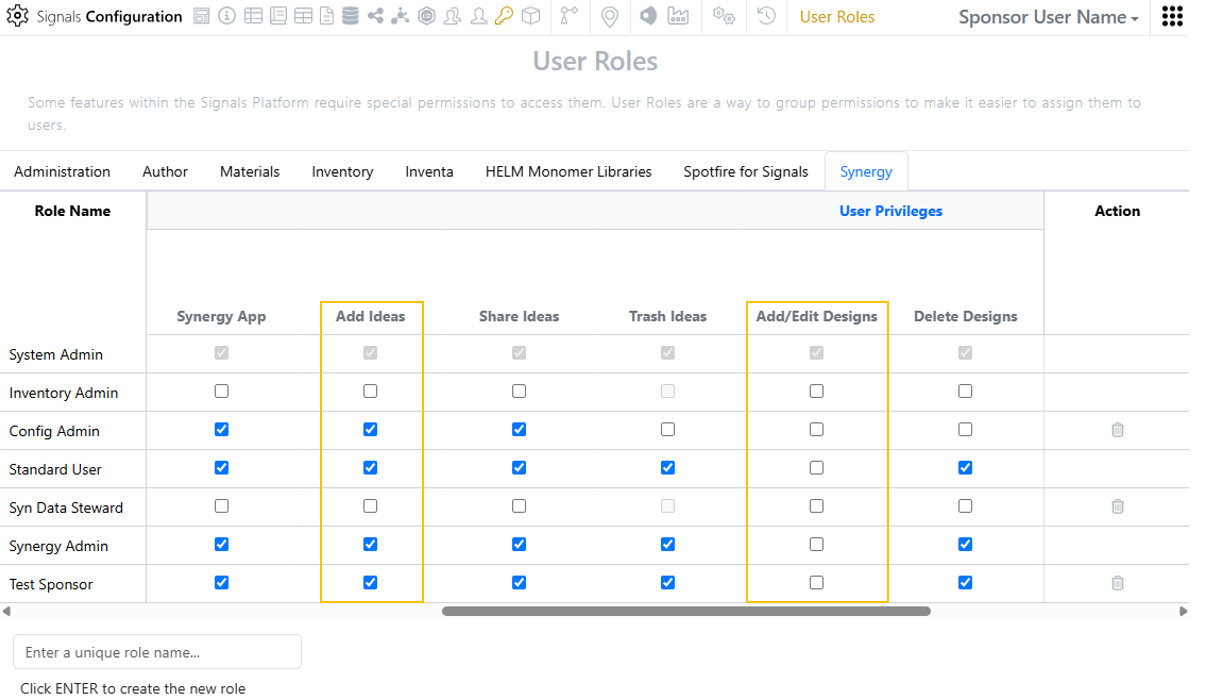
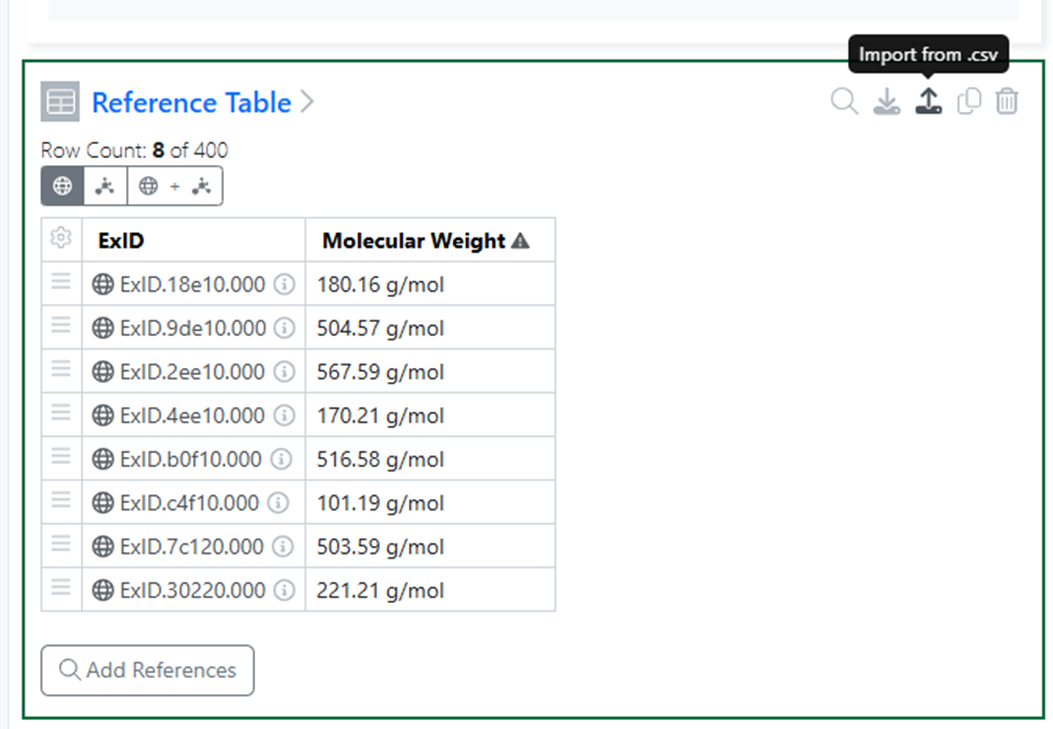
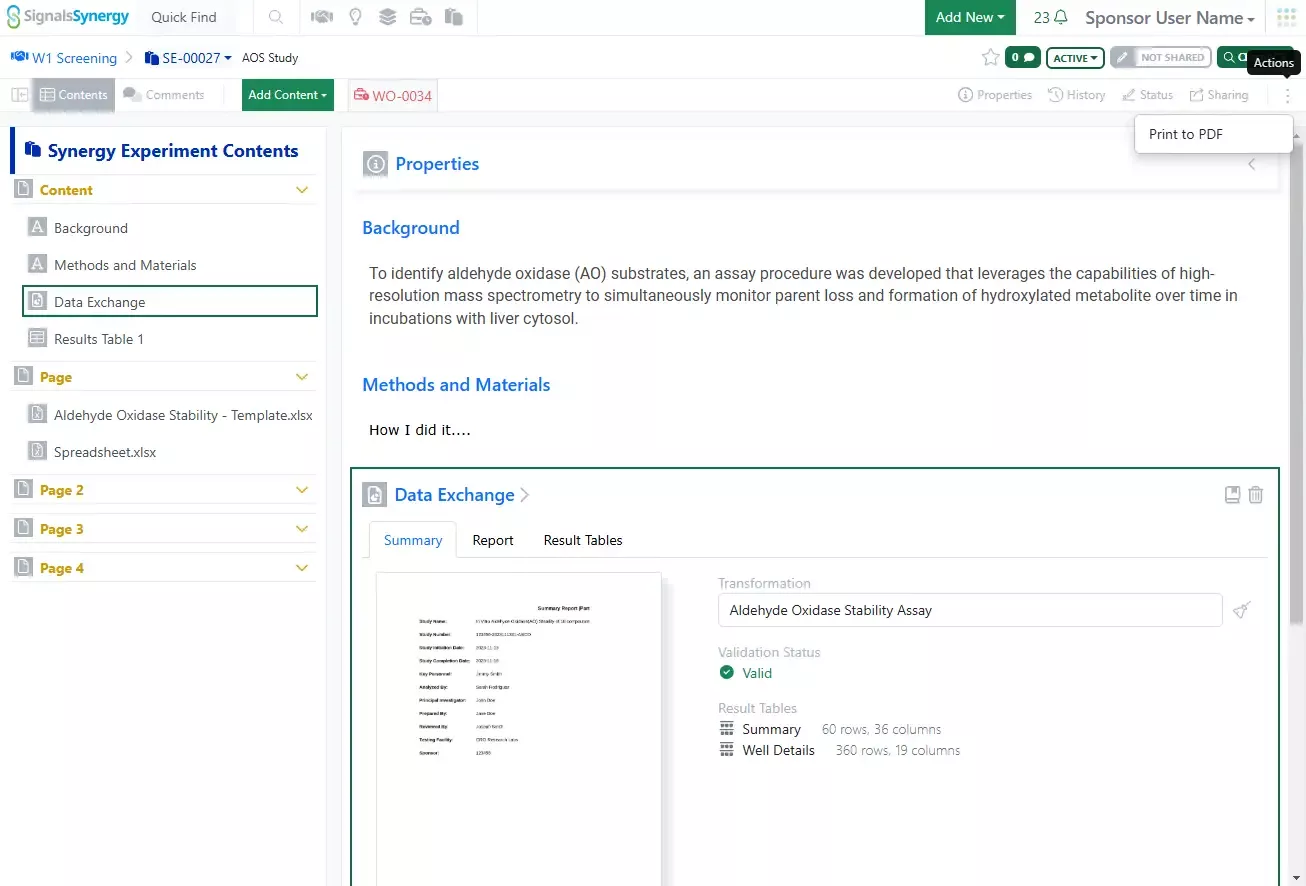
Sponsors often need to provide additional information related to a specific Design or Material (ExID) using Reference Table admin-defined fields. For example, a Sponsor may need to indicate which assays to run on specific compounds or the amount and minimum purity requested for each Design being synthesized. Sponsor users can now Bulk Fill values in Reference Tables using copy-paste from cells within the table or from an excel or csv file.
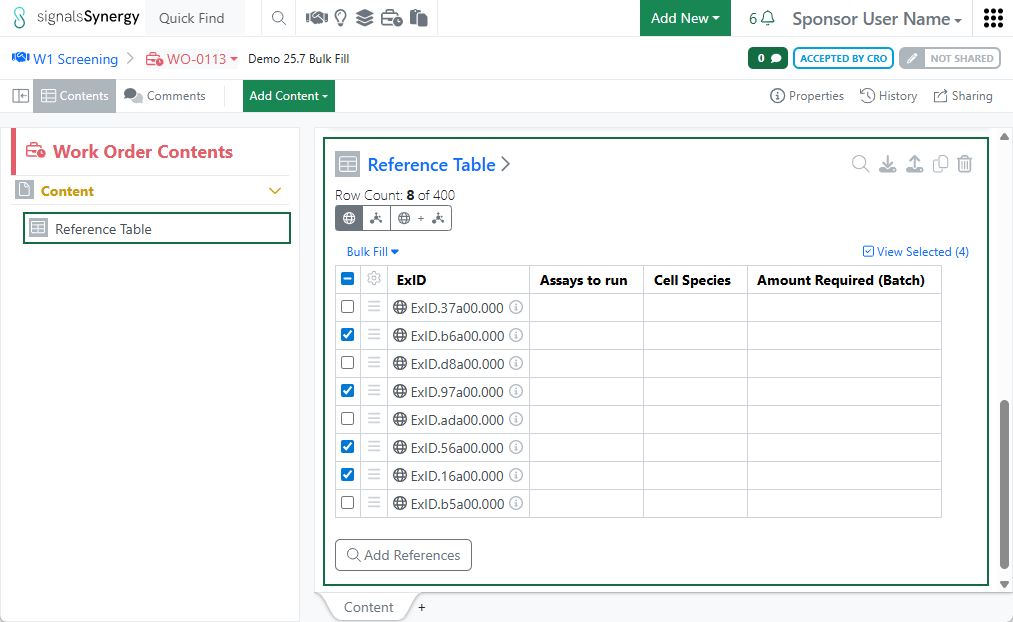
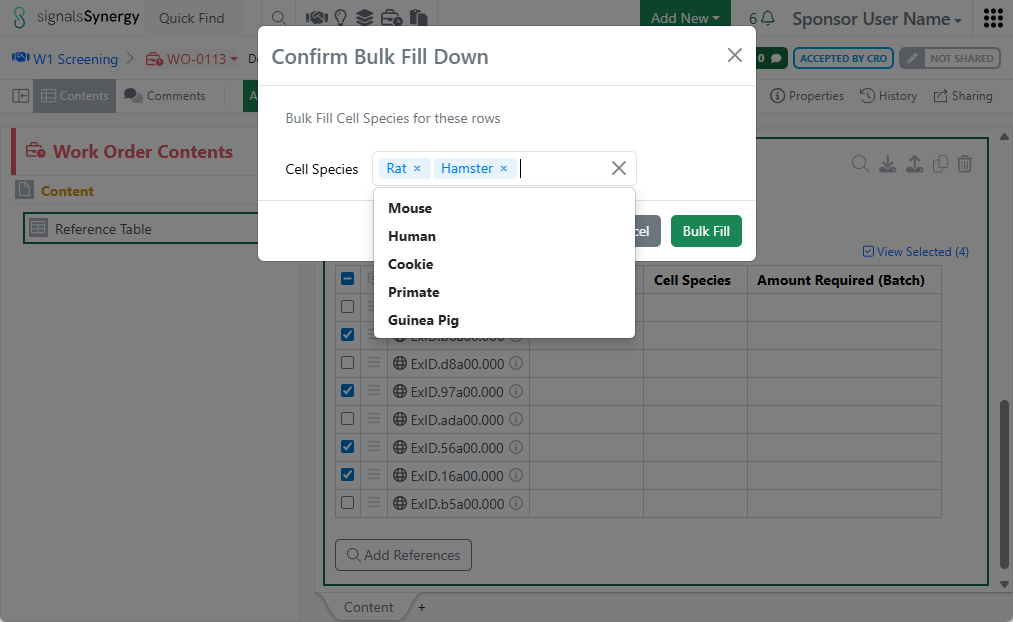
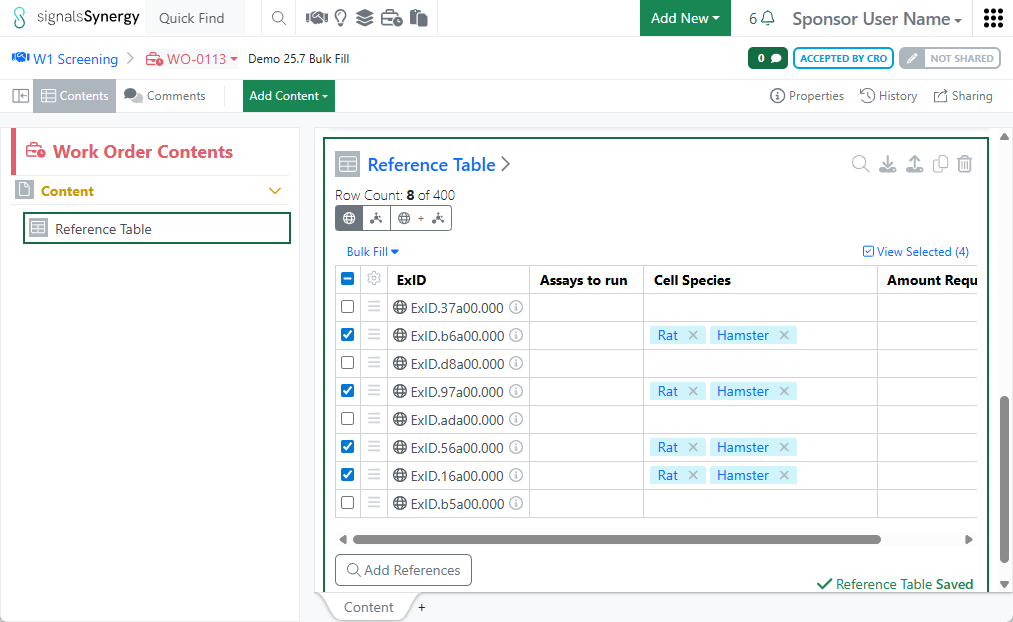
In addition, users can also Bulk Fill multiple cells in a column with the same value. After selecting a set of rows, users choose a column from the Bulk Fill menu and then enter or select a value. After pressing Bulk Fill, the same value is applied to the cells in all selected rows.
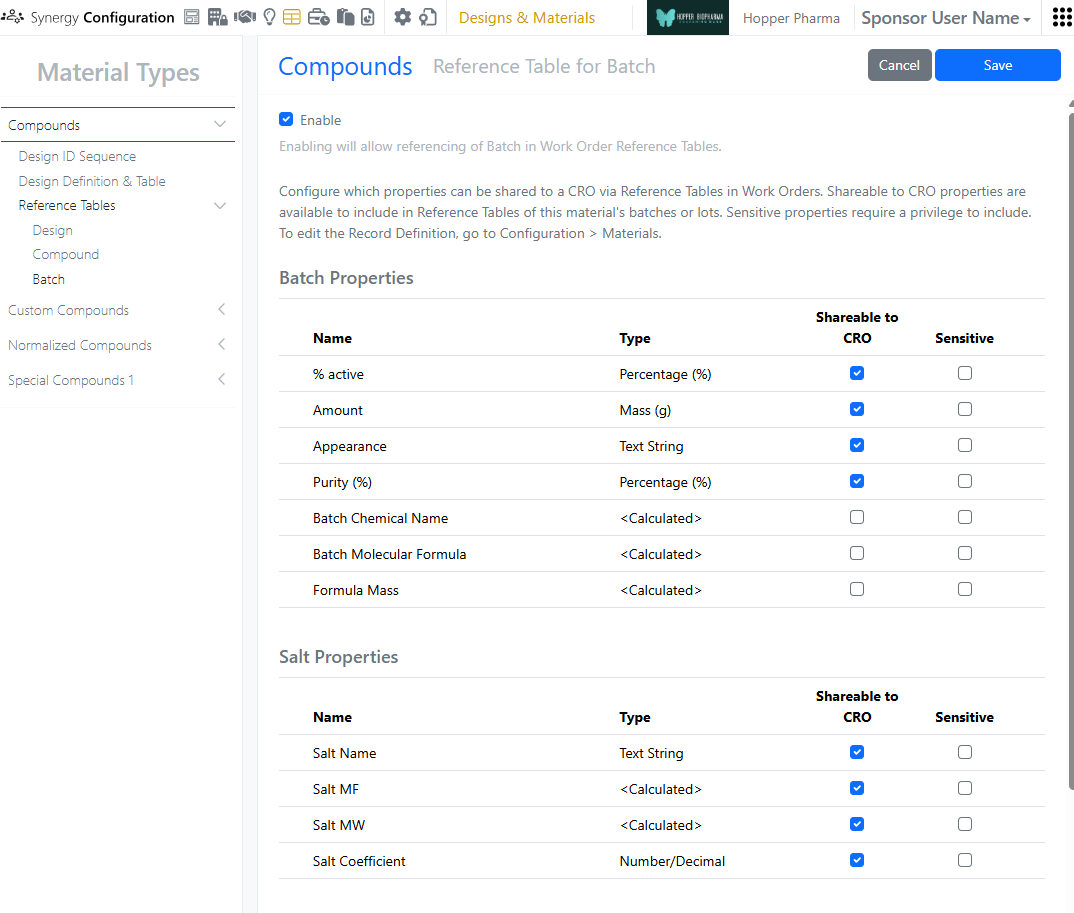
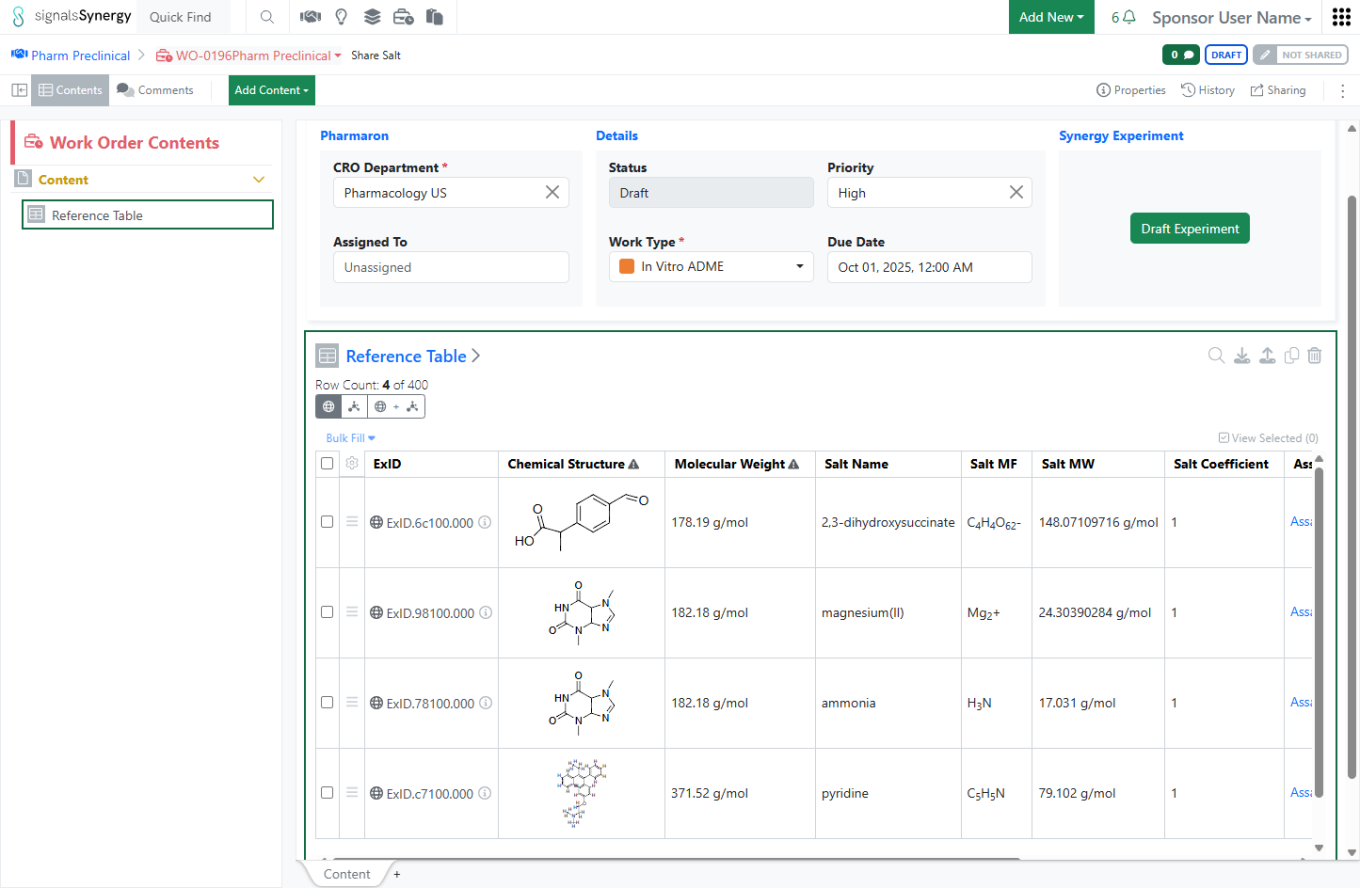
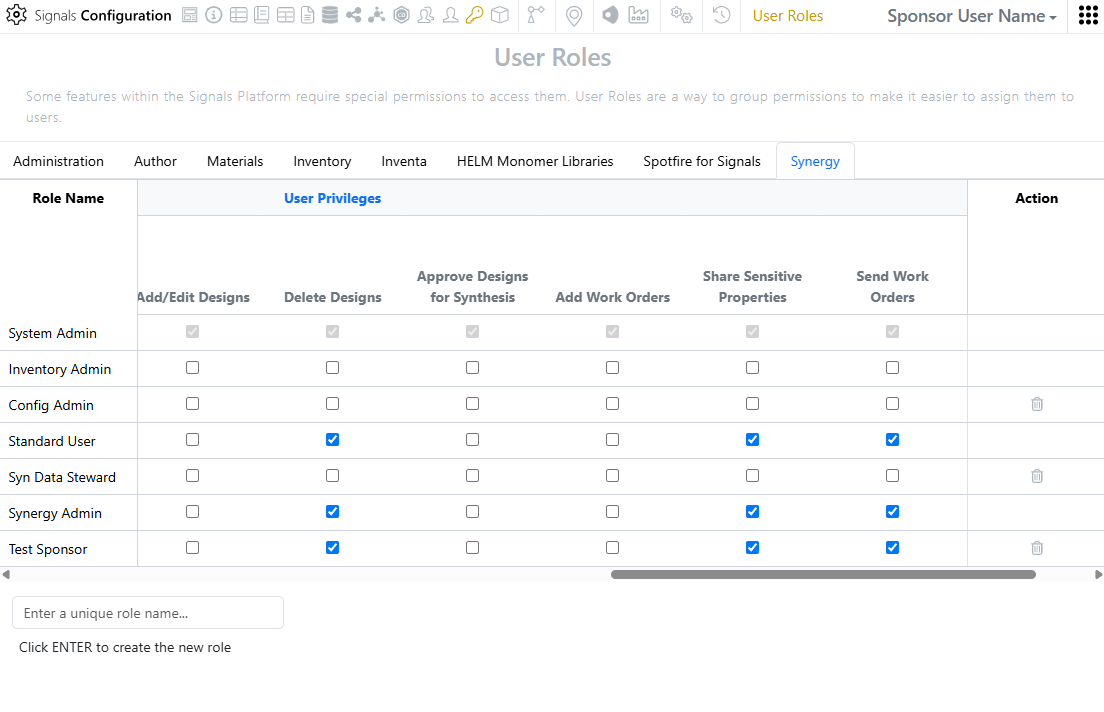
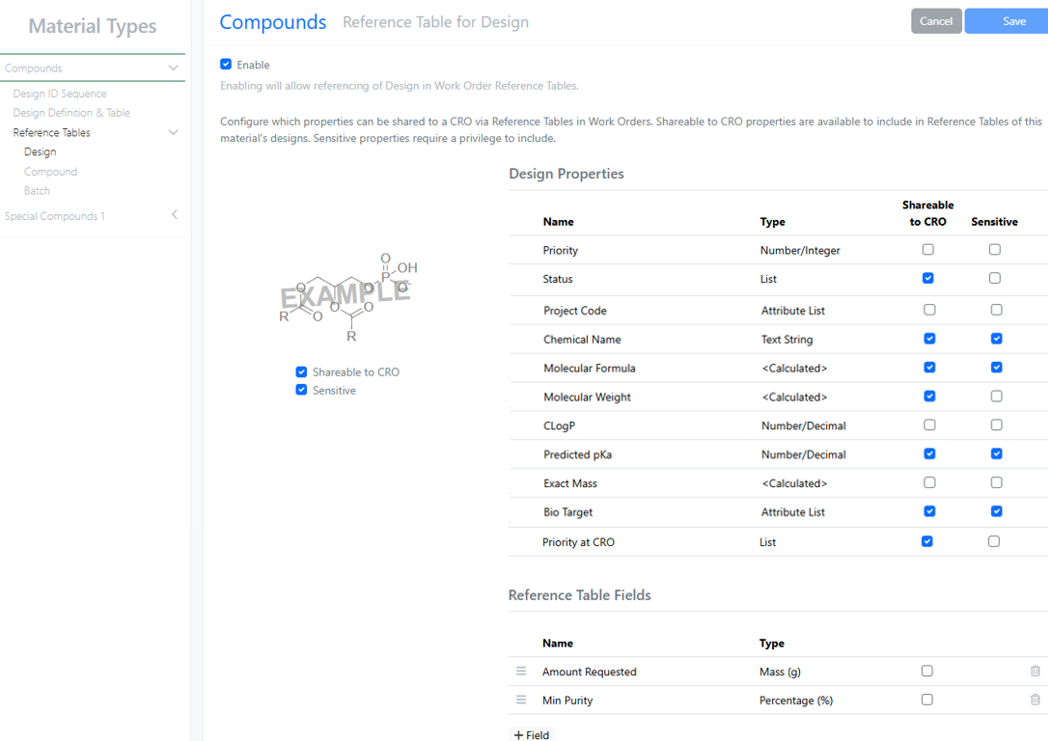
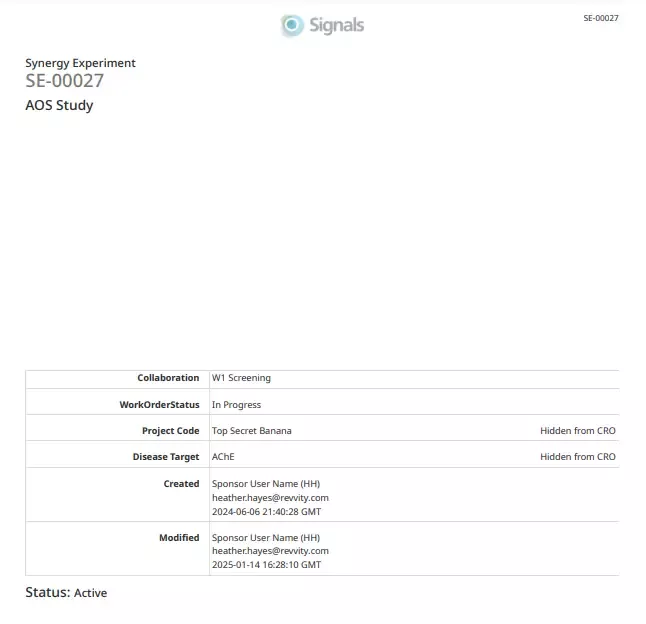
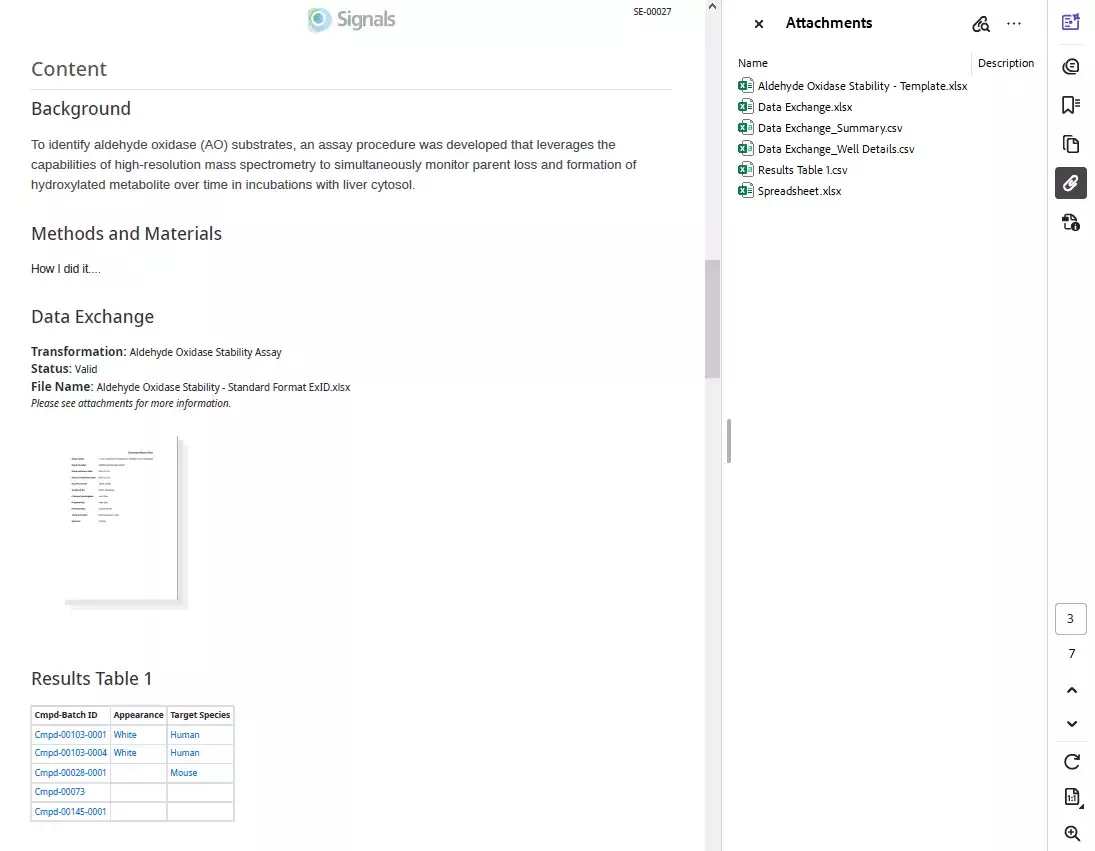
Salt information for a batch may be very important for a CRO to know when running an assay or analysis. Thus, Salt information can now be configured as Shareable to CRO in batch Reference Tables for Material libraries of type Compounds. When set to Shareable to CRO, a Sponsor can include the primary (first) Salt Name, MF, MW, and Coefficient in a batch Reference Table for a CRO Work Order.
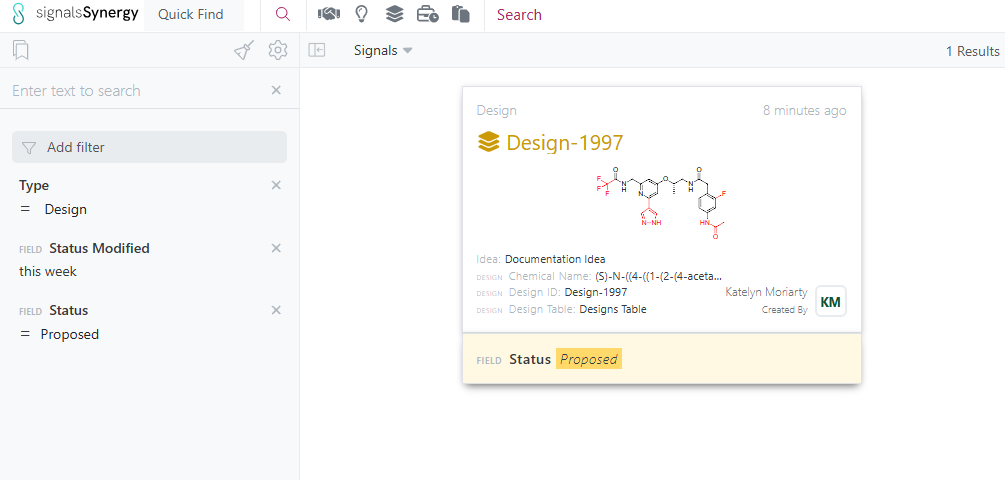
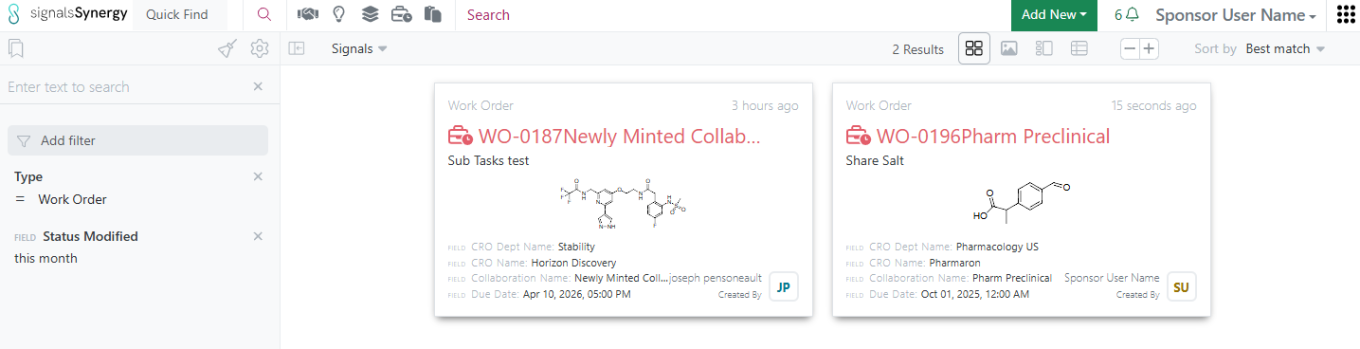
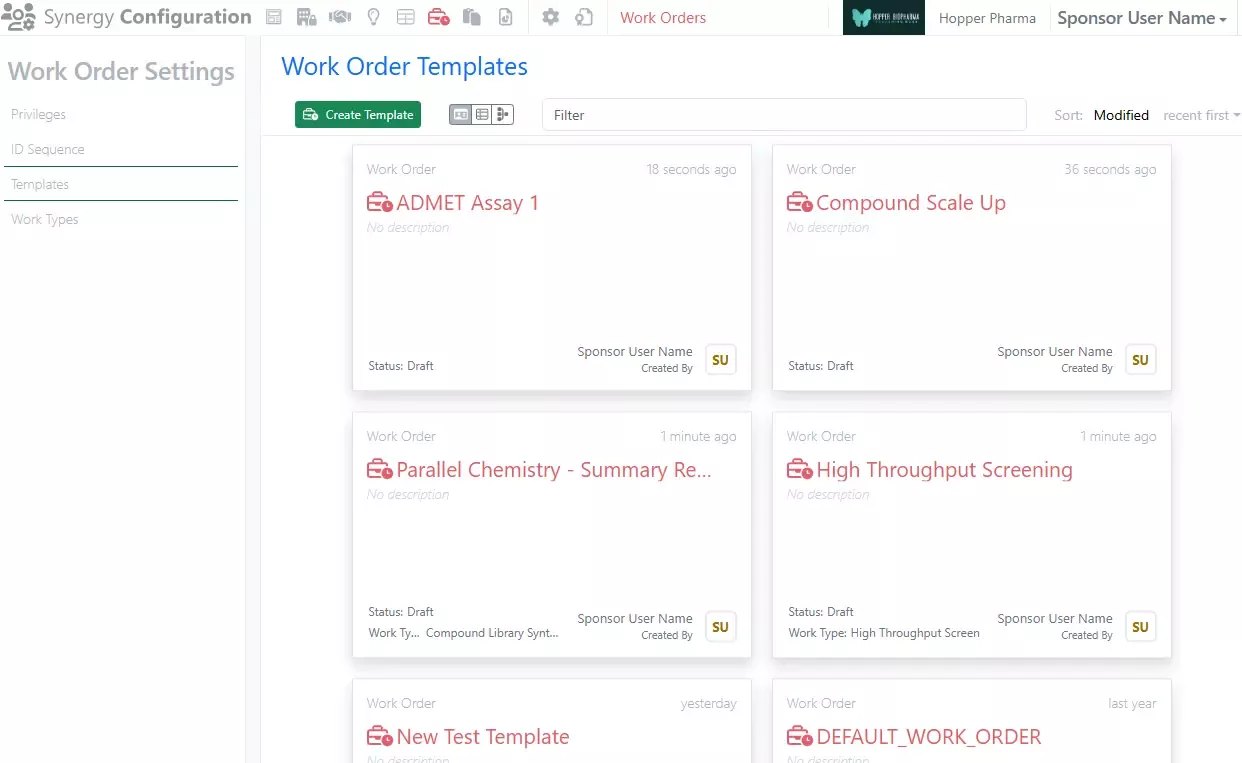
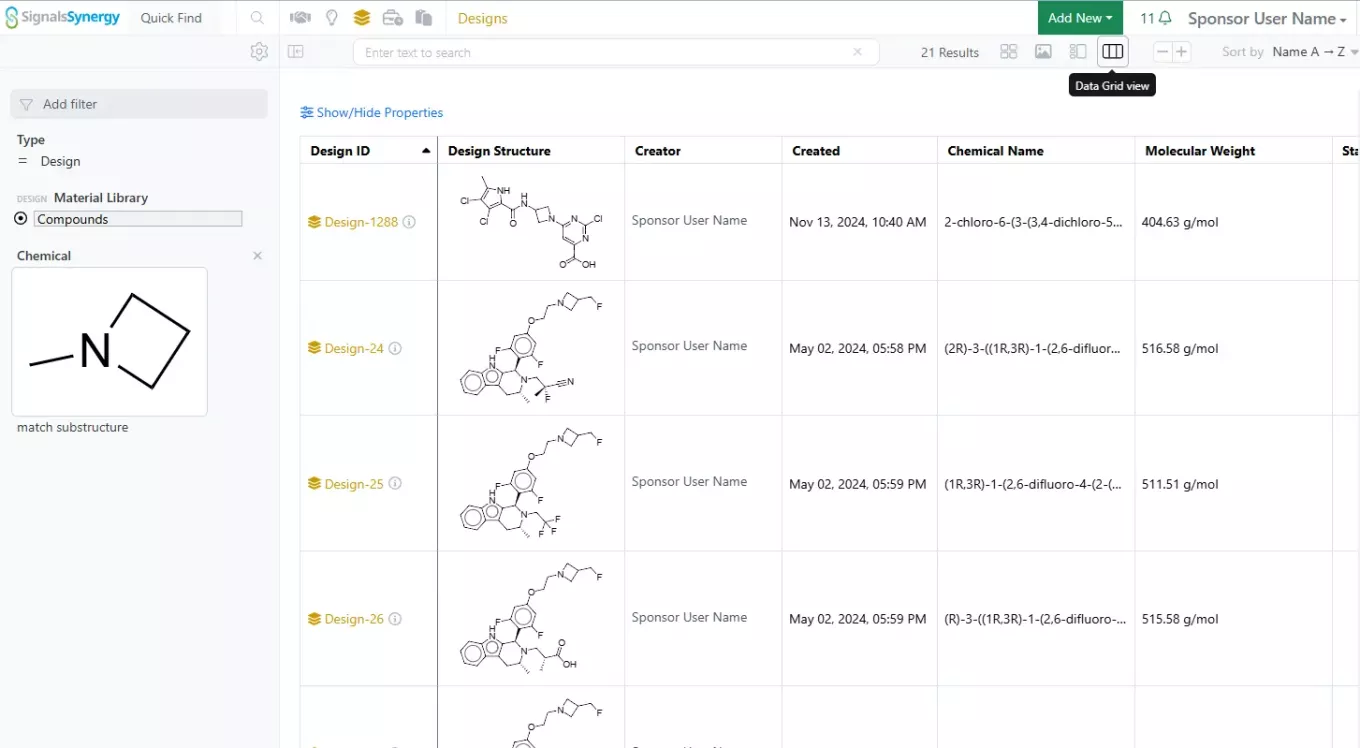
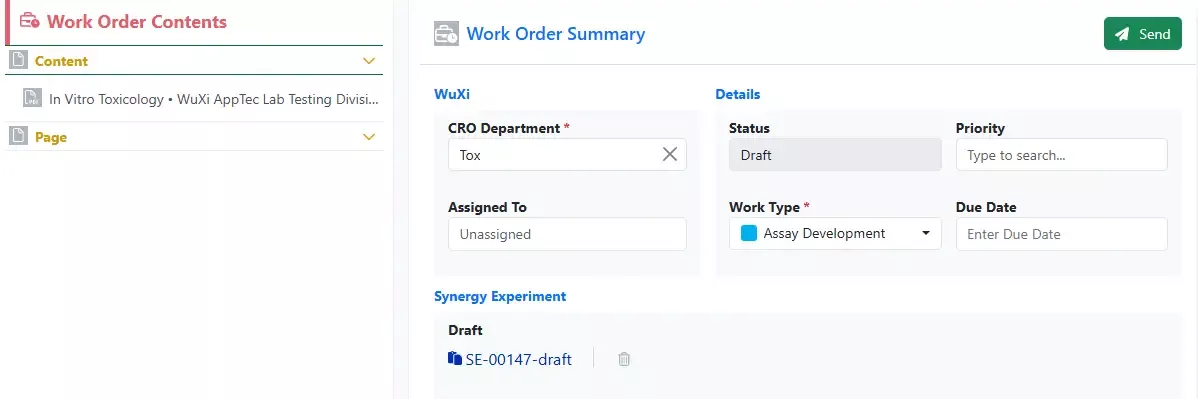
When searching for Work Orders or Designs, it may be useful to search for those that recently changed Statuses. For example, which Work Orders were recently transitioned or which Designs were Proposed or Sent in the last week. Status Modified is a new properties on Work Orders and Designs available in Advanced Search and Smart Folder filters.
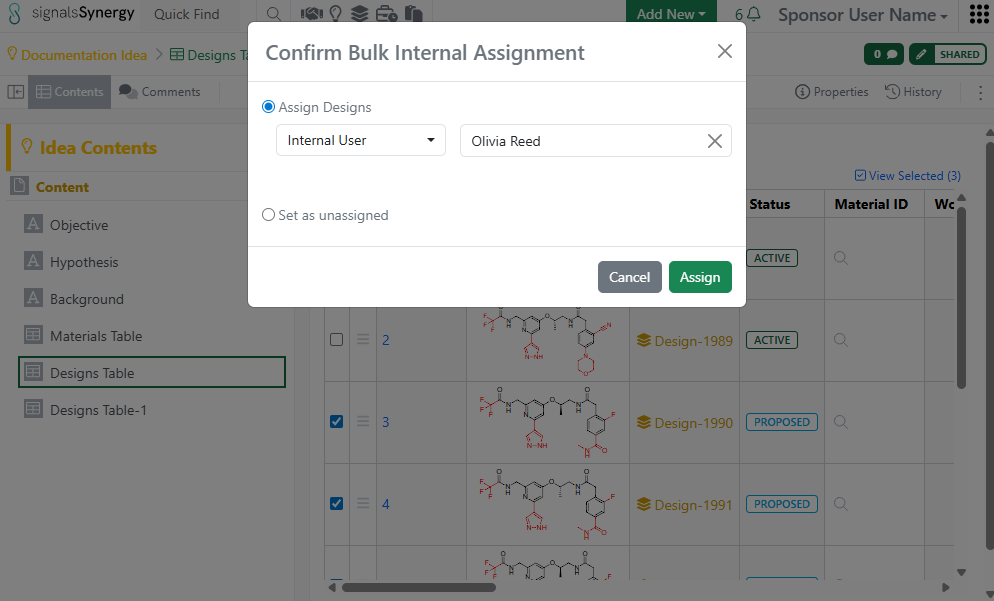
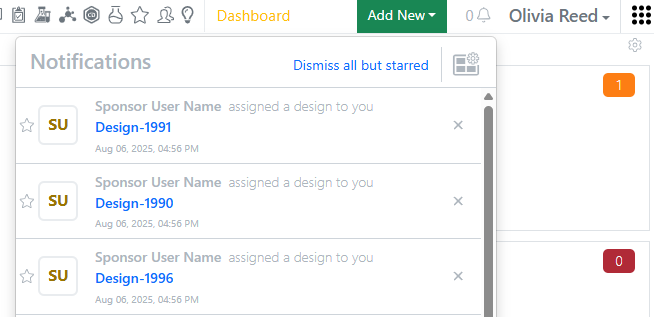
Finally, internal users and user groups now receive a notification (if configured) when a Design is assigned to them.
Chemistry
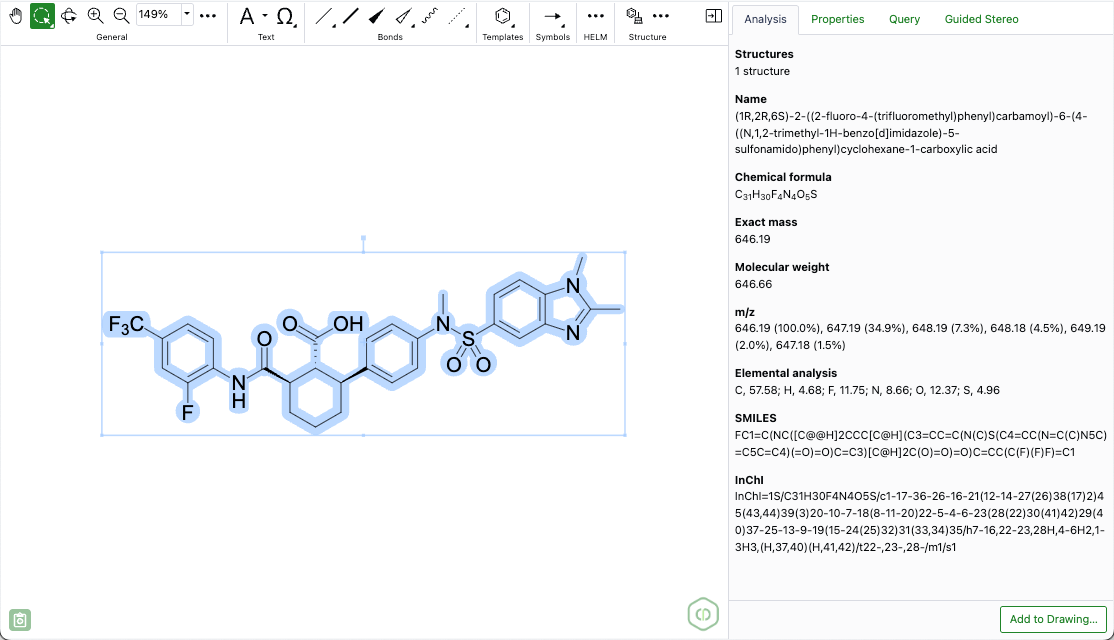
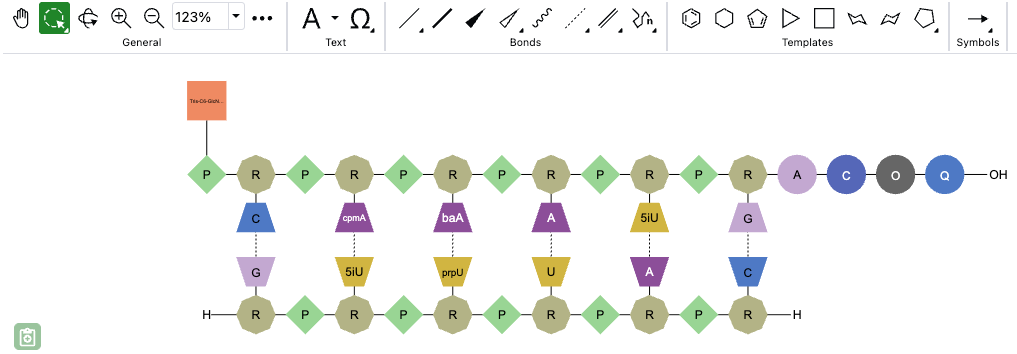
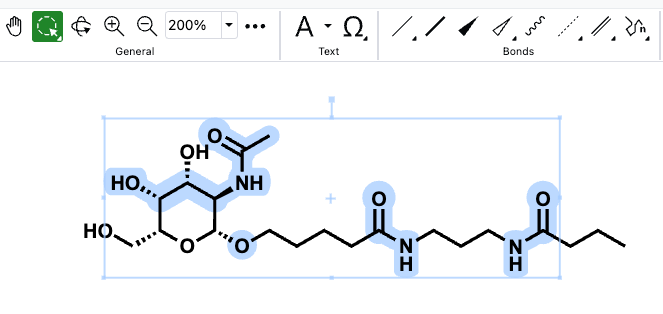
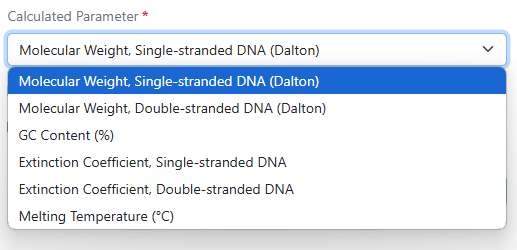
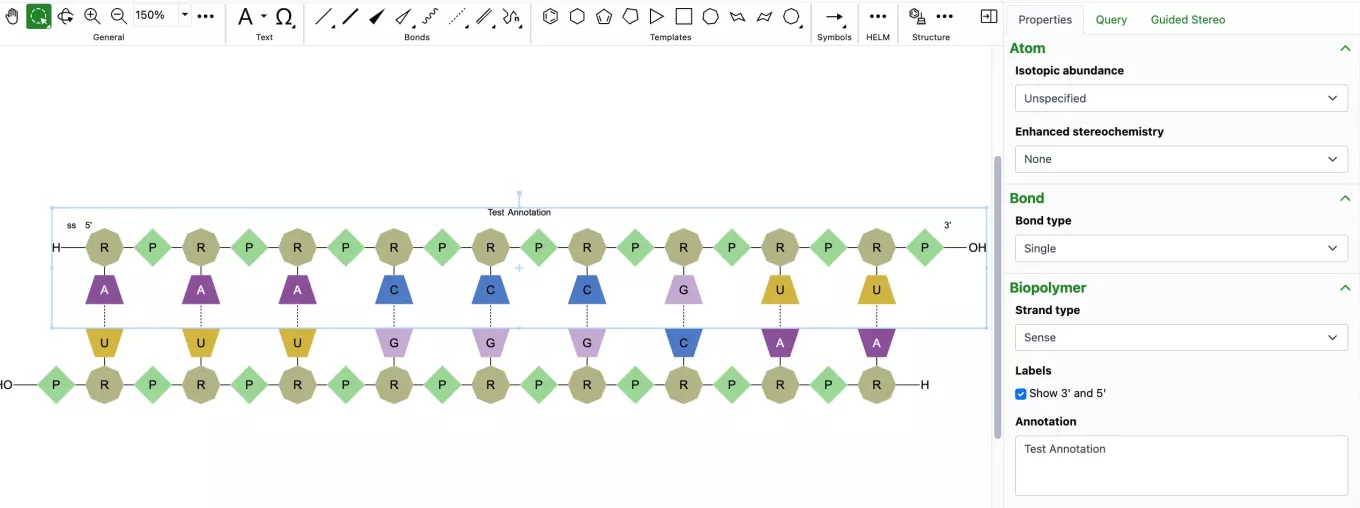
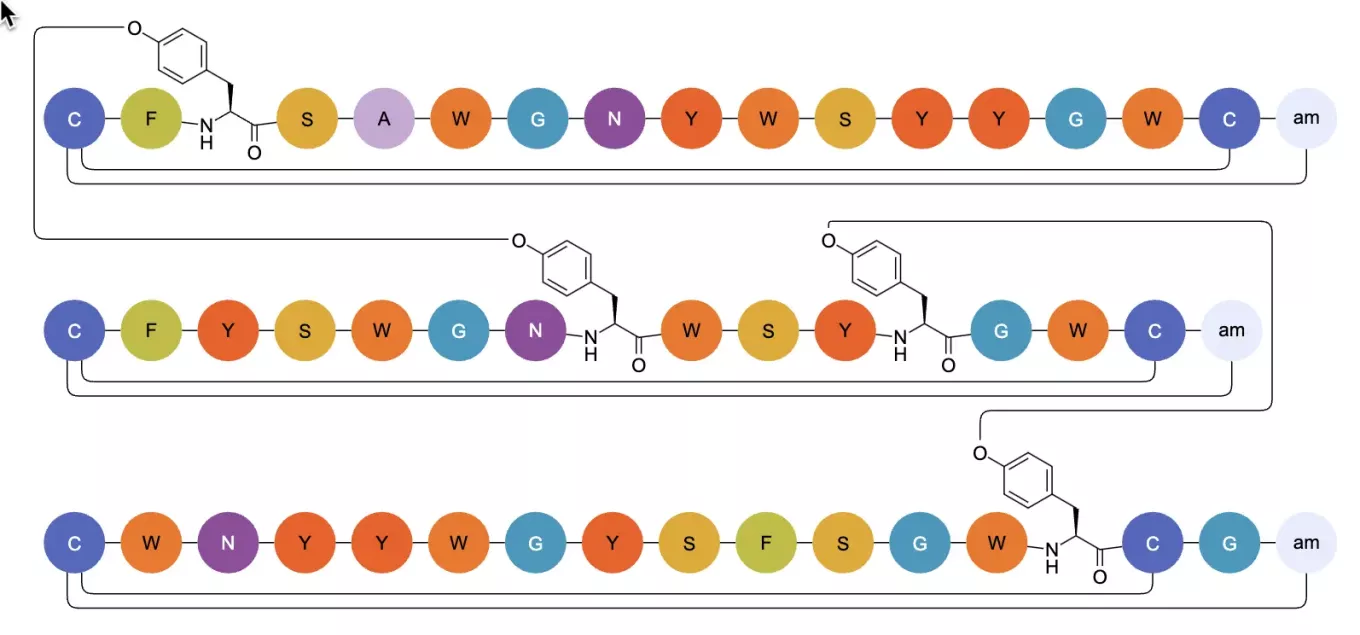
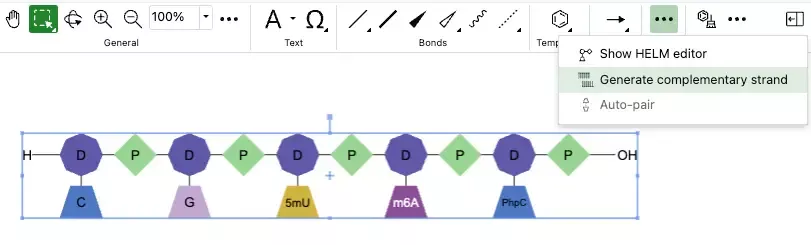
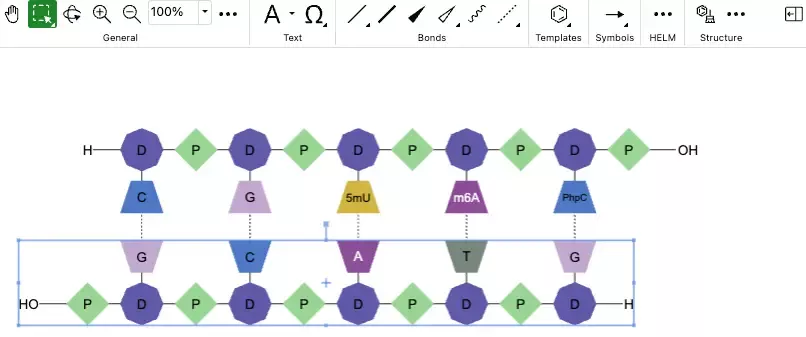
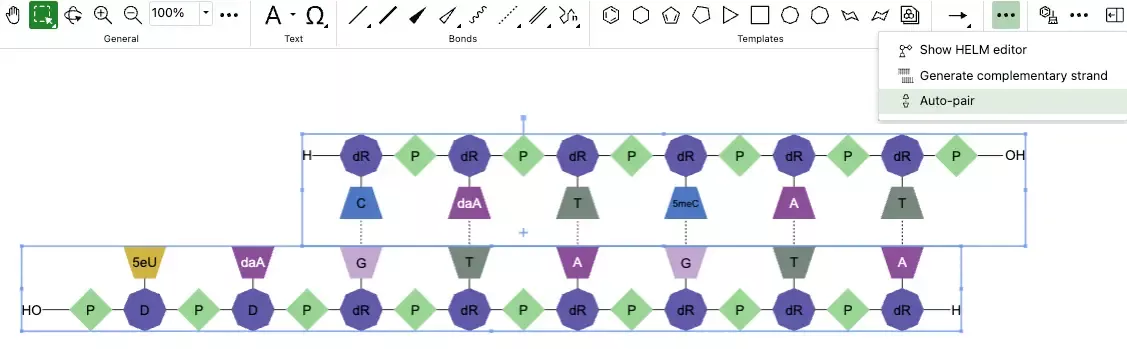
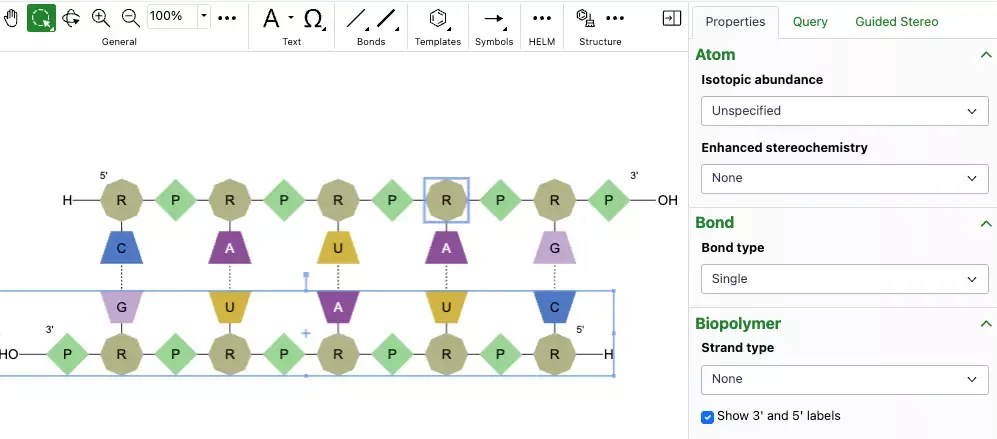
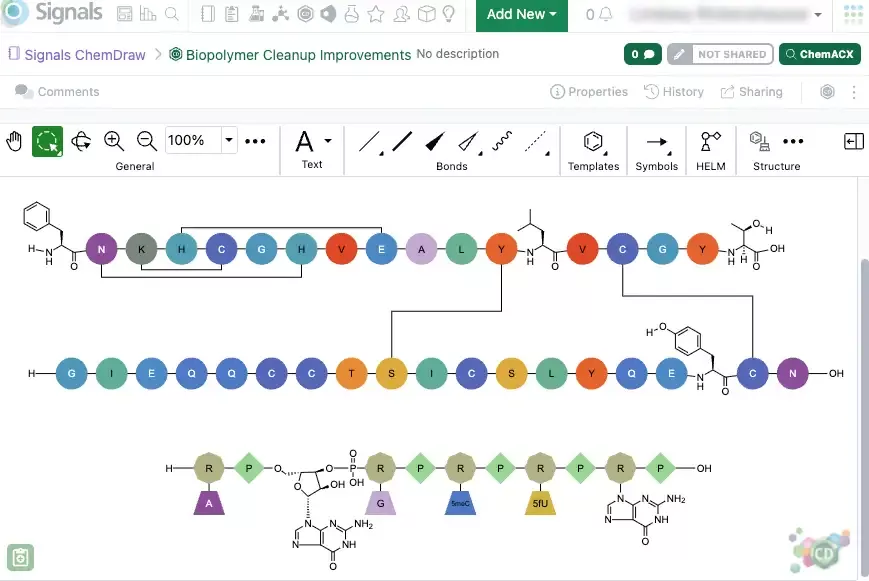
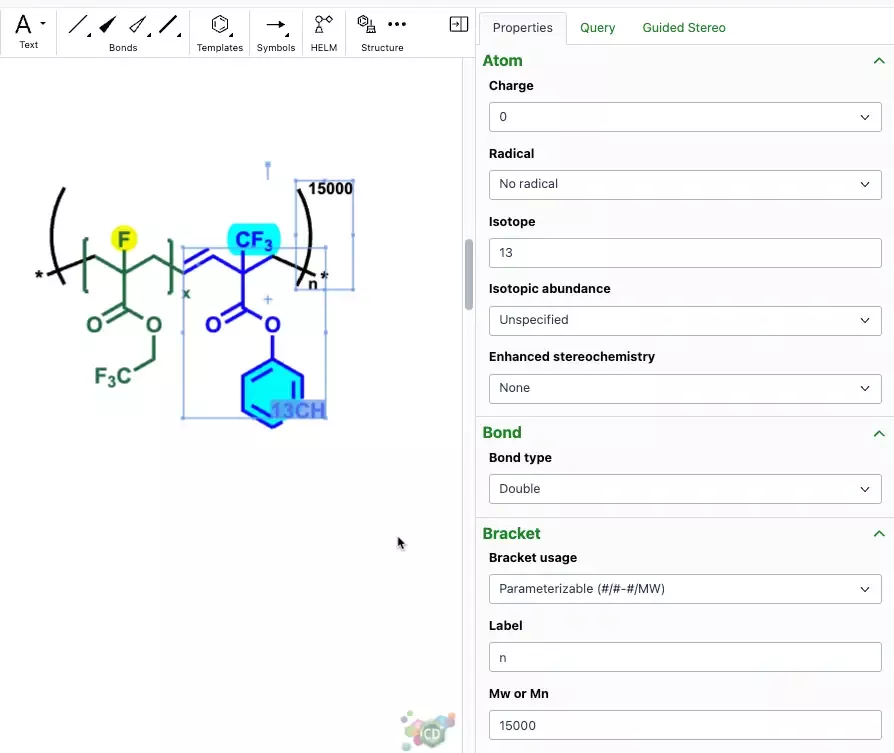
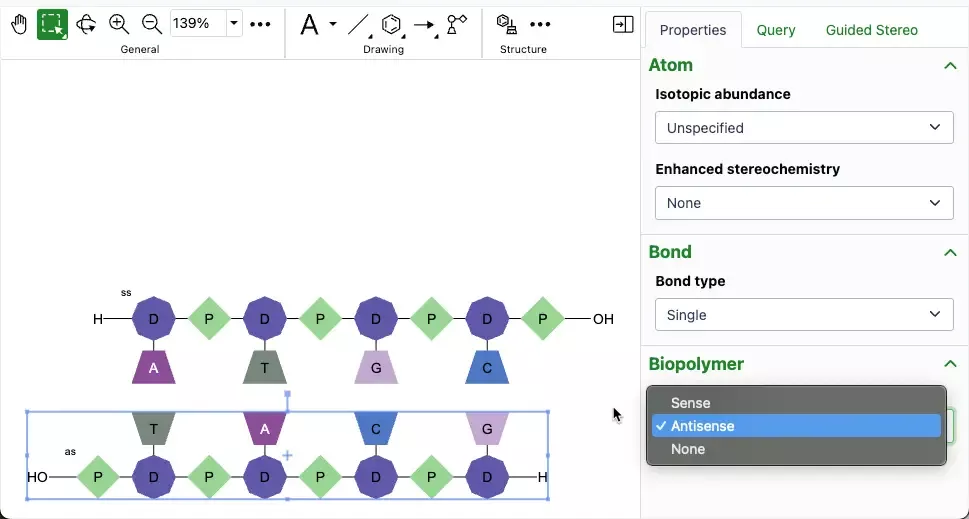
A new 'Analysis' panel in the ChemDraw editor now displays basic chemical properties for structures and biopolymers. These properties are context-sensitive, based on the selection on the canvas, and include information such as chemical name, molecular weight, molecular formula, and exact mass.
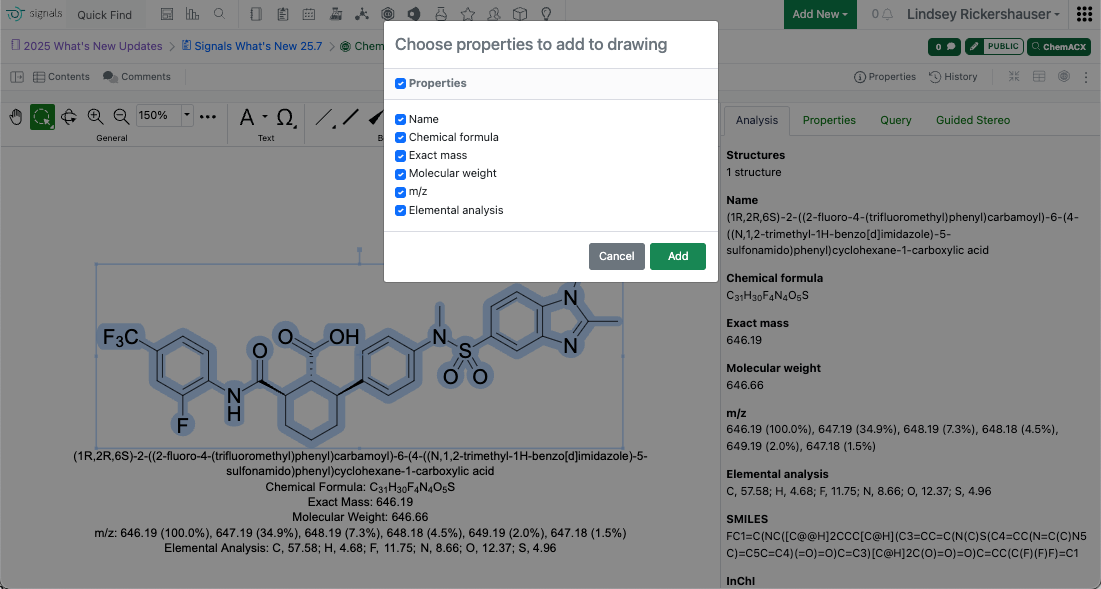
Specific properties from the Analysis Panel can be added directly to the ChemDraw canvas. Clicking the 'Add to Drawing' button at the bottom of the panel opens a window where properties can be selected and pasted onto the canvas.
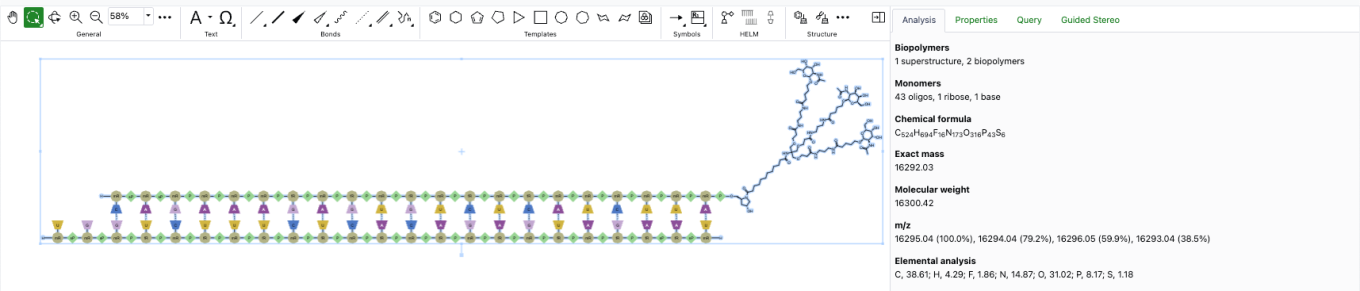
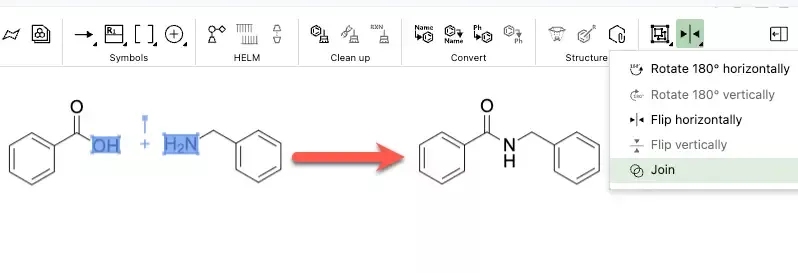
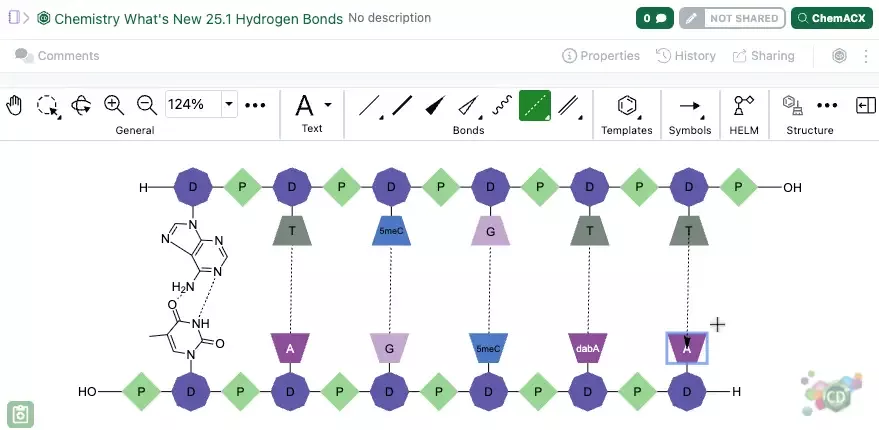
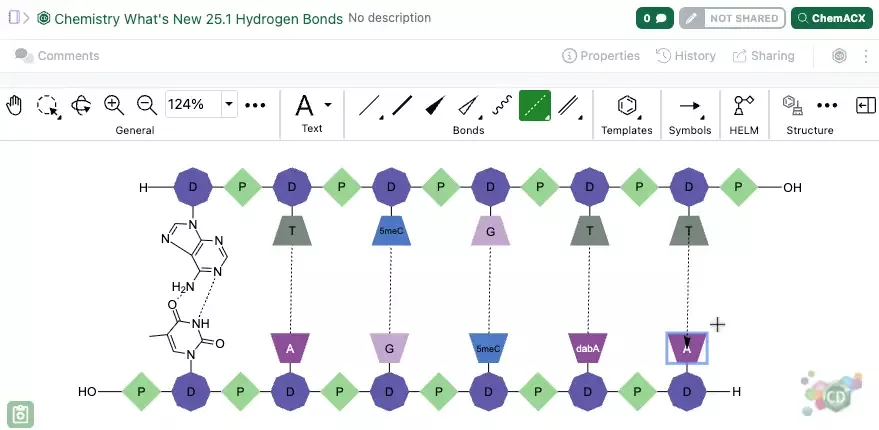
Hydrogen bonded fragments in ChemDraw will now be recognized as a single structure with properties such as molecular weight, molecular formula and exact mass being calculated accordingly.
Admin Defined Tables & Variation Tables
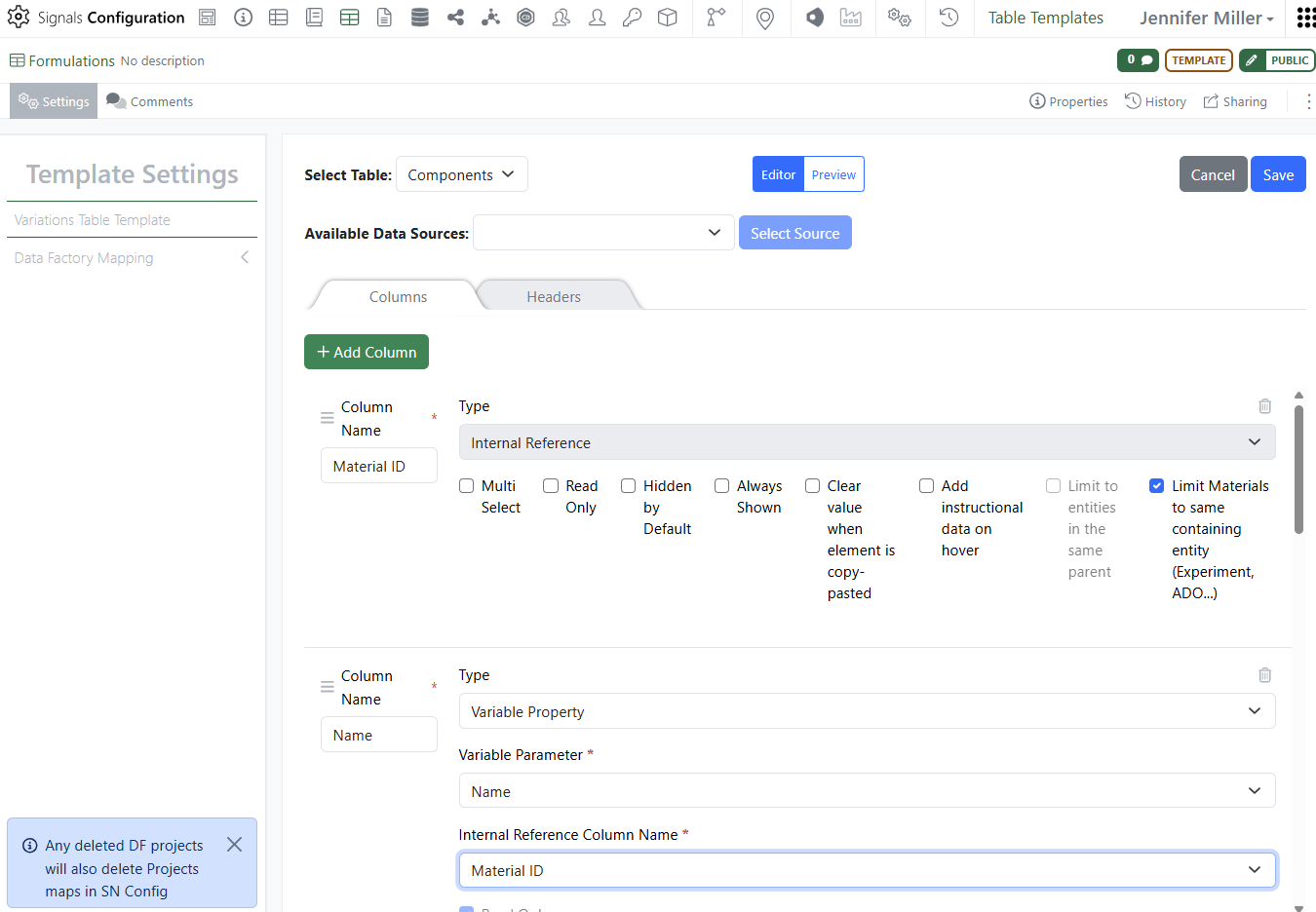
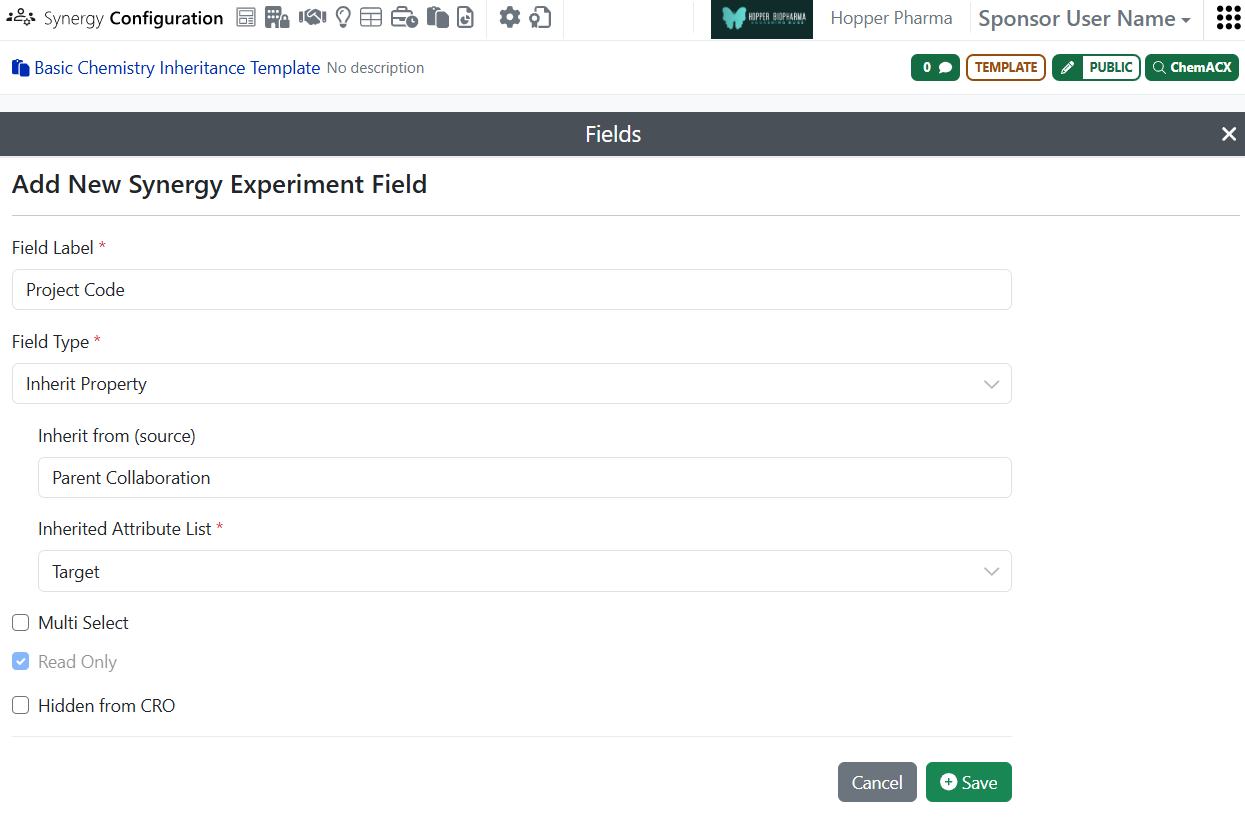
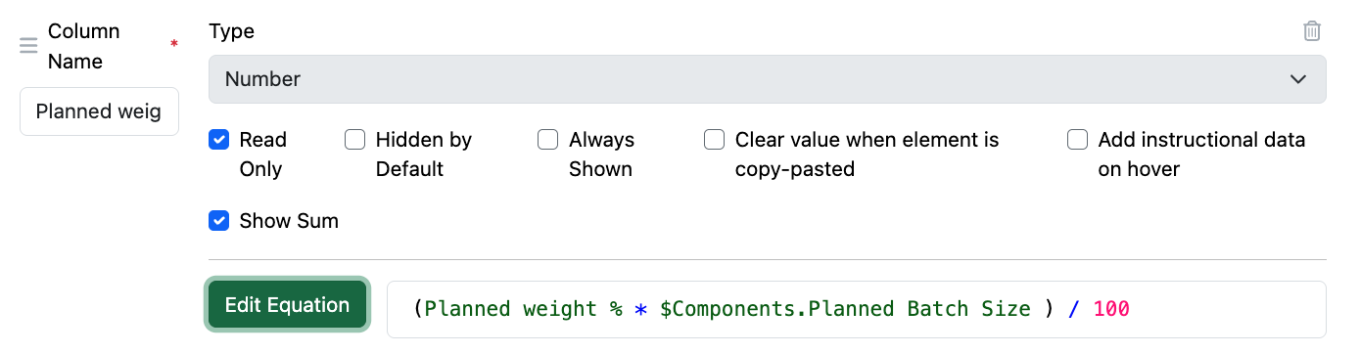
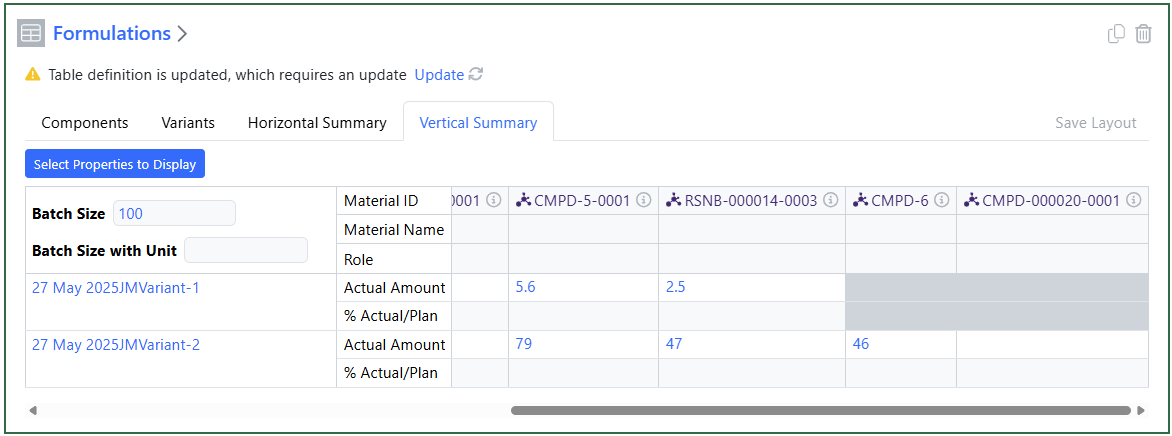
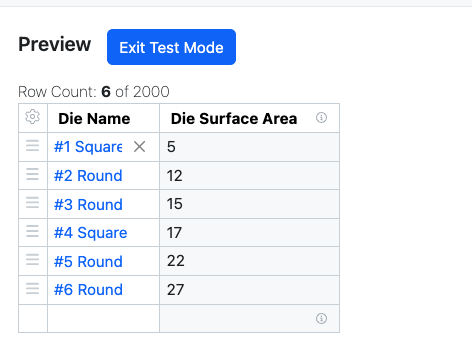
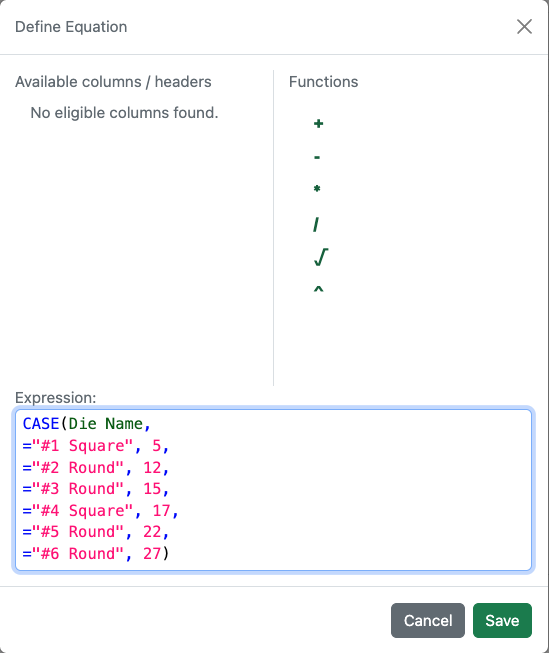
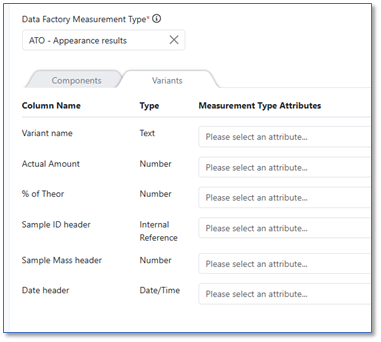
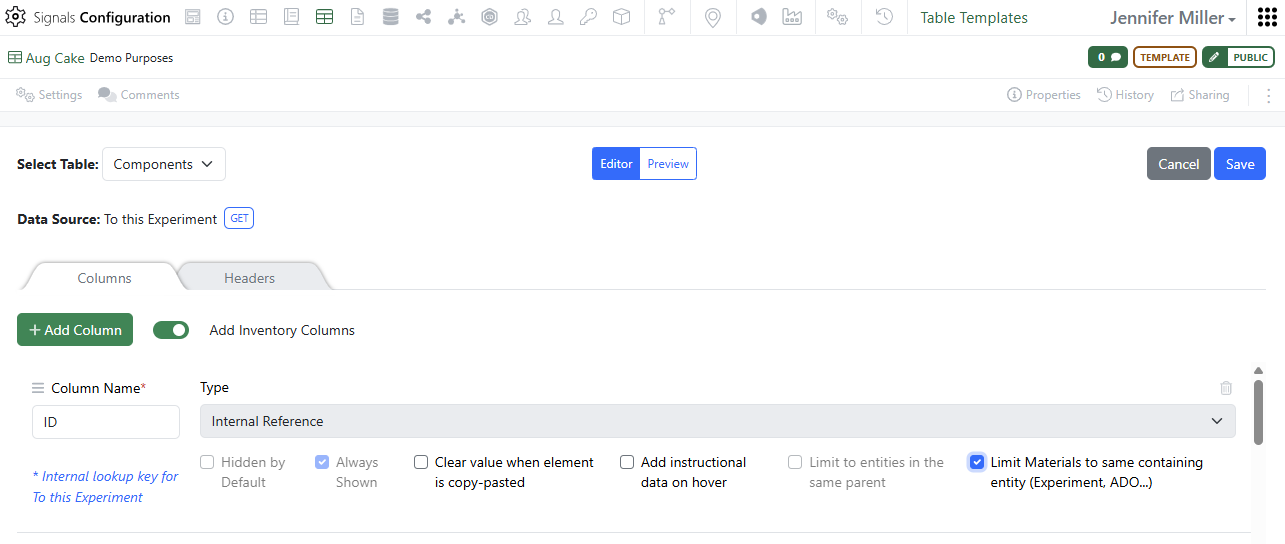
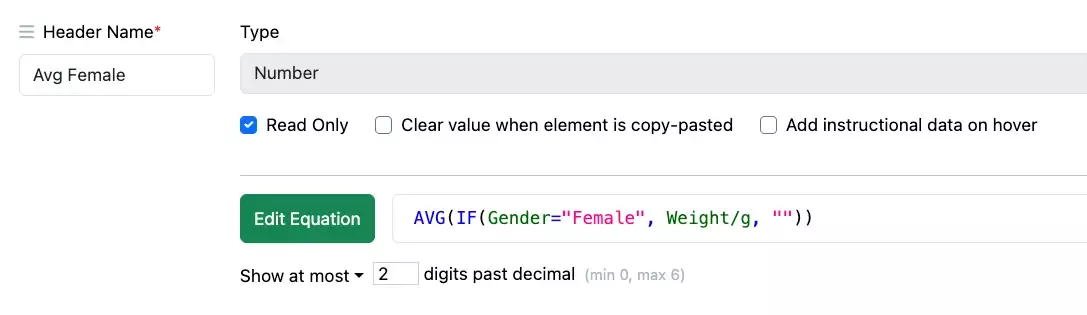
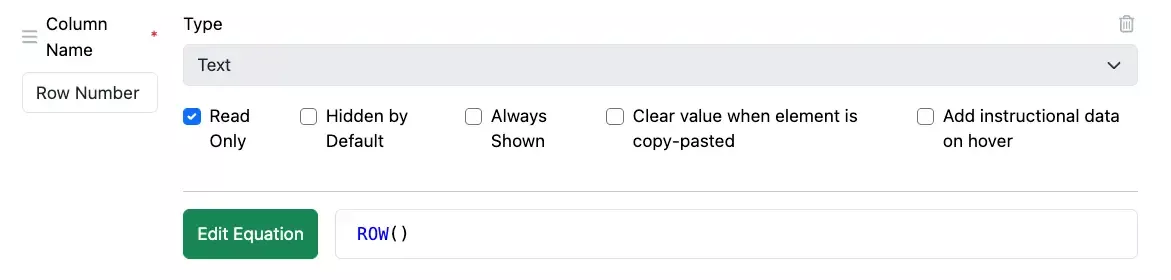
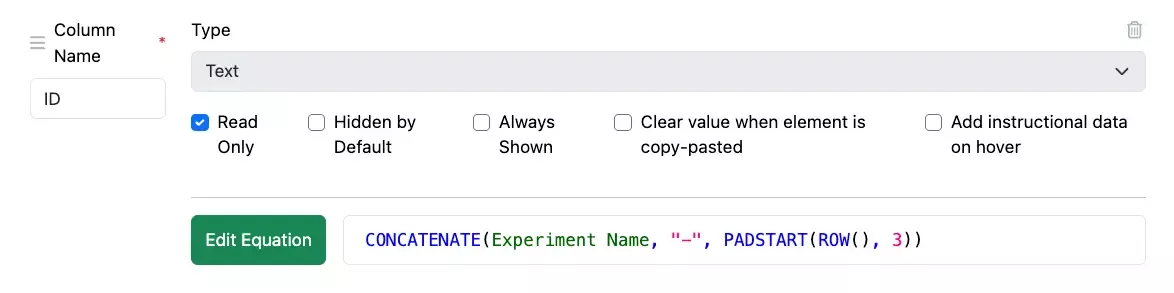
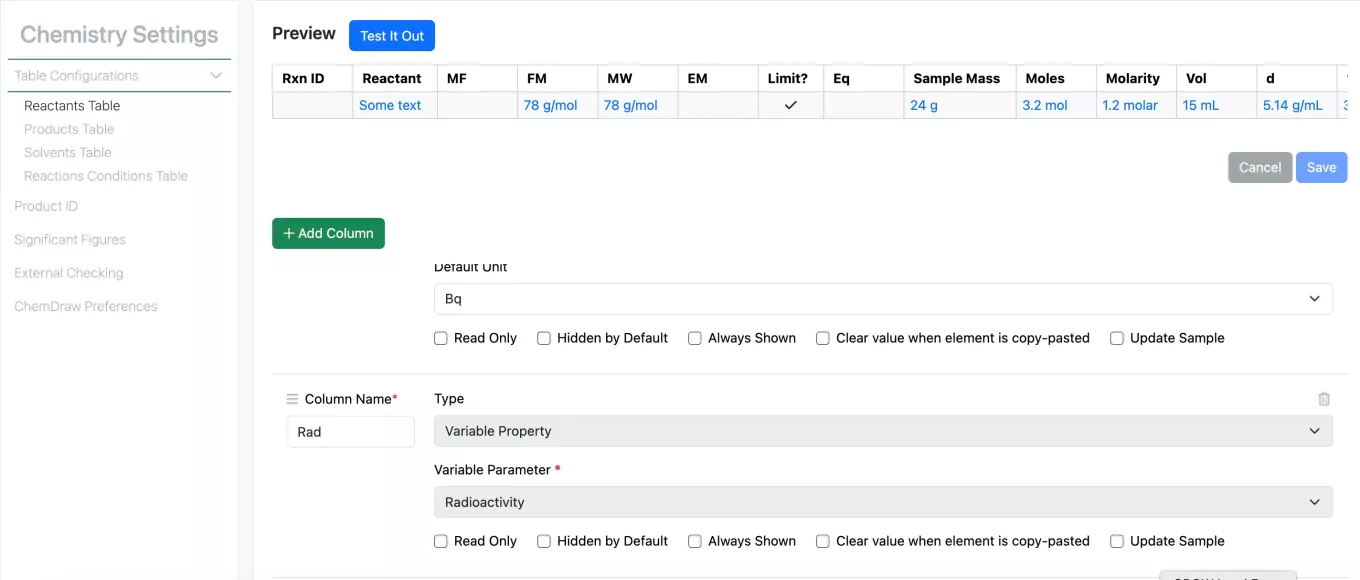
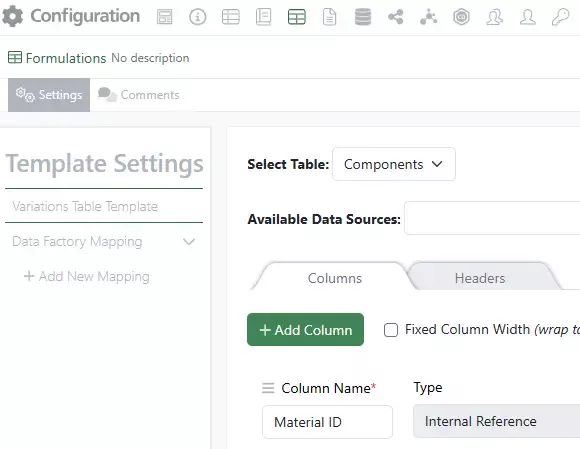
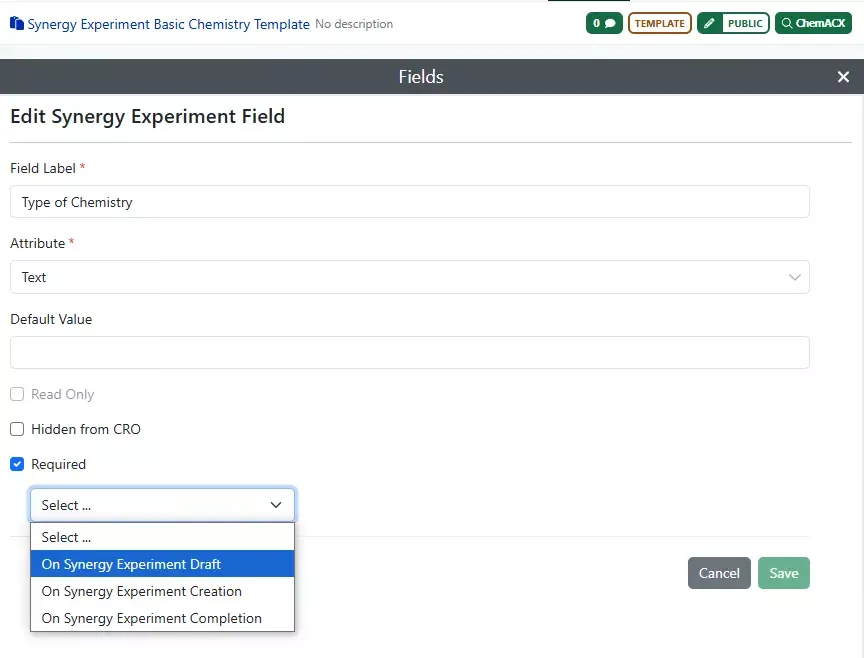
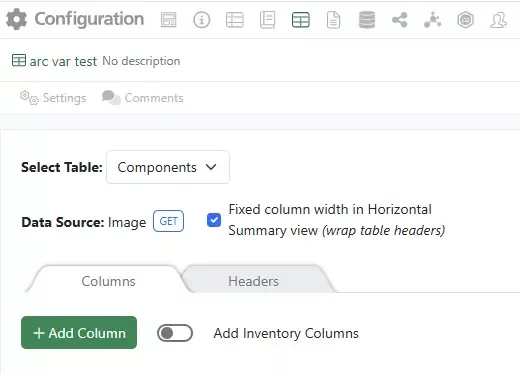
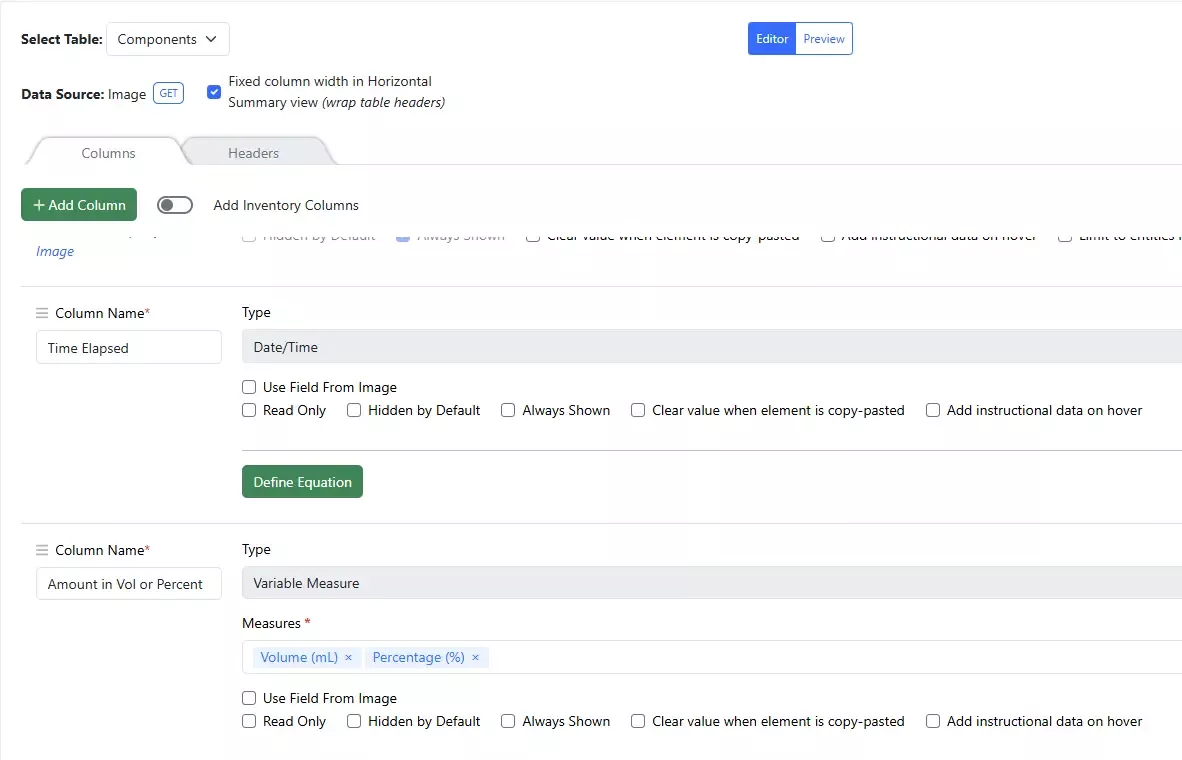
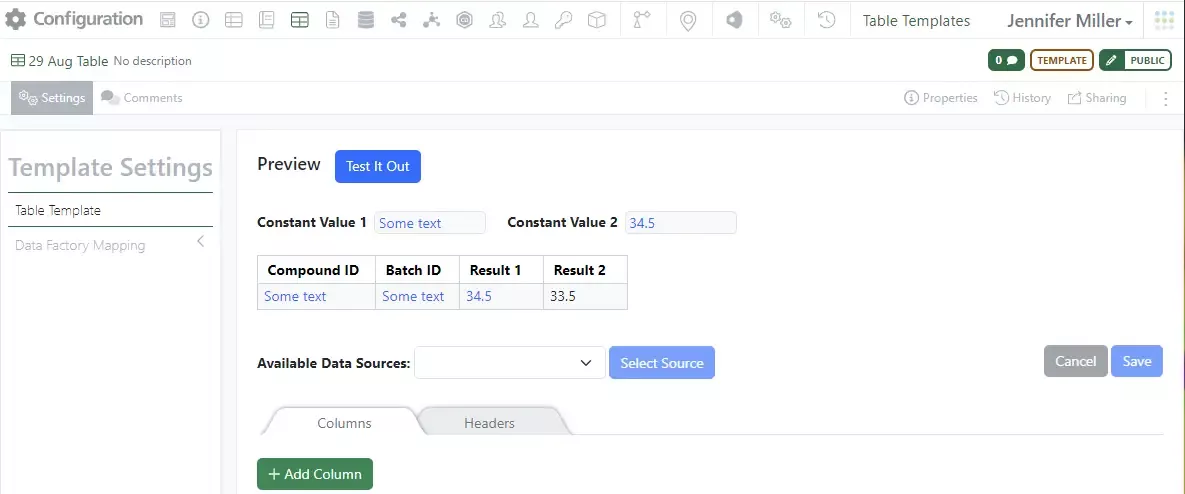
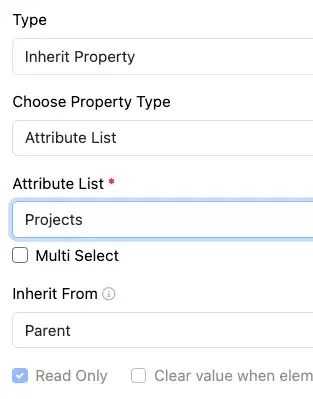
Update to Material selection from experiment to include Name in Variation Table. Administrators will need to add the Material Name field and set it to be of type Variable Property. They will then be able to select the Name for the Variable Parameter and set the Material ID as the Internal Reference Column Name:
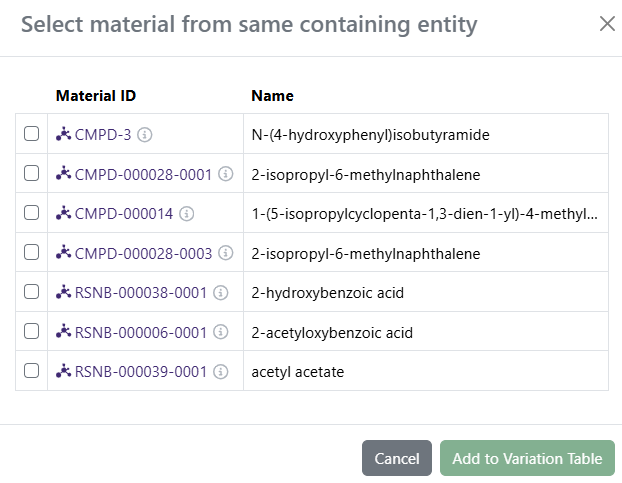
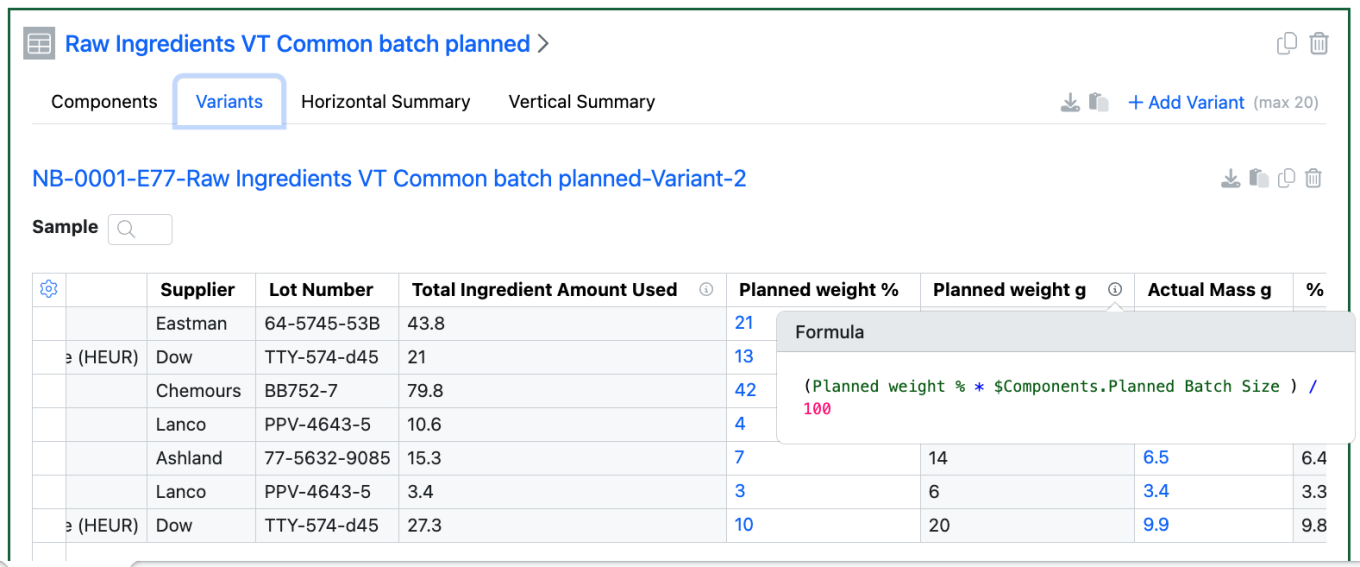
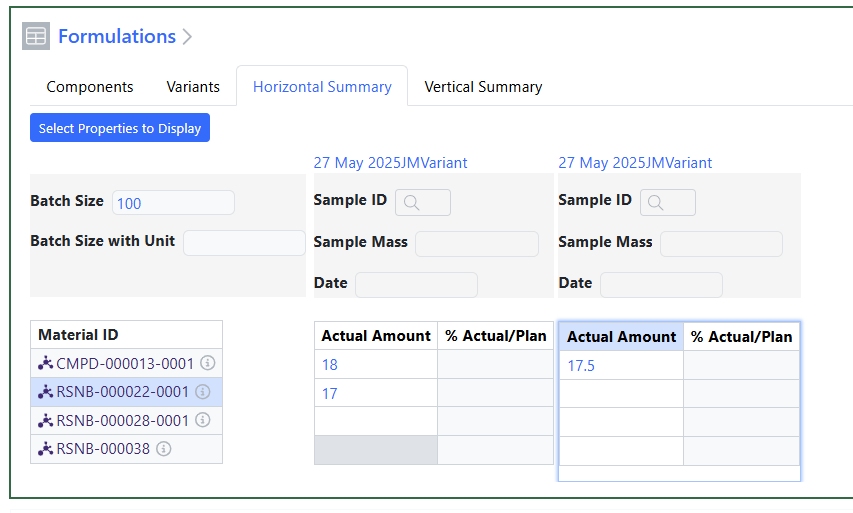
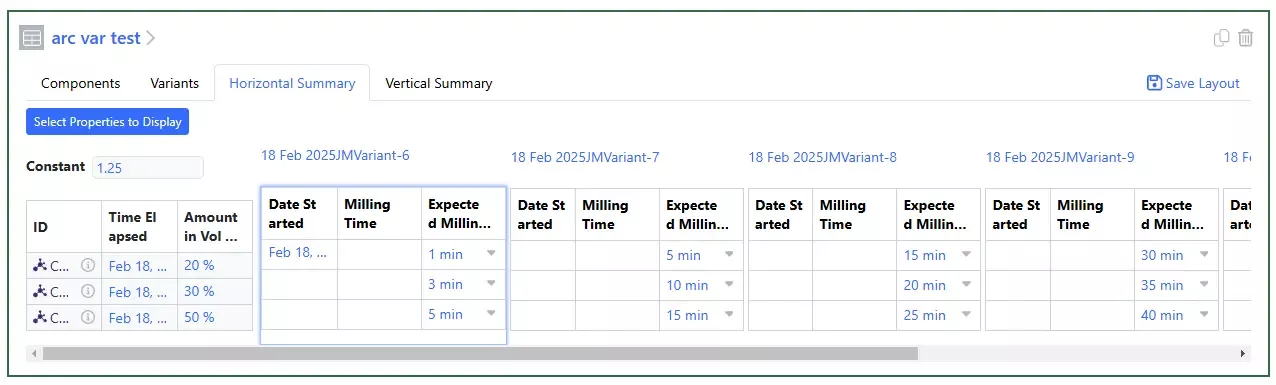
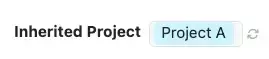
This allows the user when selecting material for the components in the Variation Table, to populate the Name (Chemical or otherwise) at the same time as the Material ID:
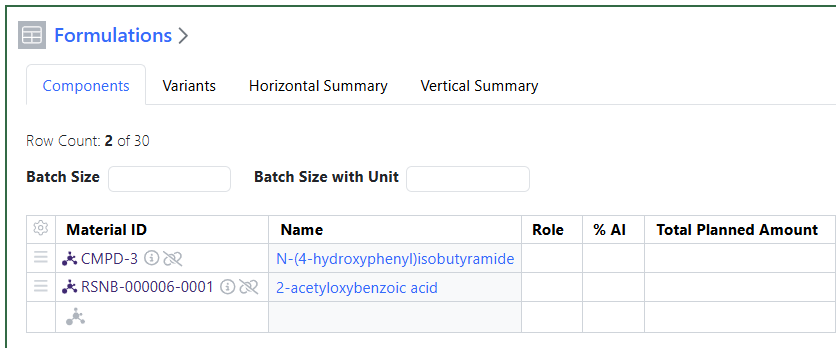
The user will see both columns fill in with data automatically:
Samples
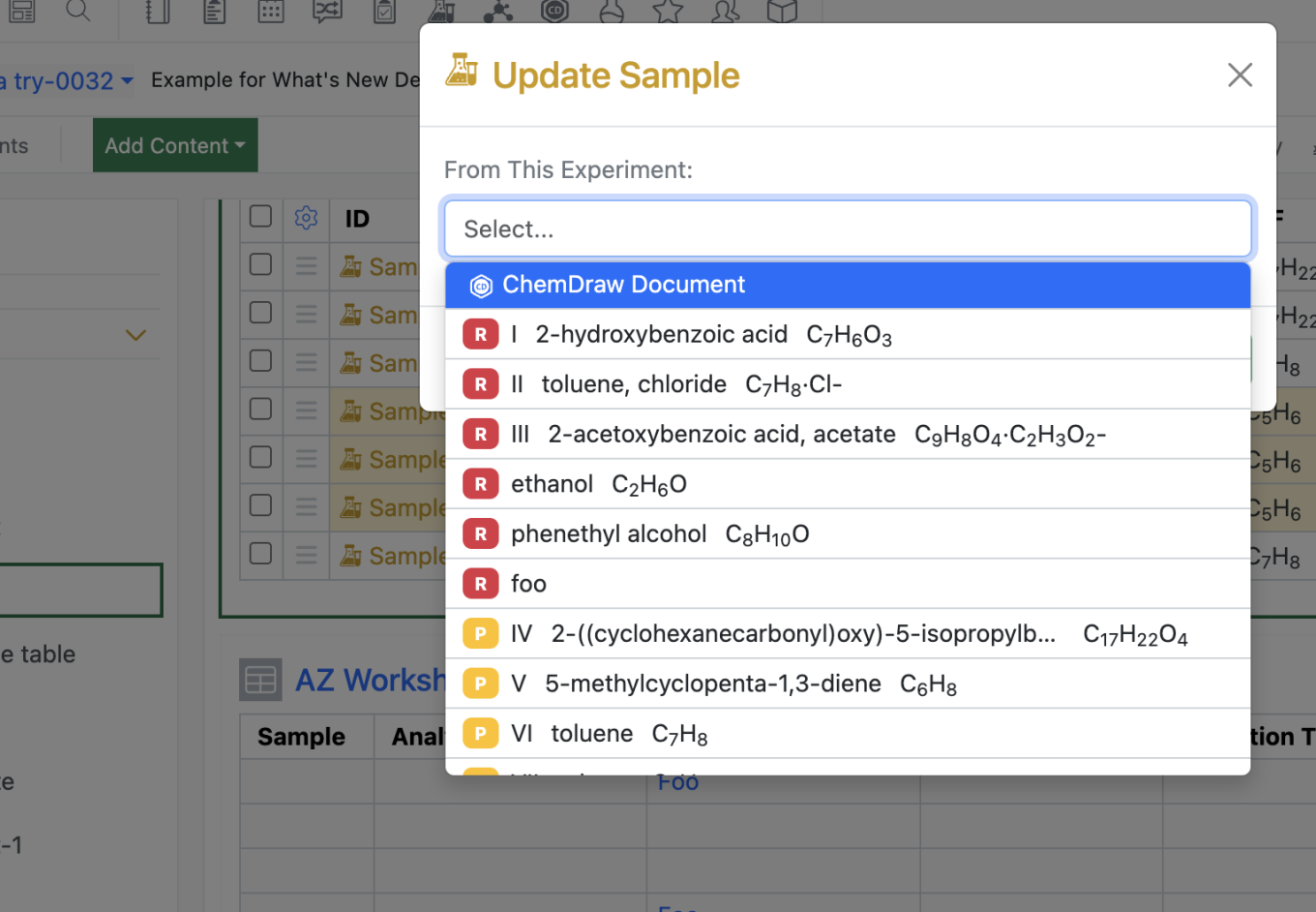
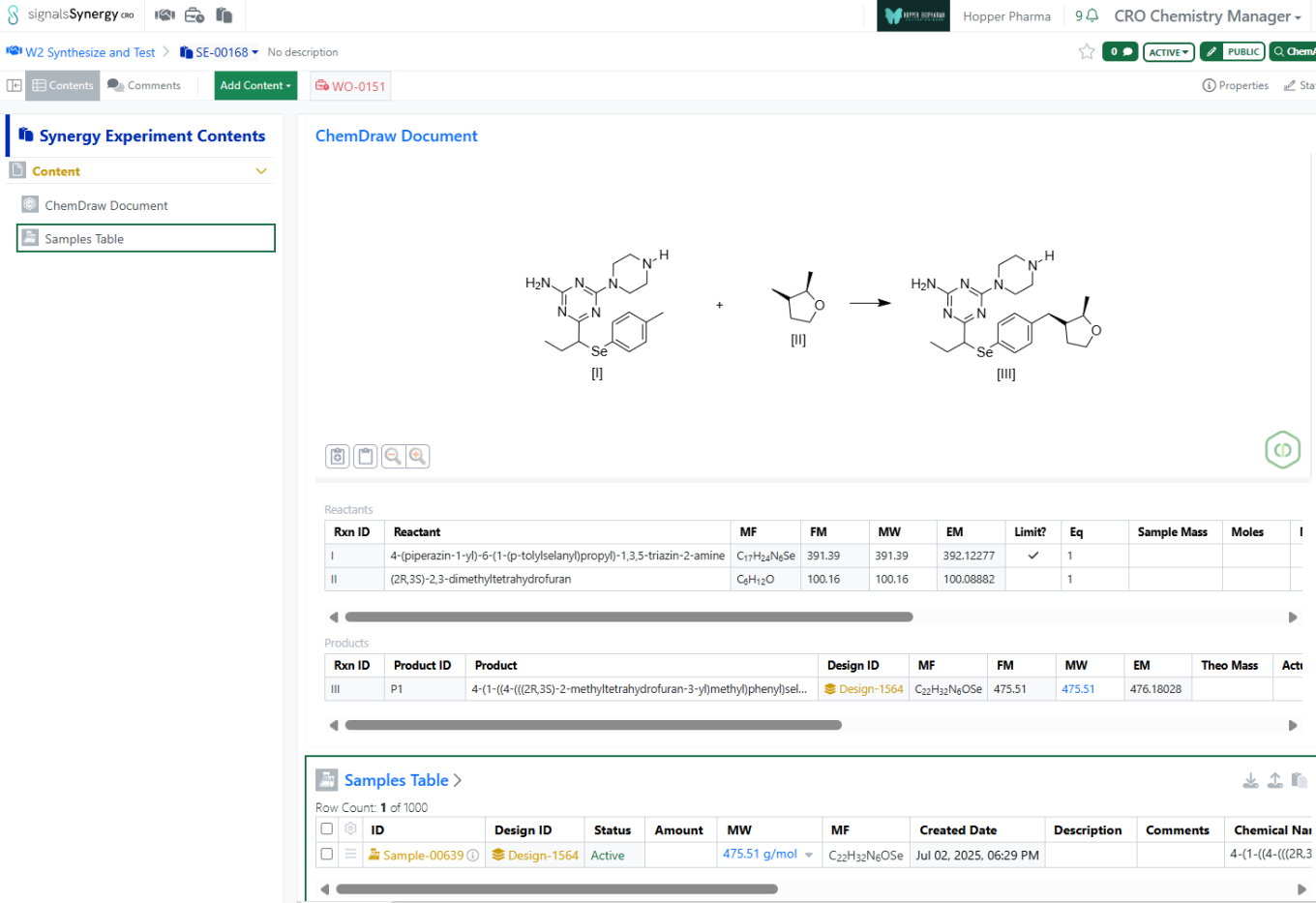
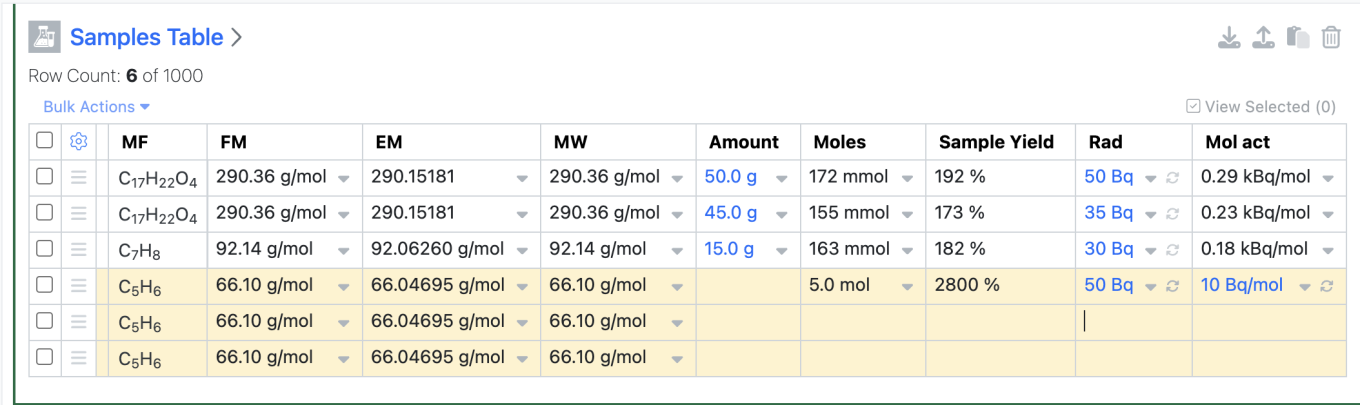
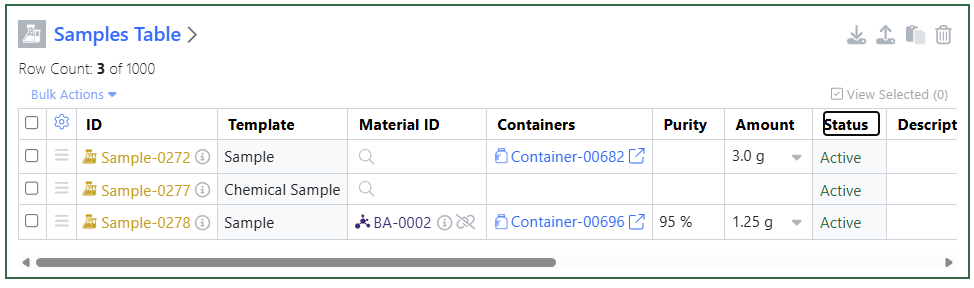
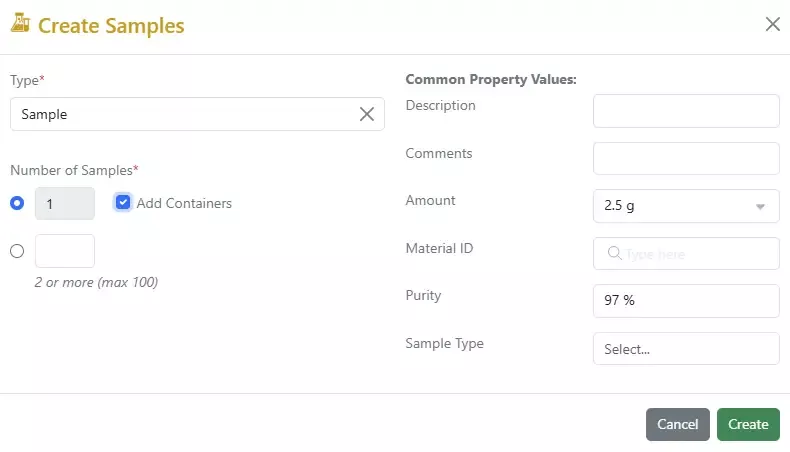
To aid users in selecting the correct structure during the sample update process, we now include the Reaction ID in the sample update modal.
Plates
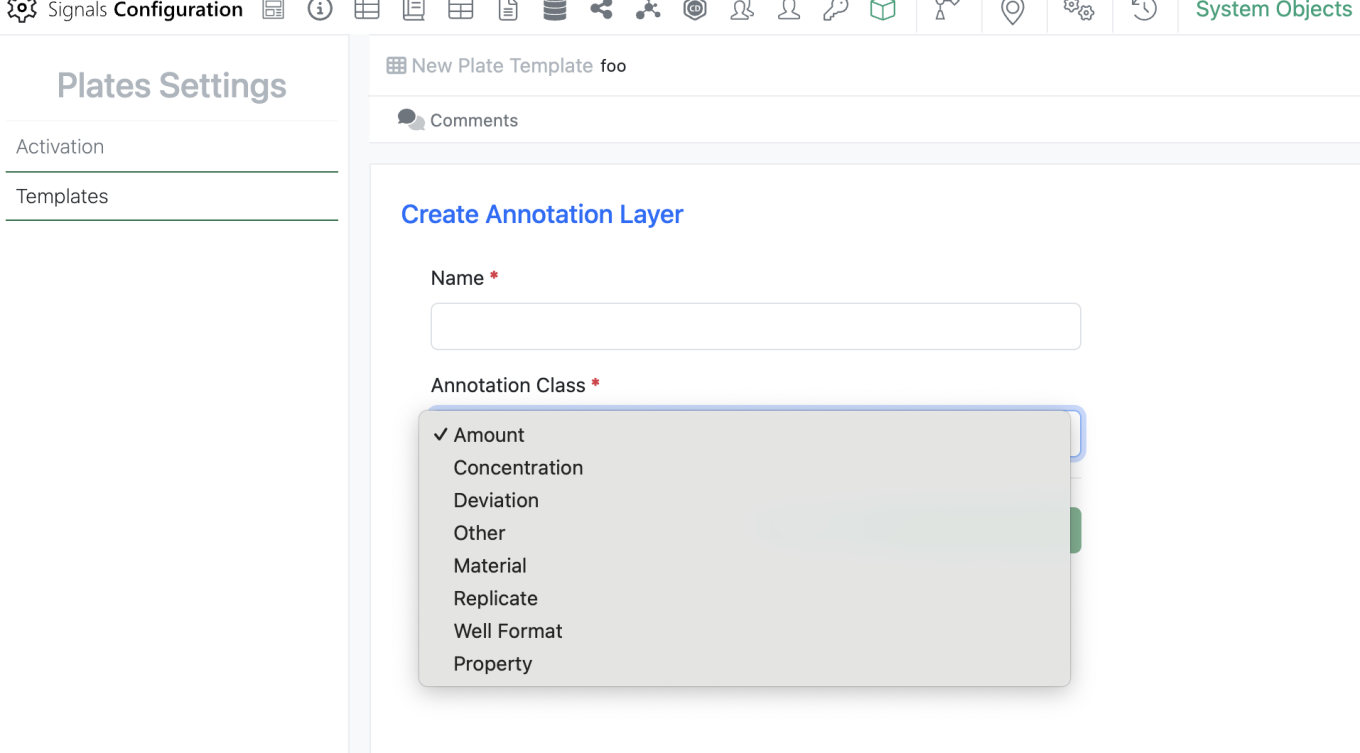
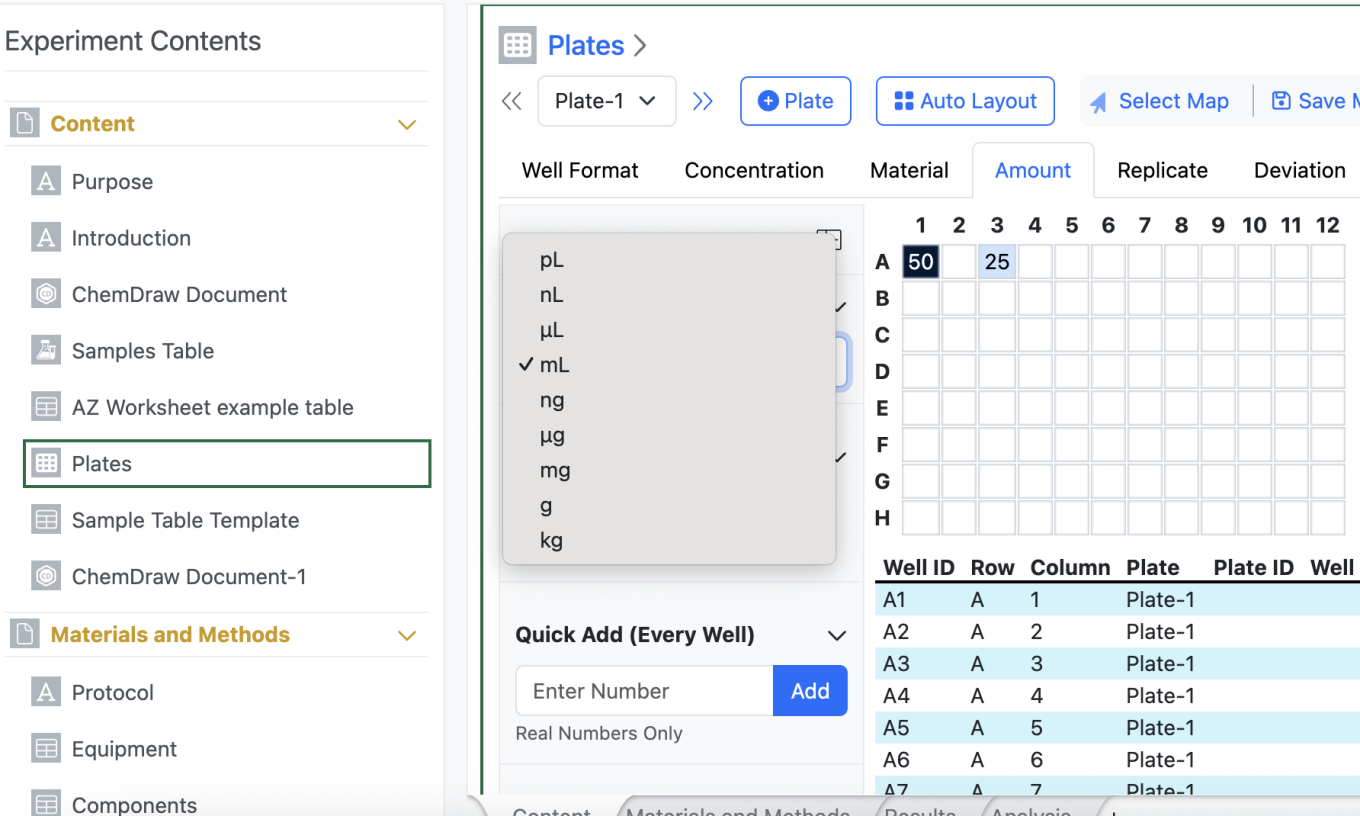
Users can now add a new Annotation layer type, Property. Annotation layers of type Property are collected in a properties tab on the plate and have a single value for every well in the plate.
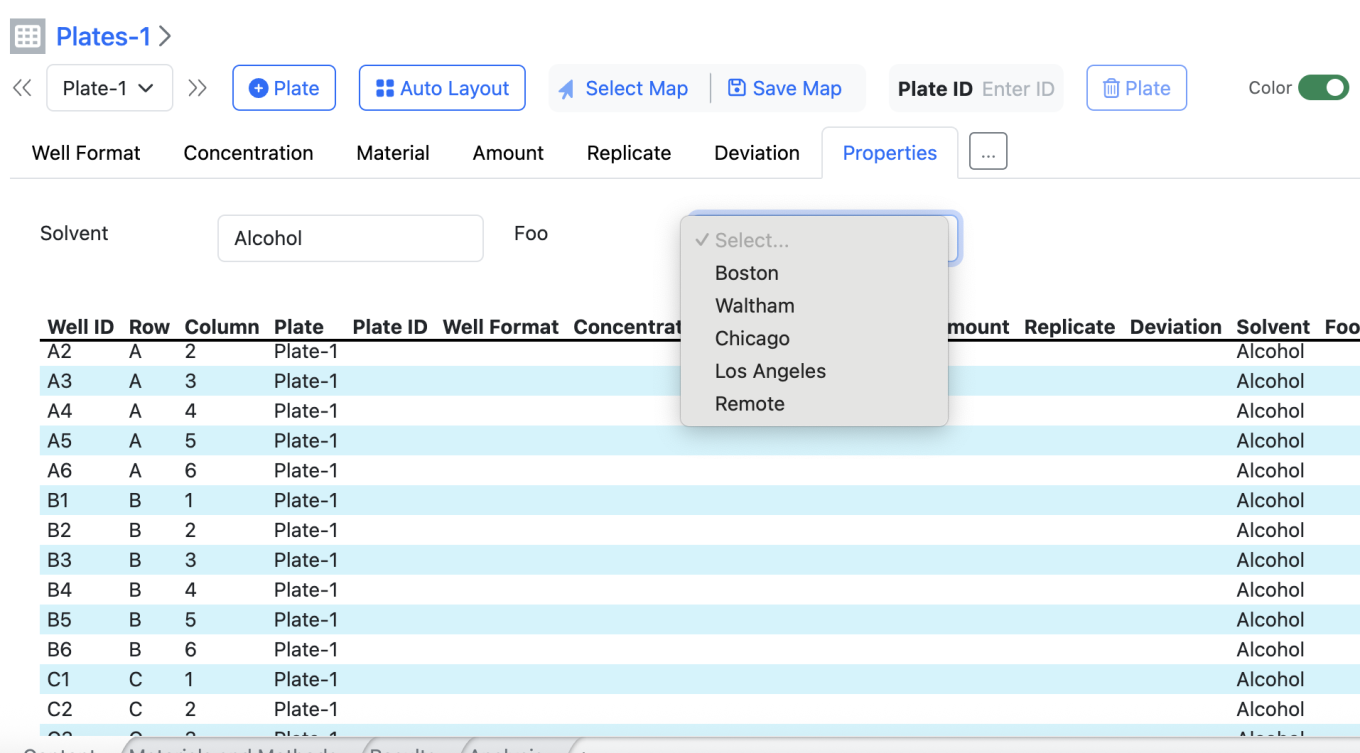
Admins can add Property Annotation layers to plate templates as is currently done with other annotation layers. When end users fill in a value in a property, the value populates for every well in the plate table
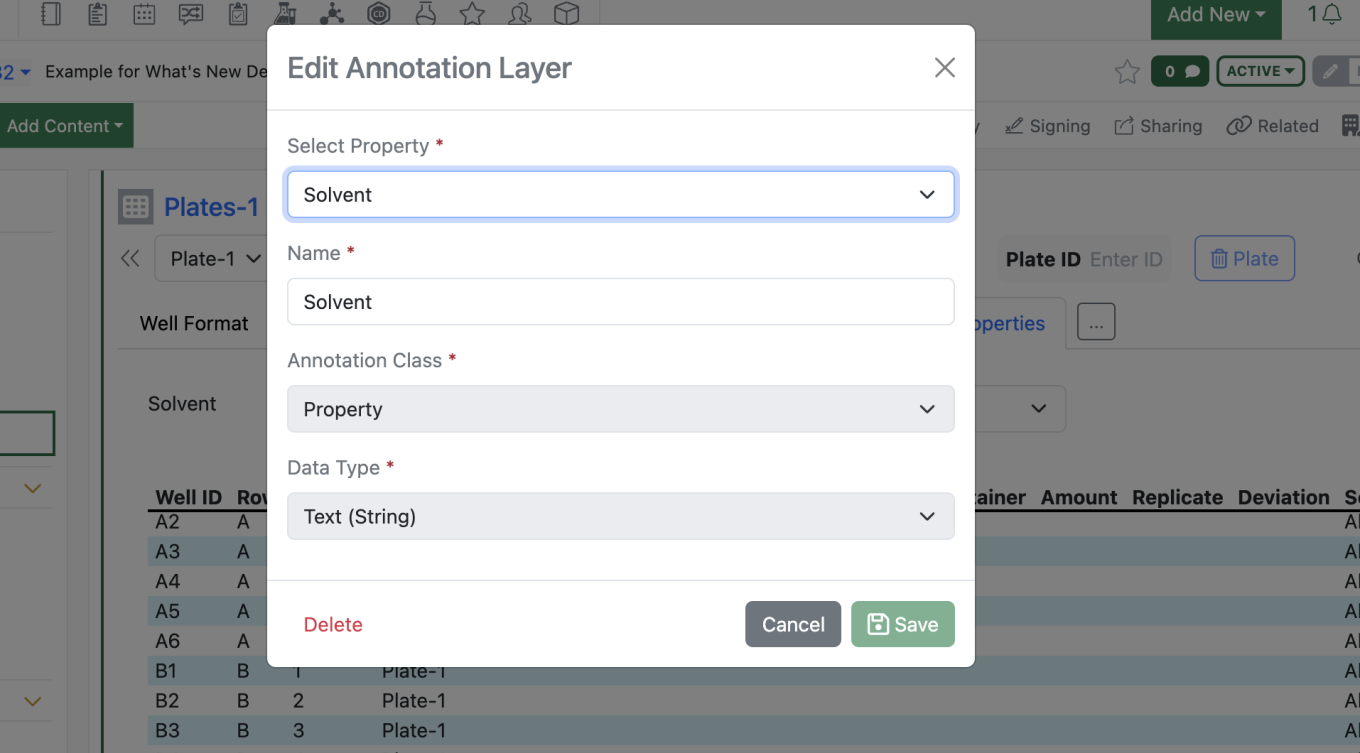
Users can hide or edit the names of the property type annotation layers.
Inventory
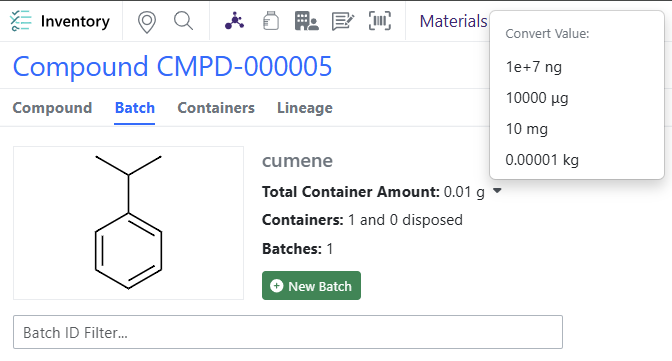
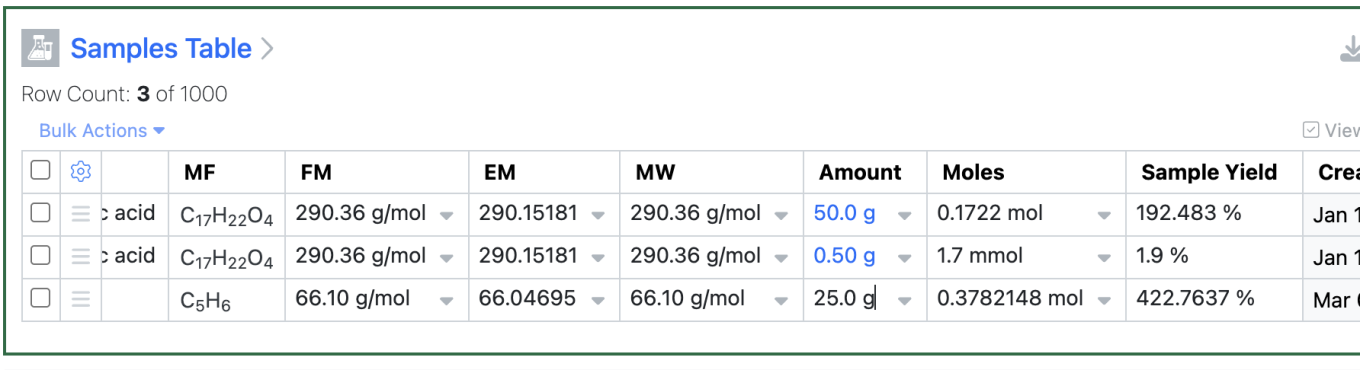
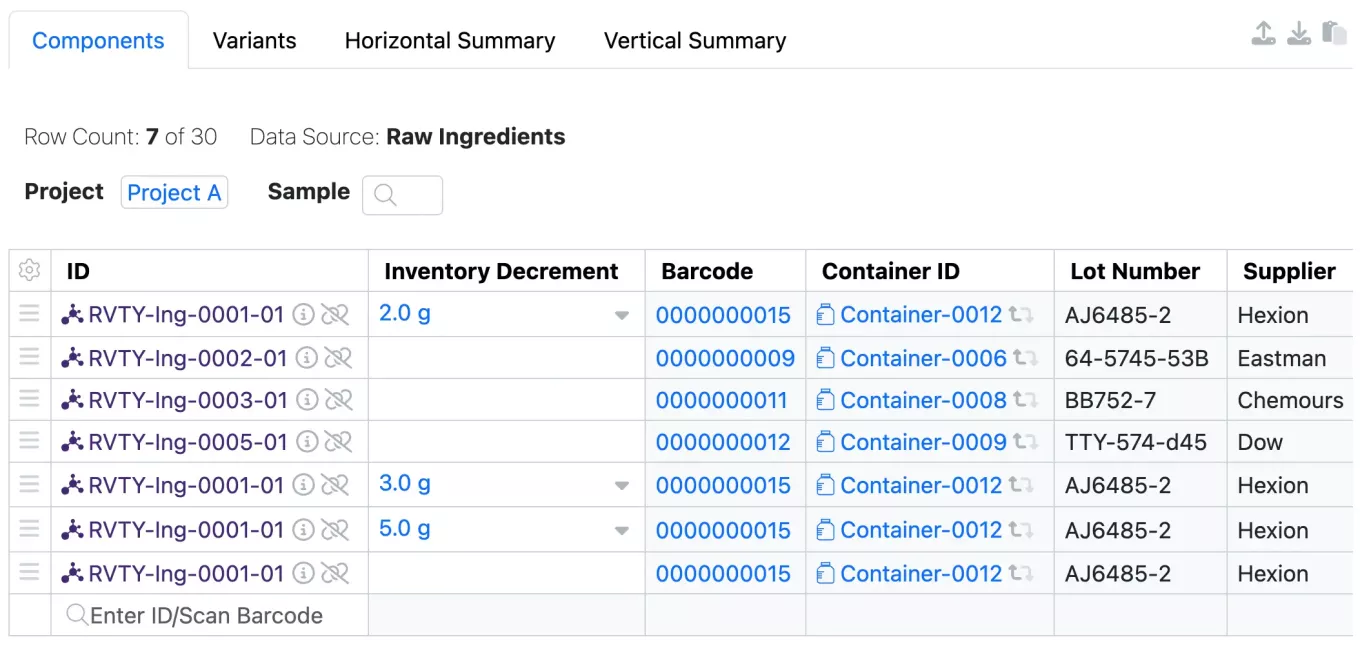
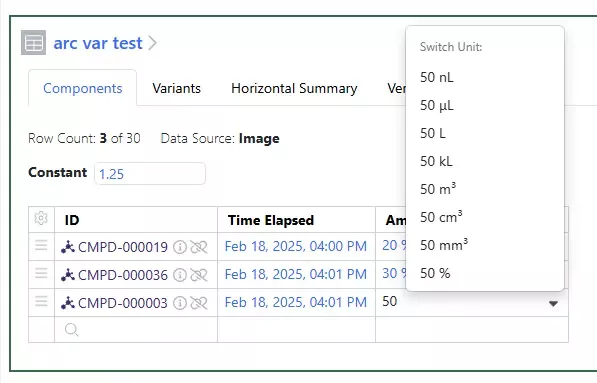
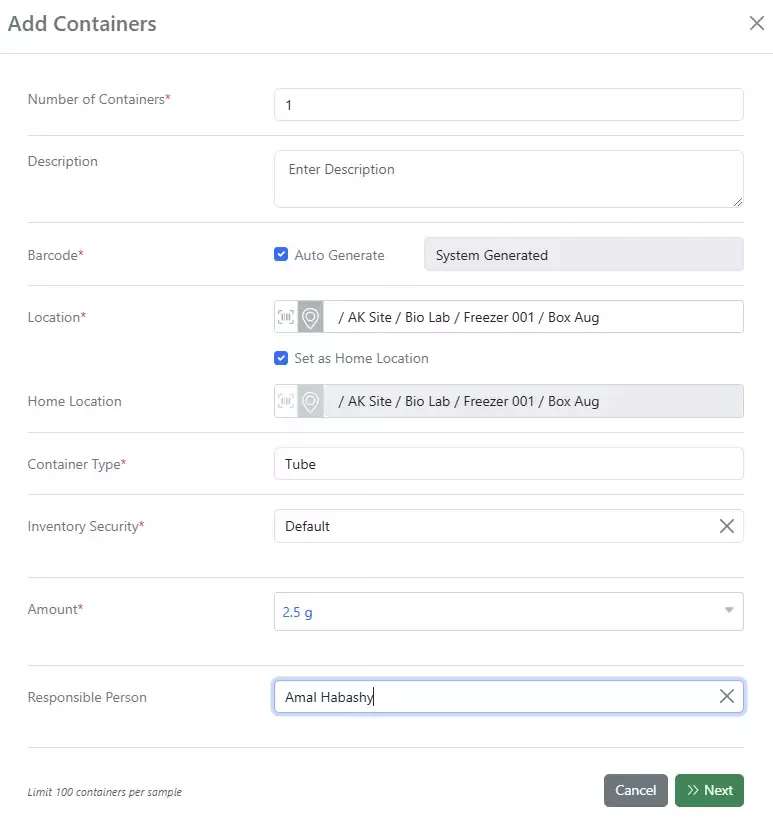
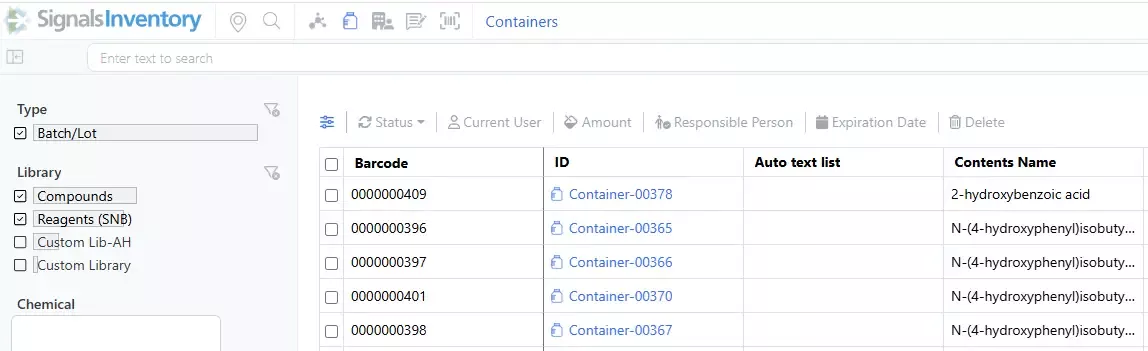
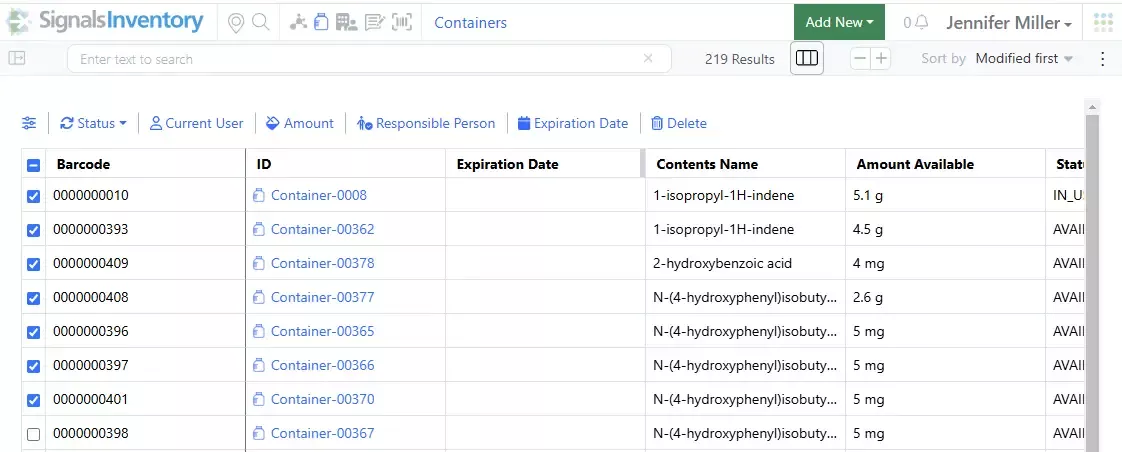
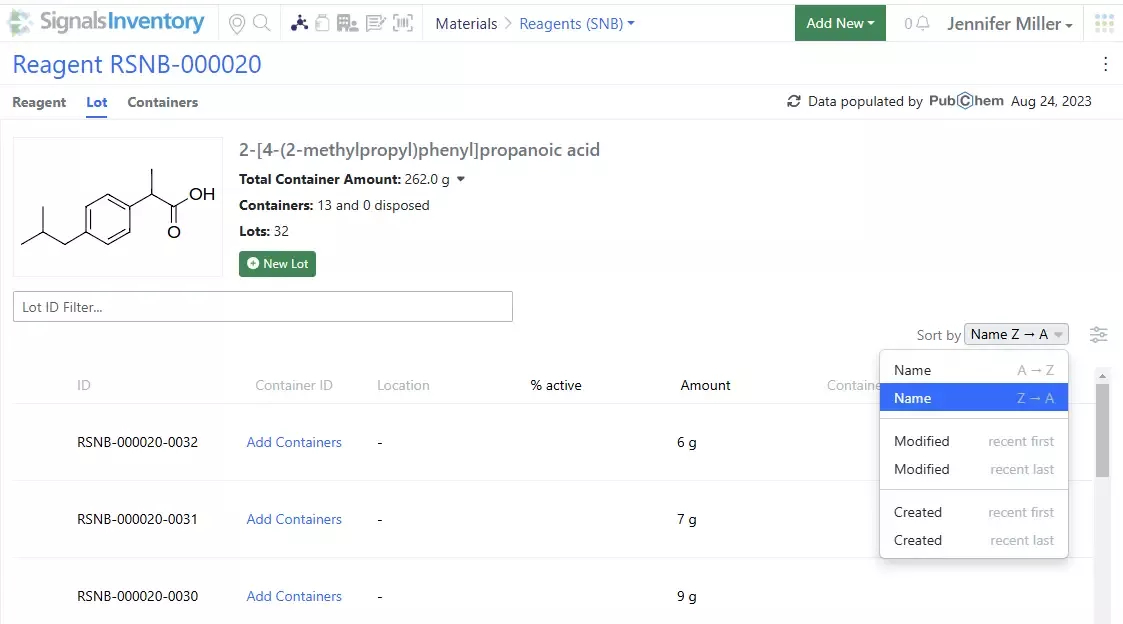
Exponential notation update on Container Amount on Batch/Lots. Scientific notation will appear only after 5 digits (ex: mg in the screenshot)
Materials
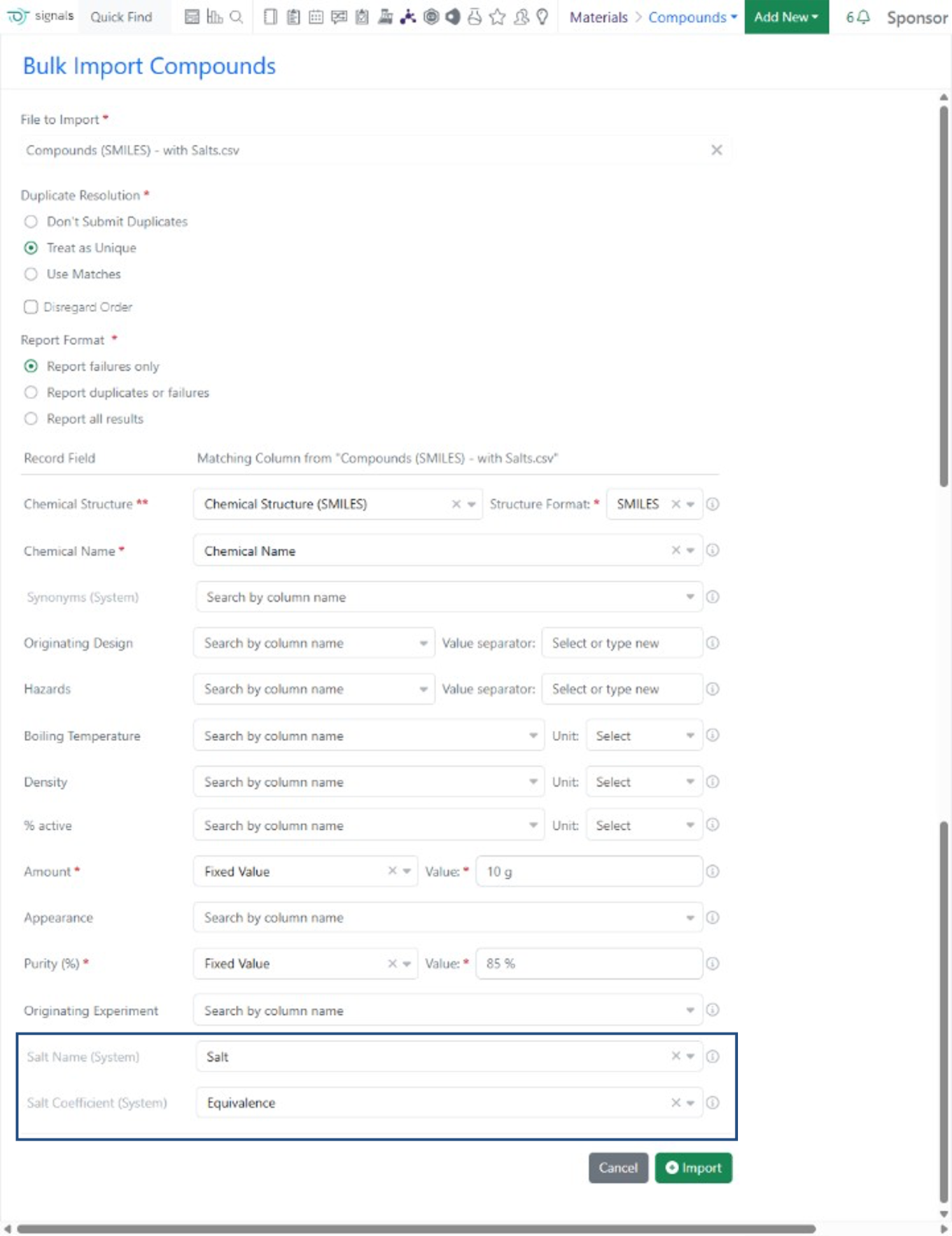
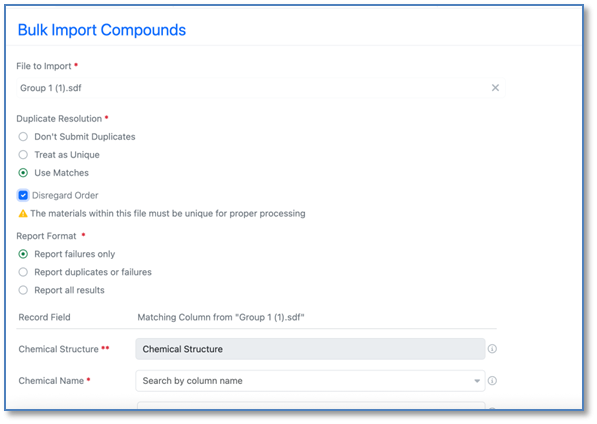
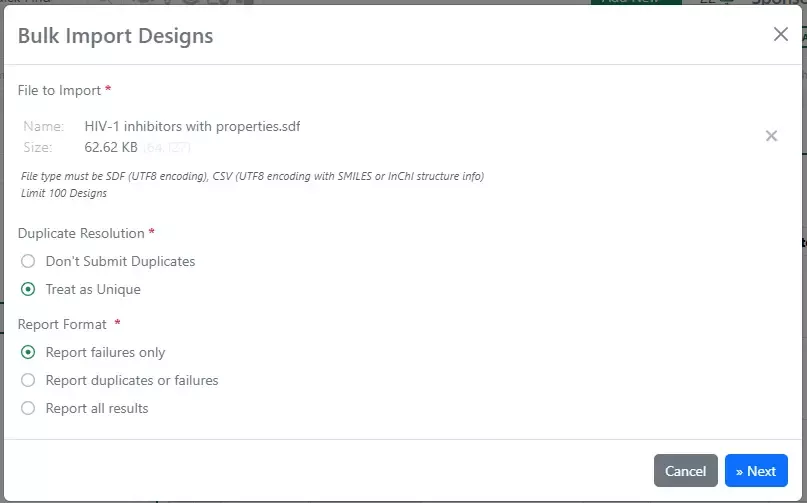
For Materials libraries of type Compounds, Salts can now be included during Bulk Import. Salt Name and Coefficient can be matched to columns in an SD or CSV file. The Salt Name must match an existing system salt (Signals Configuration > System Settings > Salts and Solvates) and only one salt per compound batch is supported.
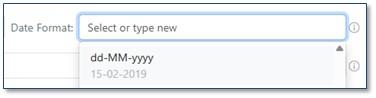
The ‘dd-MM-yyyy’ format (e.g. ’15-02-2019’) is now available as a Date Format option during bulk importing of materials.
Integrations & APIs
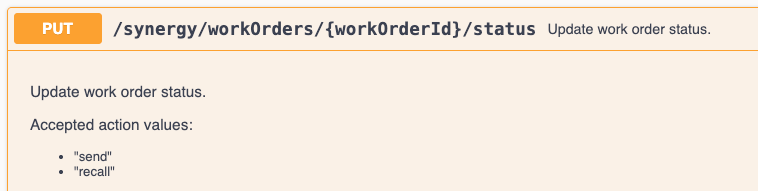
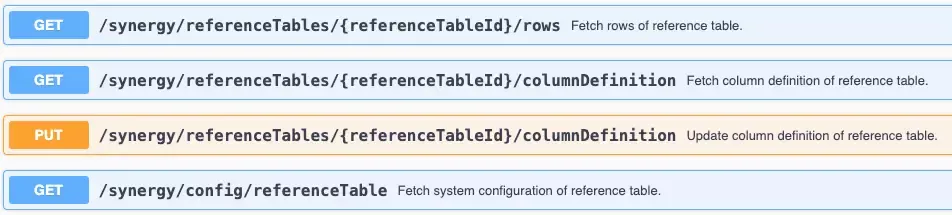
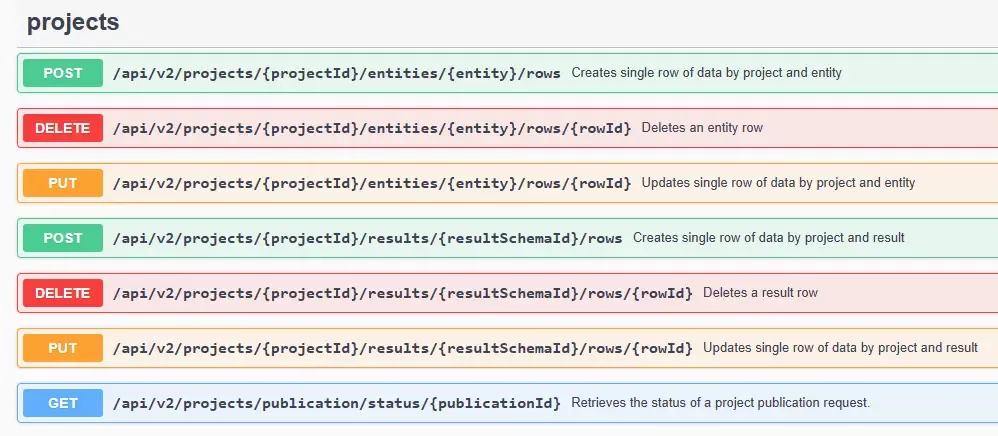
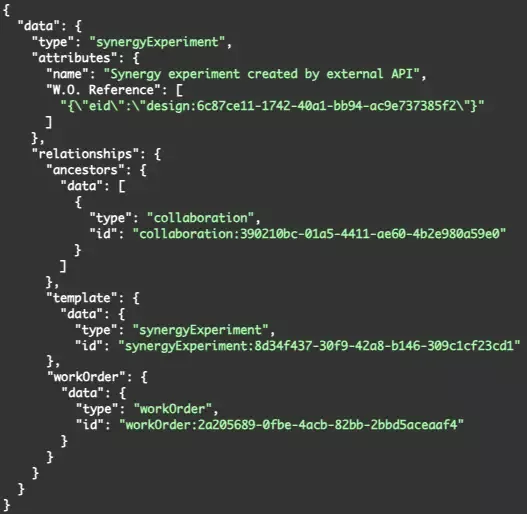
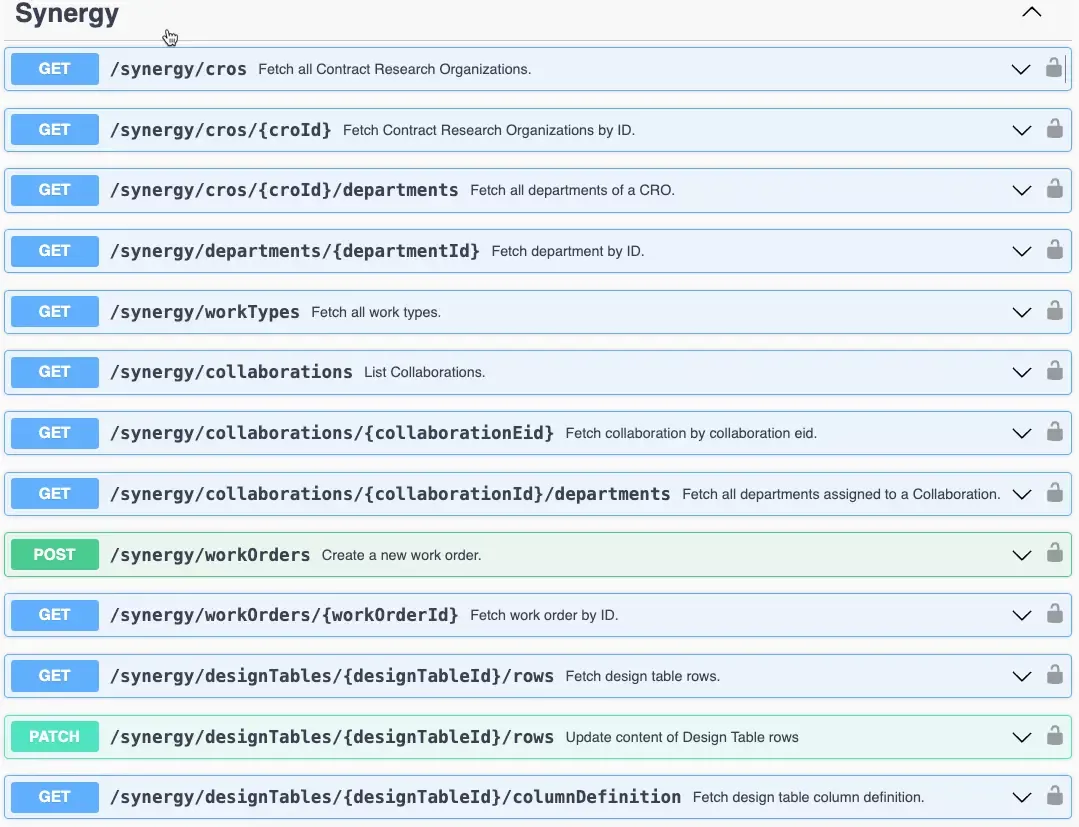
We have updated our Synergy API to support recalling of Work Orders.
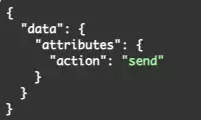
PUT /synergy/workOrders/{workOrderId}/status now supports the “recall” action. A Work Order must be in the To-Do state for this action to succeed.
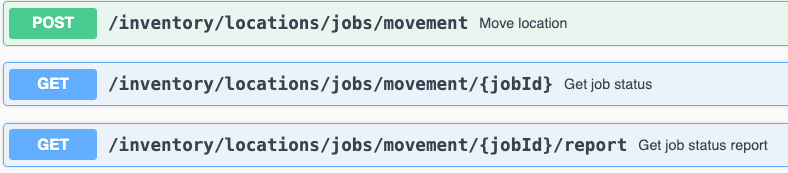
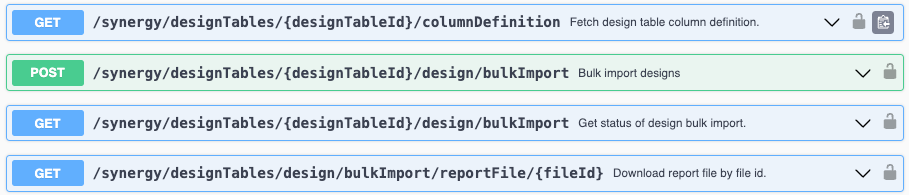
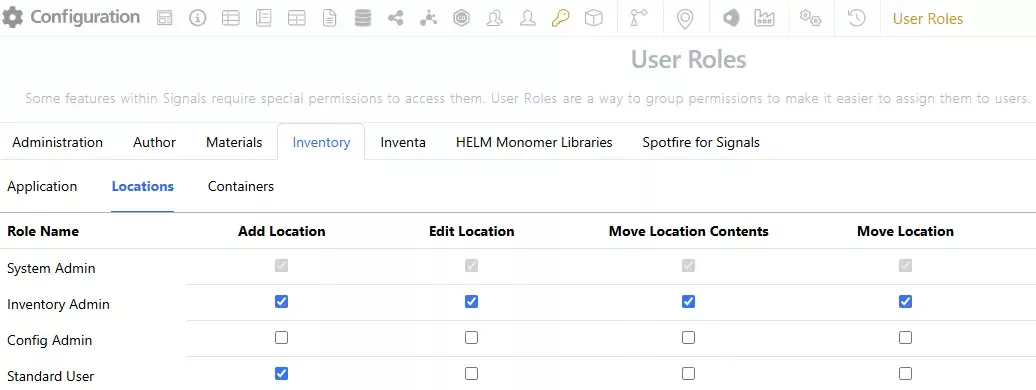
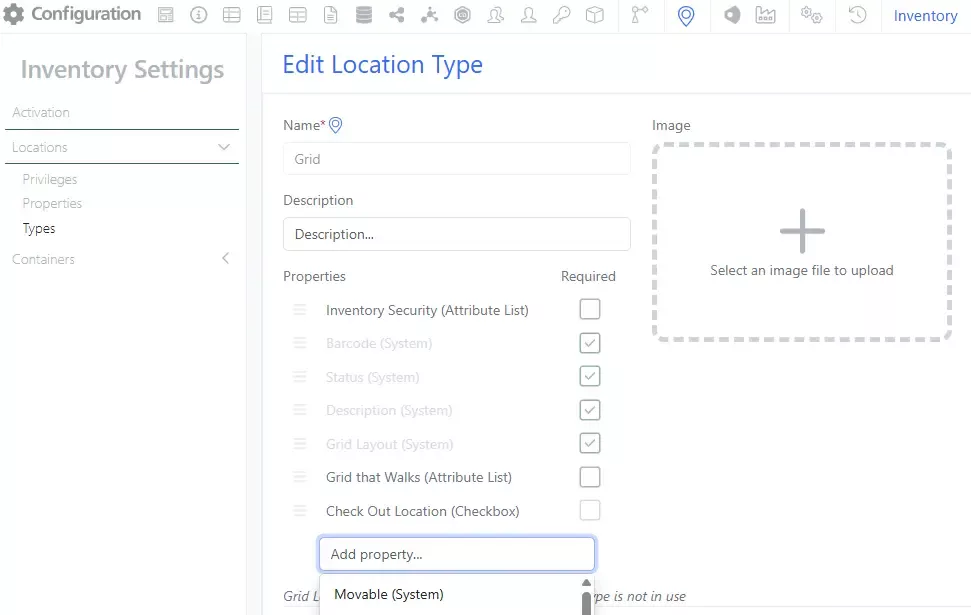
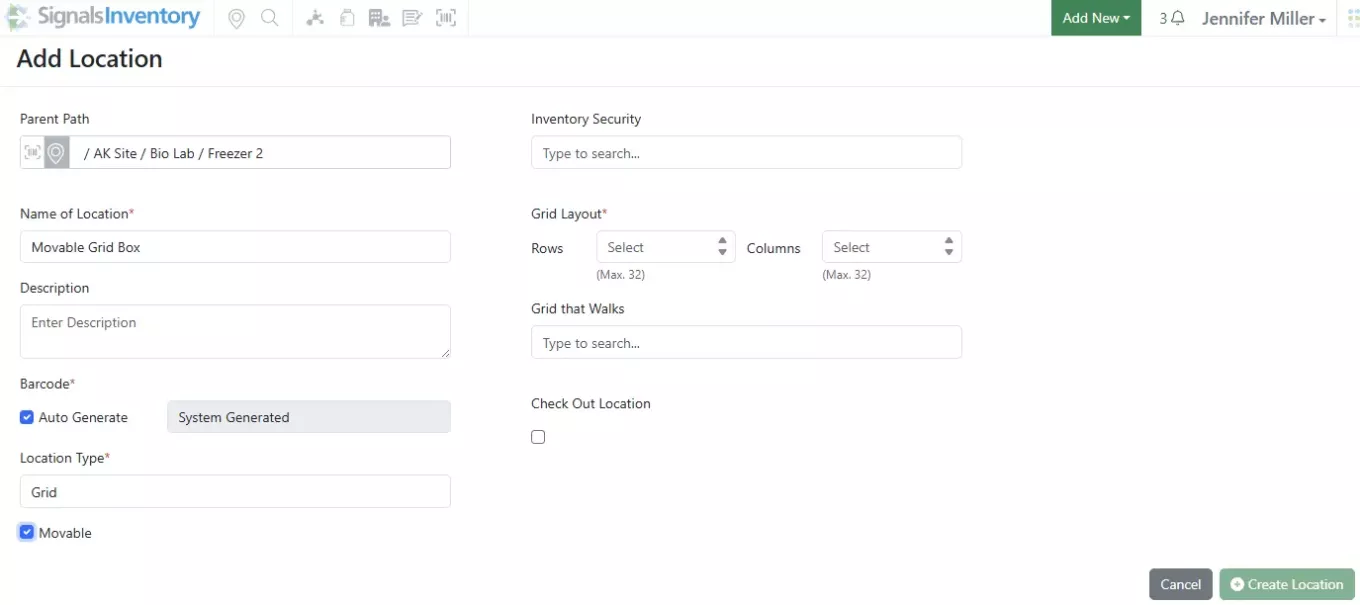
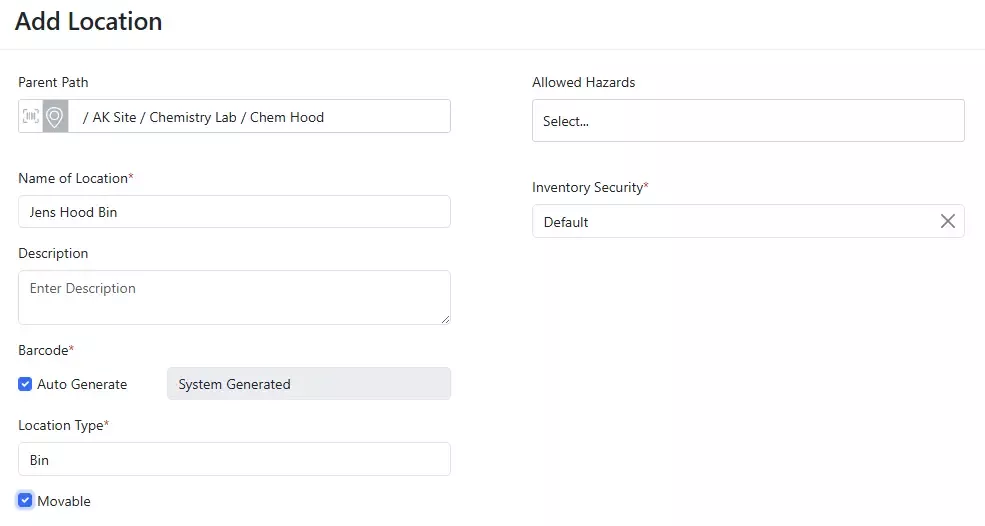
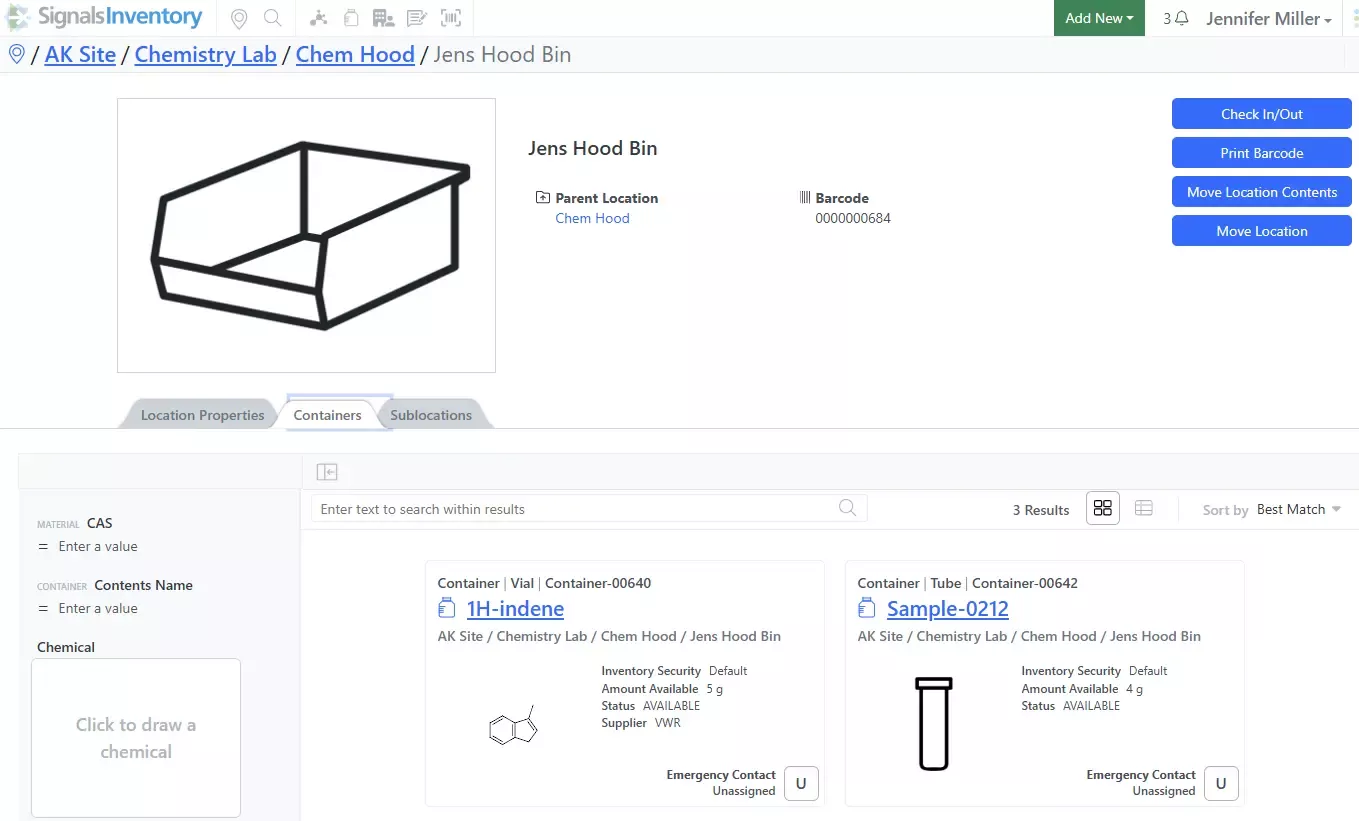
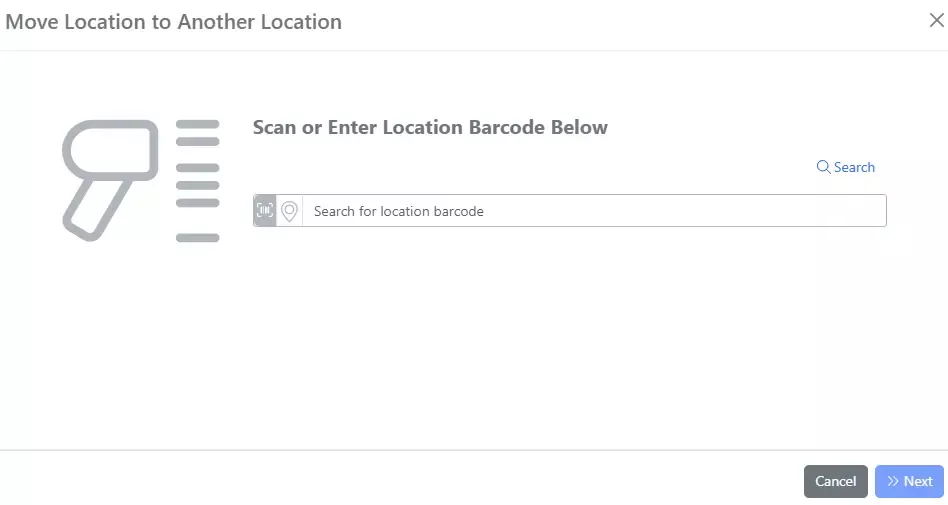
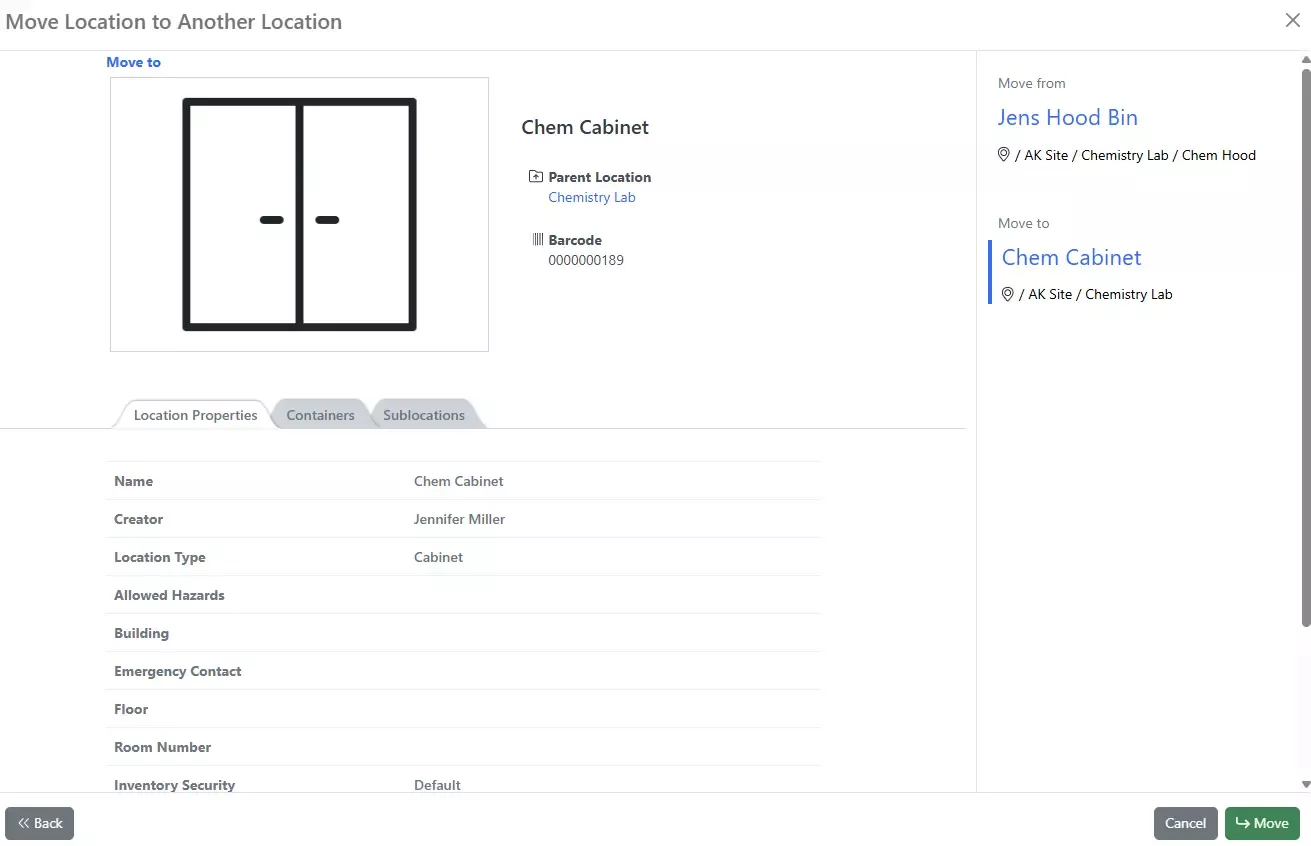
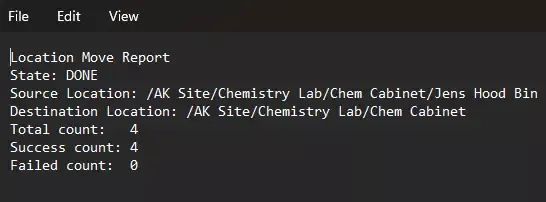
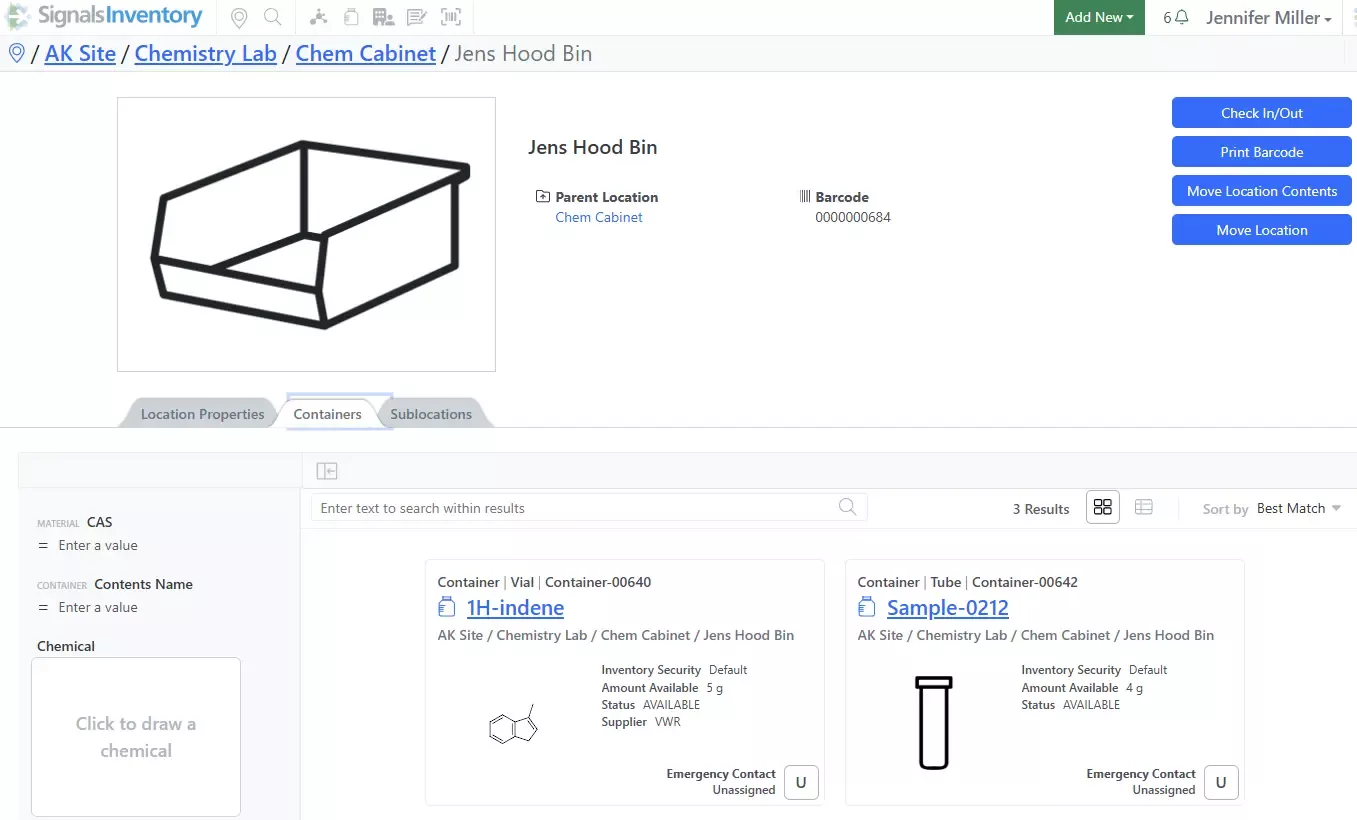
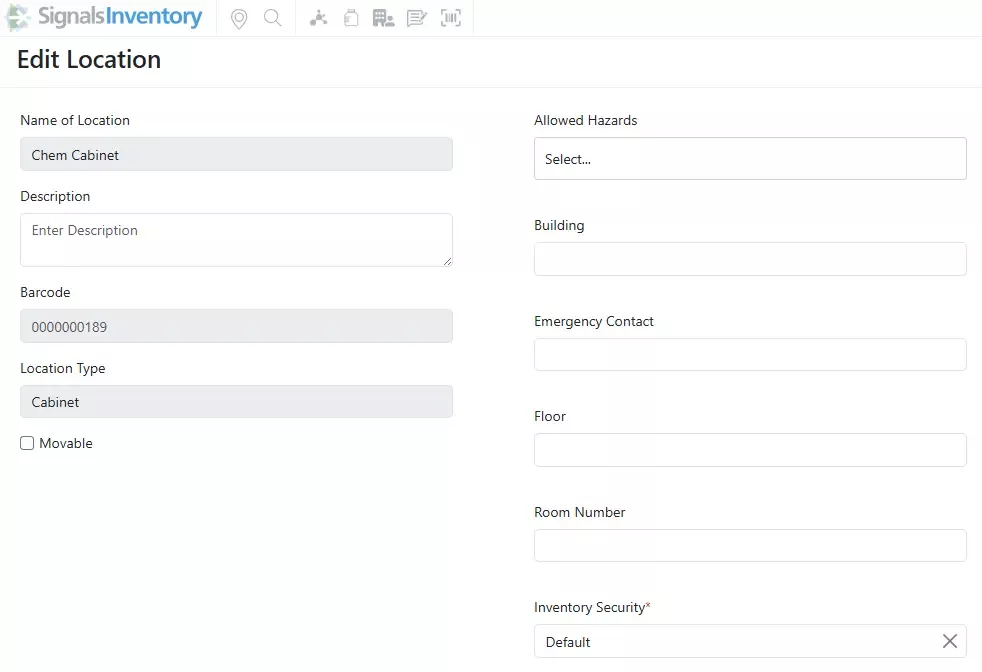
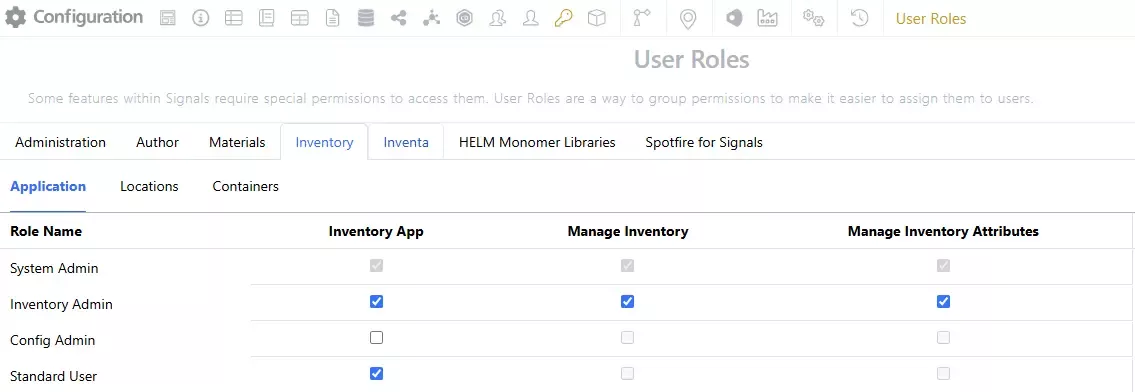
We have added new APIs to move a sub-location to a new parent location. This is an asynchronous API that follows our standard pattern of Begin Move Job, Check Status of Move and Download Report of Move. Only location that include the “movable” system property and have it enabled will be able to move to new parent locations.

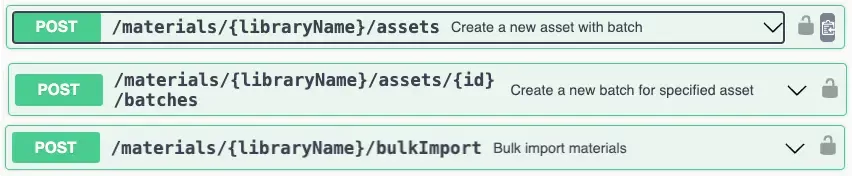
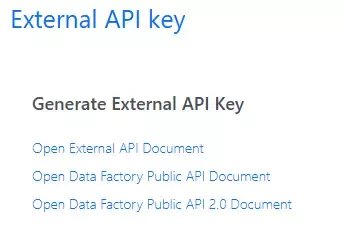
We have also added a new API to register a new material from a material table. The table must be configured to allow for material registration in System Configuration. The row being registered as a new material must have all required data for the material to successfully register.
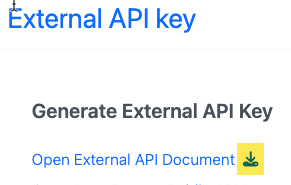
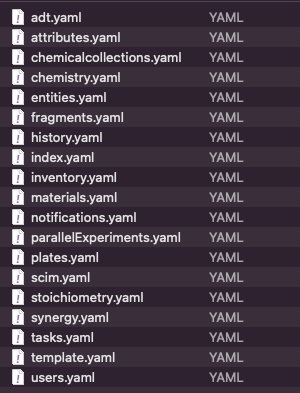
We have also added a method to download all the YAML files which back our Notebook Swagger page via Signals Configuration. This is to make it convenient to access these files for usage with SDK generation tools. They were tested with OpenAPI Generator.
Further Details
The following capabilities are in beta and are available for users, administrators and developers on the Signals platform upon request. Please contact your account representative or our support team if you would like access to the following features.
AI
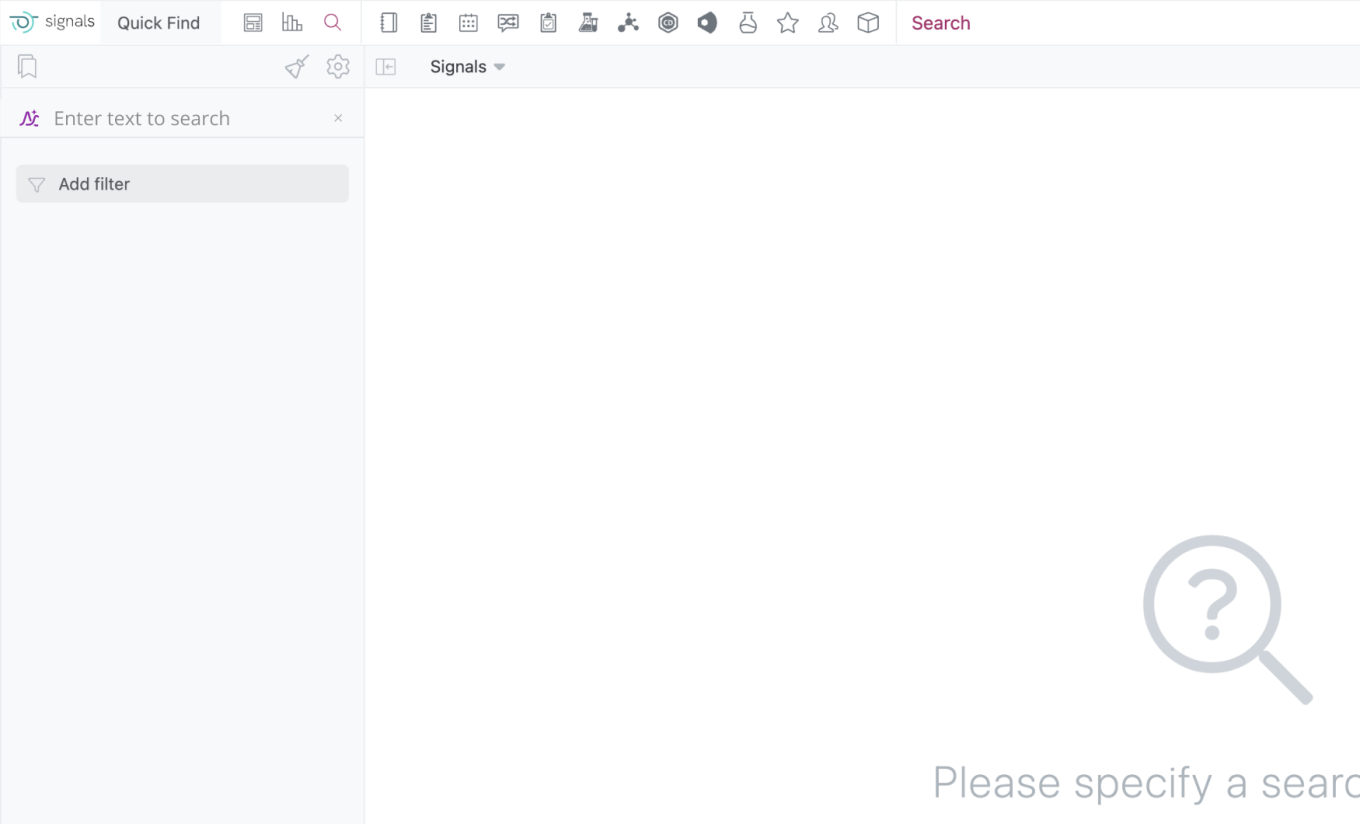
Users with a Signals One license will now have access to the new Semantic Search. Semantic search is an AI-powered method of searching that focuses on understanding the meaning and context of a user's query, rather than just matching keywords. It leverages Natural Language Processing (NLP) and Machine Learning (ML) to interpret the user's intent and deliver more relevant search results.
To enable Semantic Search users just need to click the Sematic Search icon to enable semantic search.
Data Workflows & Analytics
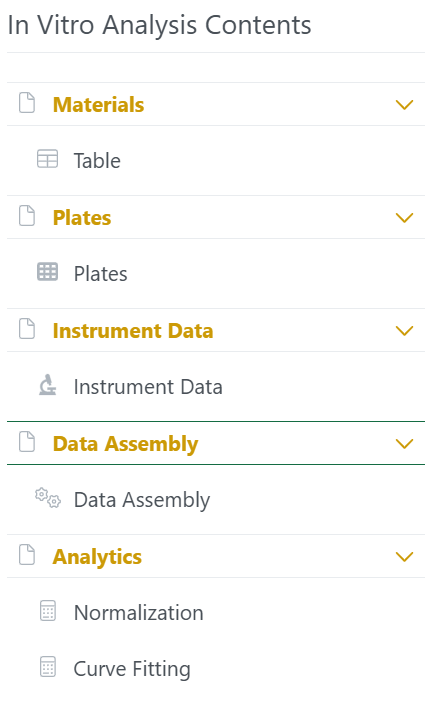
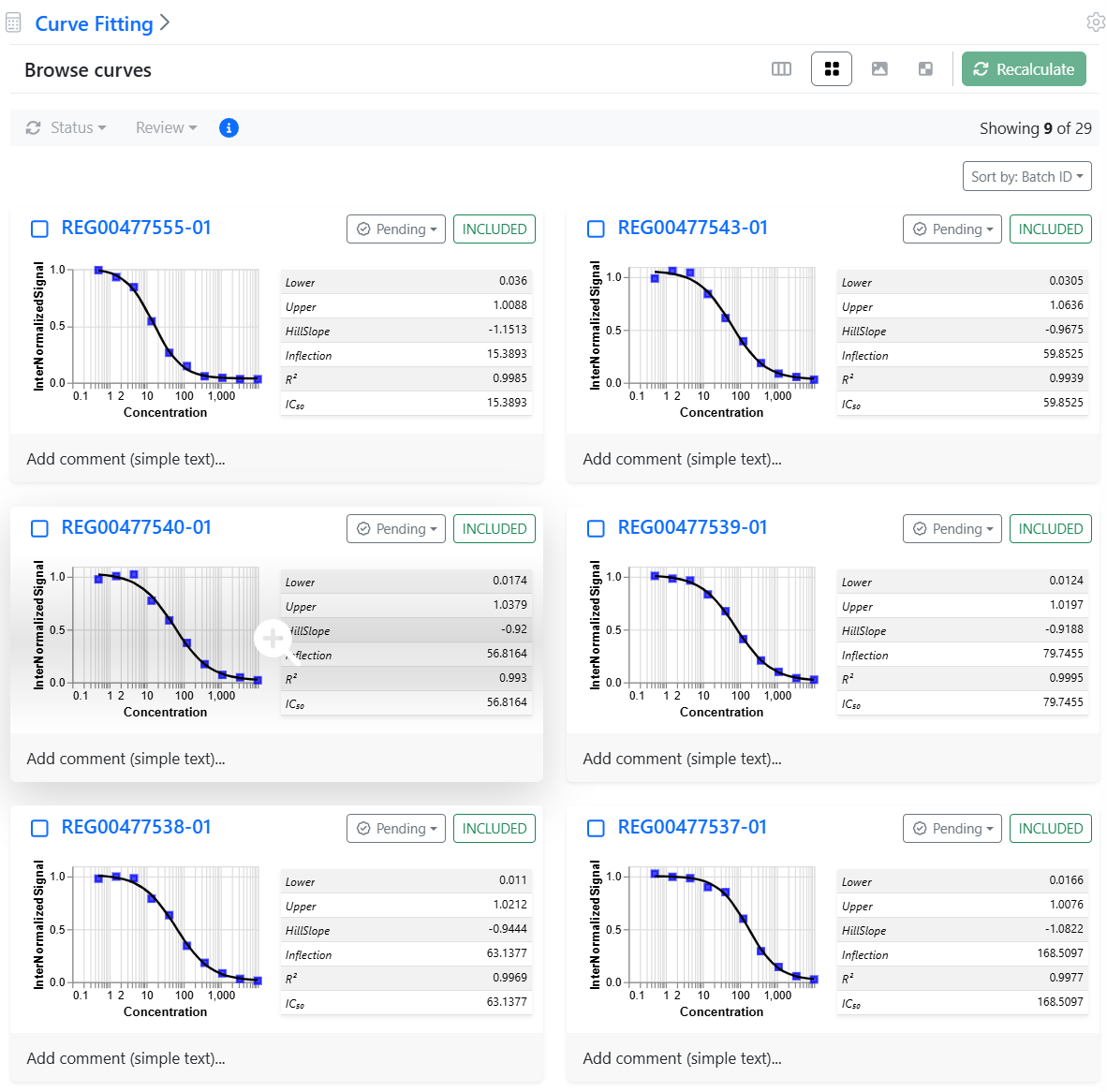
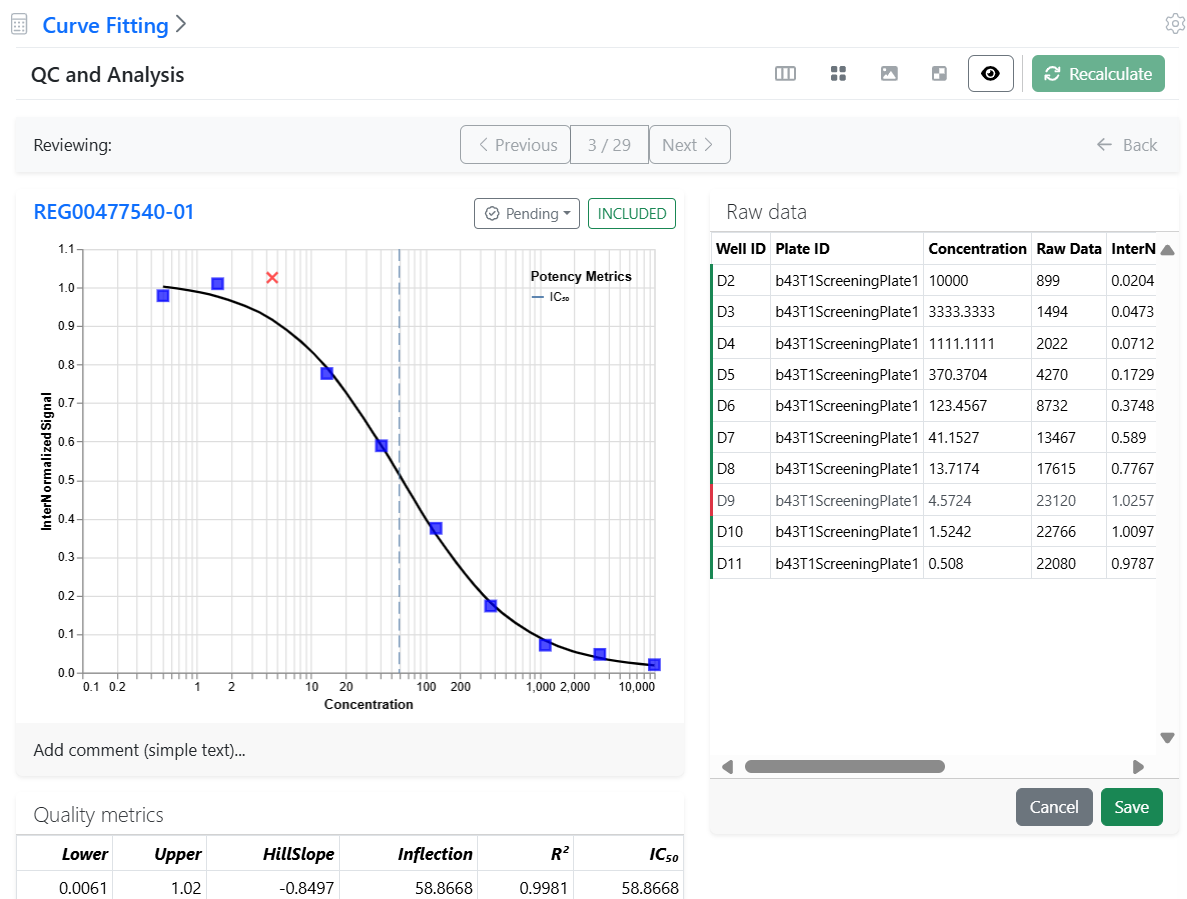
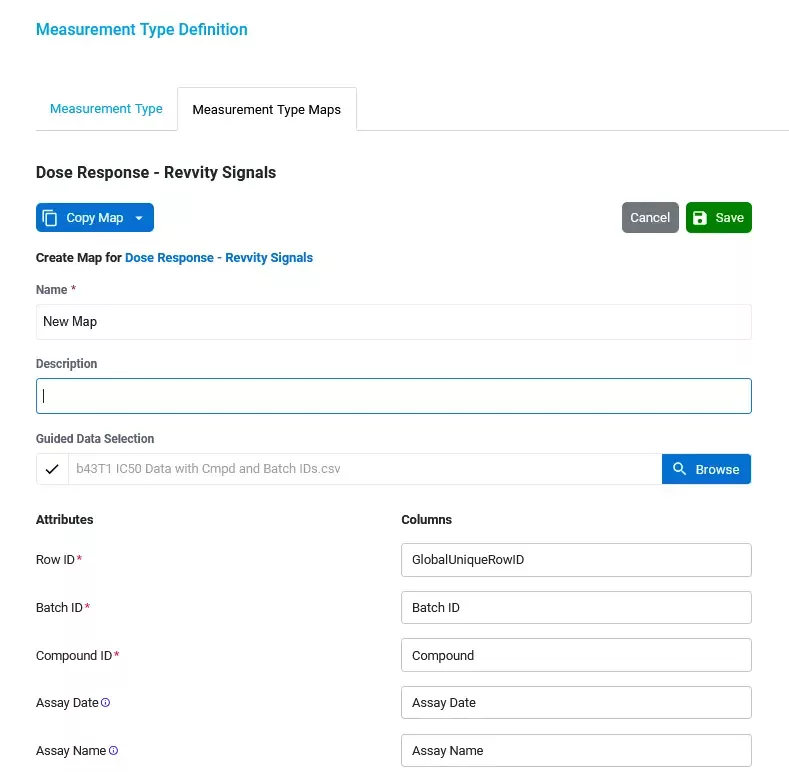
For tenants with a Signals One license, users will now be able to perform In Vitro (screening, assays) data analysis, visualization and results quality control. The first curve fitting method available, is the logistic 4 Parameter (4P) fit.
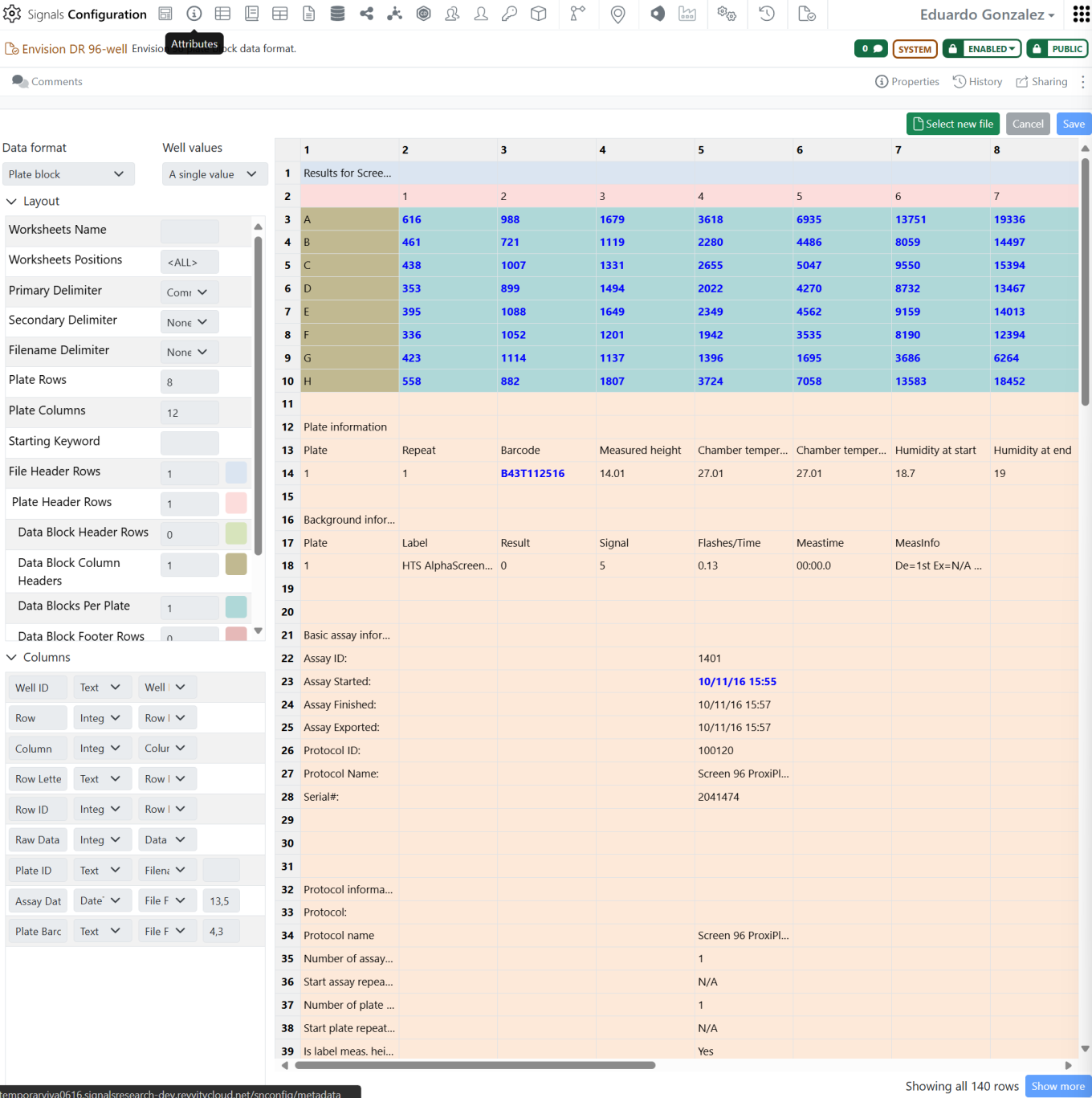
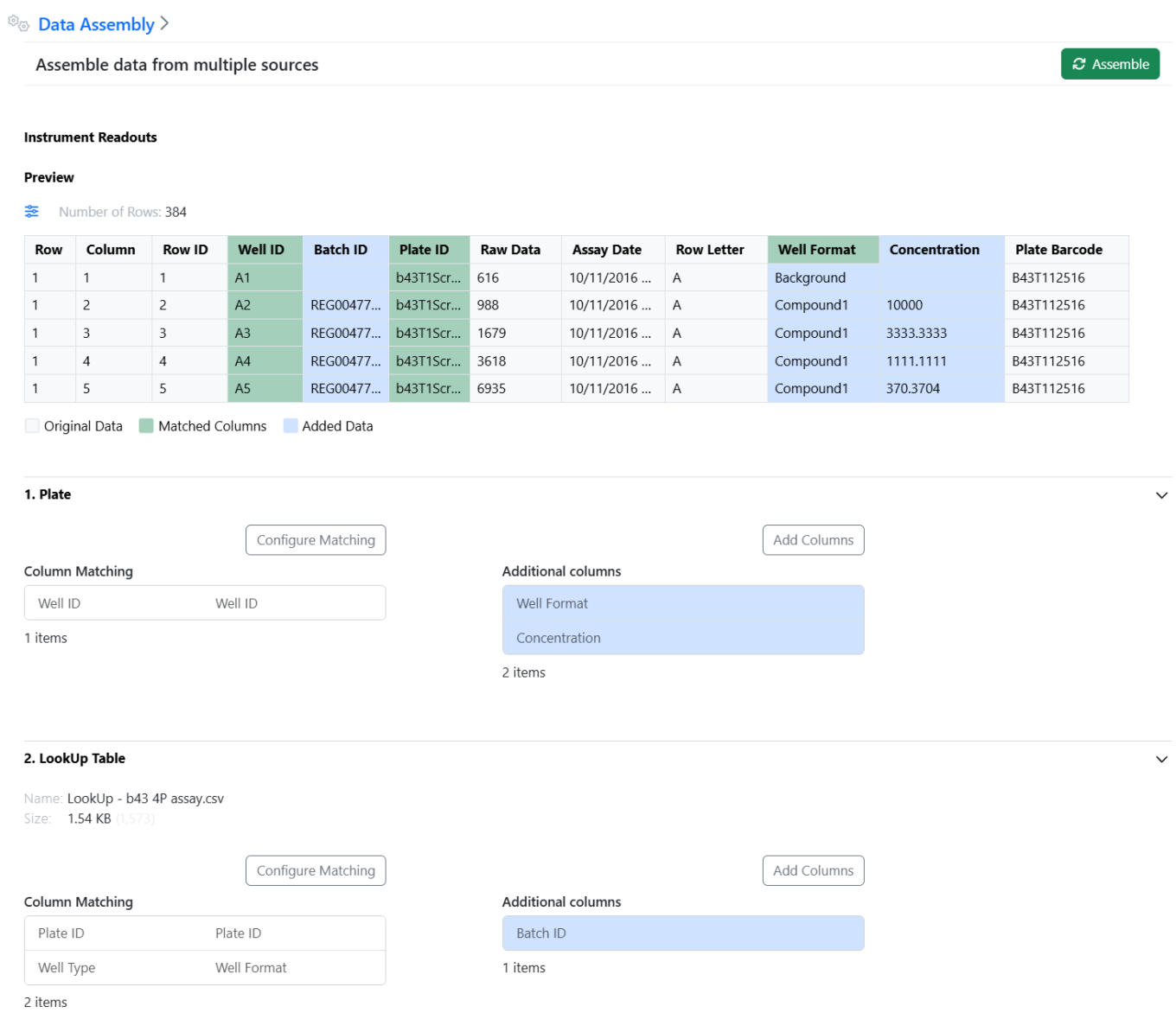
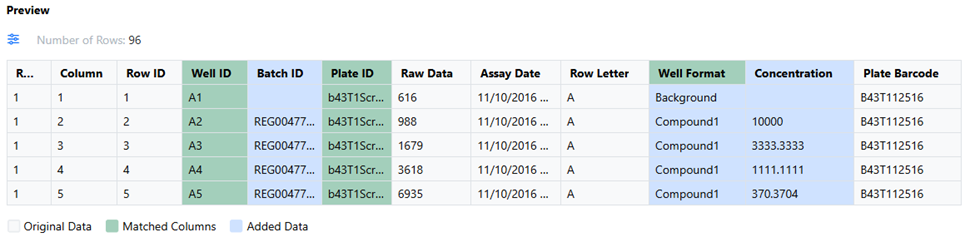
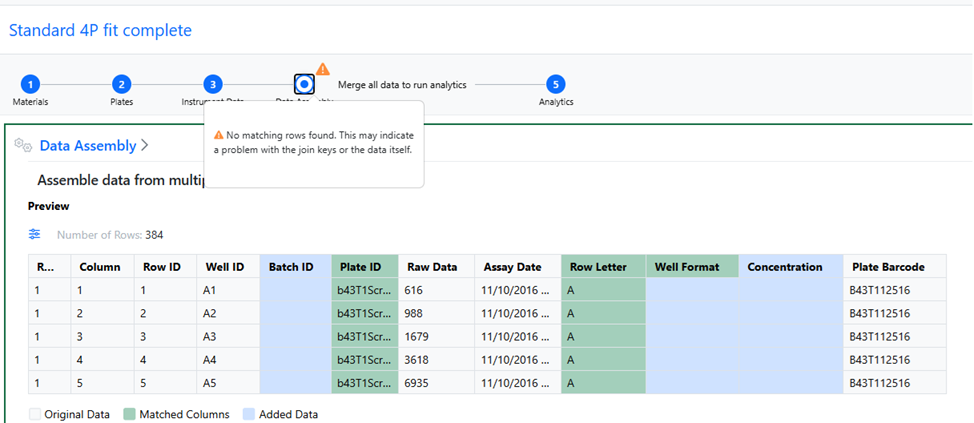
The first rows of data assembled from multiple sources (instruments data, plates, external lookup tables,…) can now be previewed in the Data Assembly.
The Preview highlights the columns used for matching and the columns added to the instrument data. A column first added before being used for matching will have the column header highlighted as “Matched” and the content rows as “Added”. The Preview appears upon assembling the data when pressing the “Assemble” button.
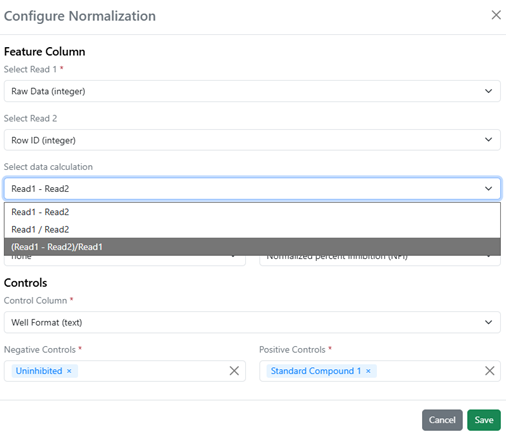
Calculations can be applied when analyzing two instrument readouts in Vitro Analysis. Two instrument readouts can now be used (Read 1 and 2) and combined using a predefined calculation.

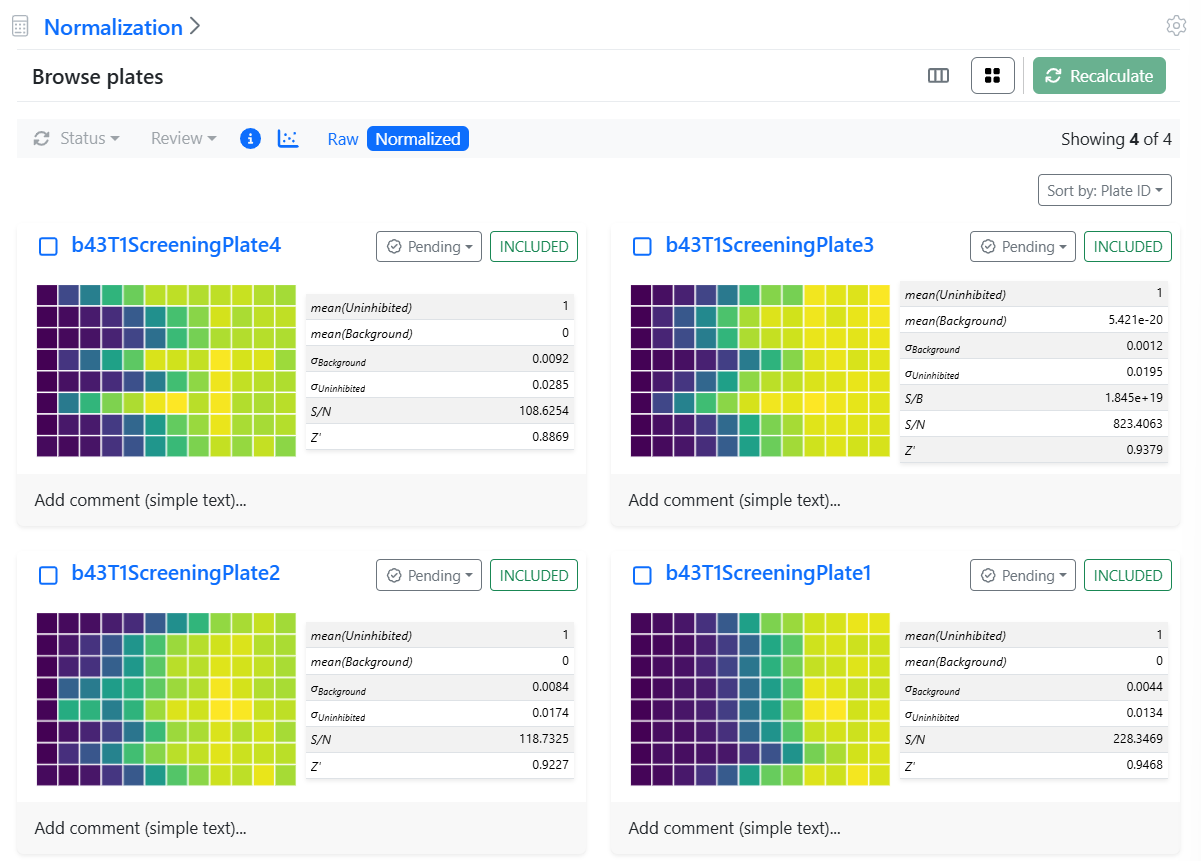
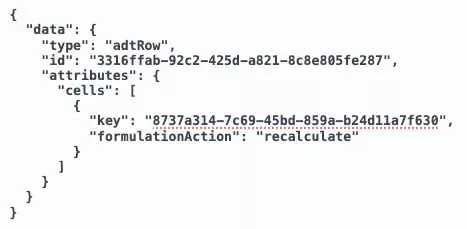
When user changes like exclusions or settings modification take place in the analytics steps, each step can be recalculated independently from the other steps using the new “Recalculate” button.
When the next step in the analytics is impacted, the recalculated button of the downstream step is enabled and the user notified that the steps are out of sync (e.g. normalization changes that impact curve fitting).
When potential problems are detected, warnings become visible in the user interface to help users identify early on the sources of problems.
In this example, the matching of two columns returns no rows, which is an indication of a wrong selection of columns to match.
SAR & Decisioning
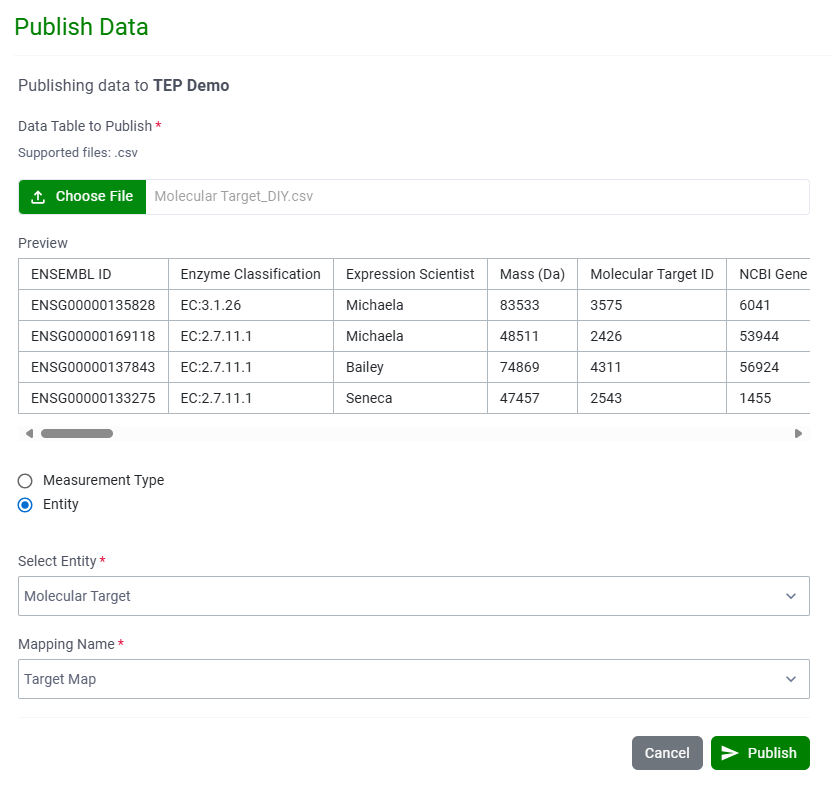
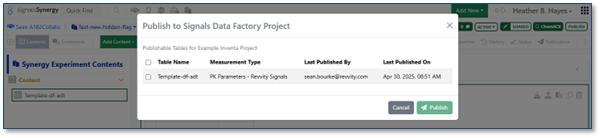
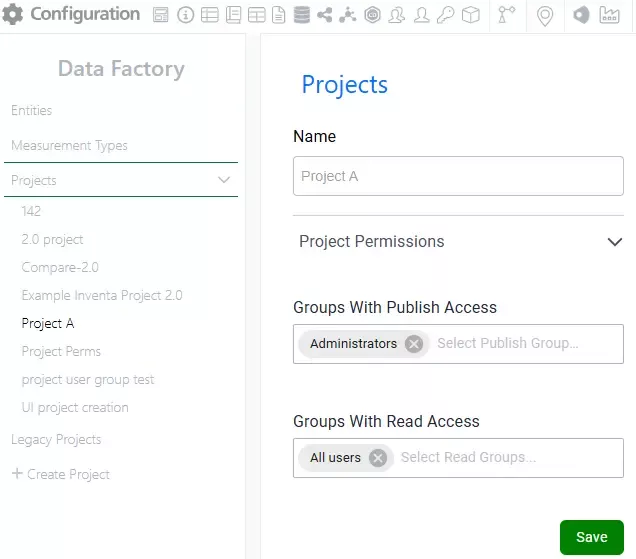
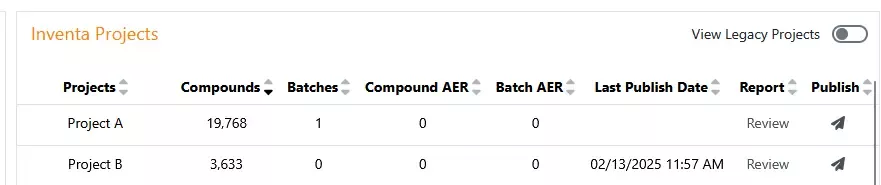
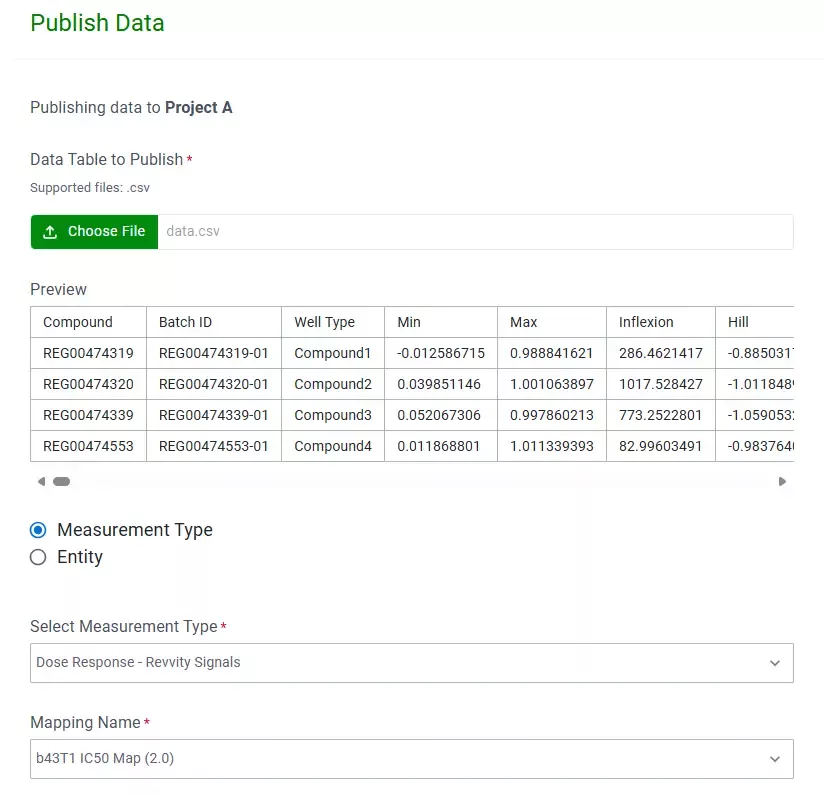
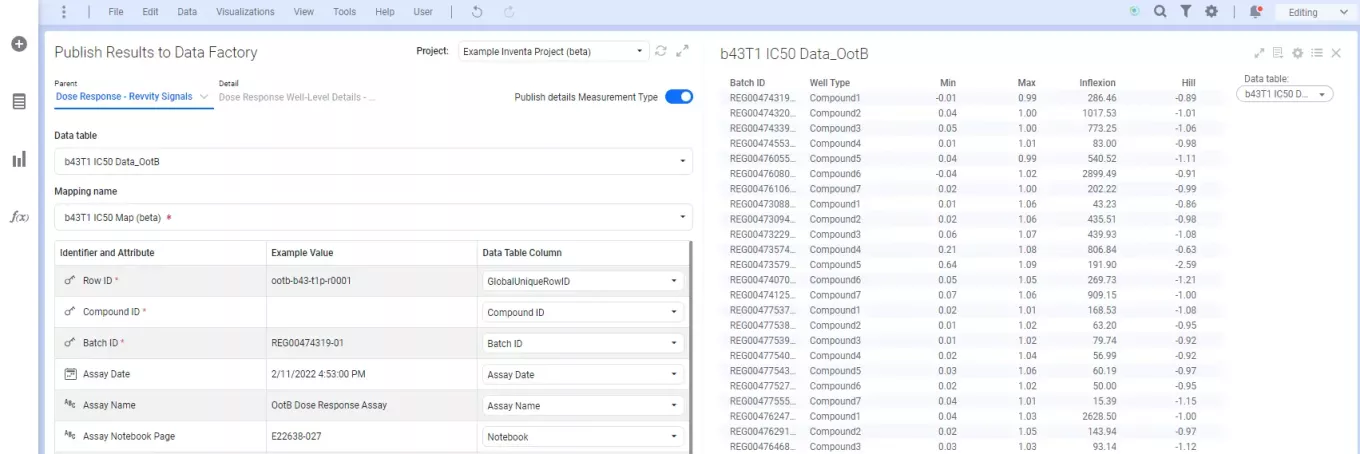
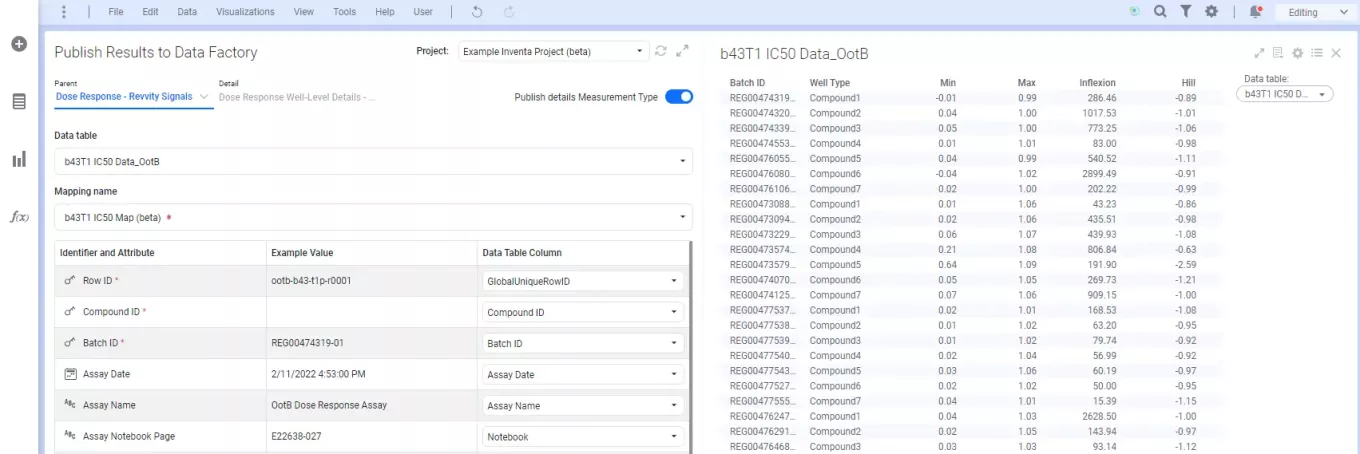
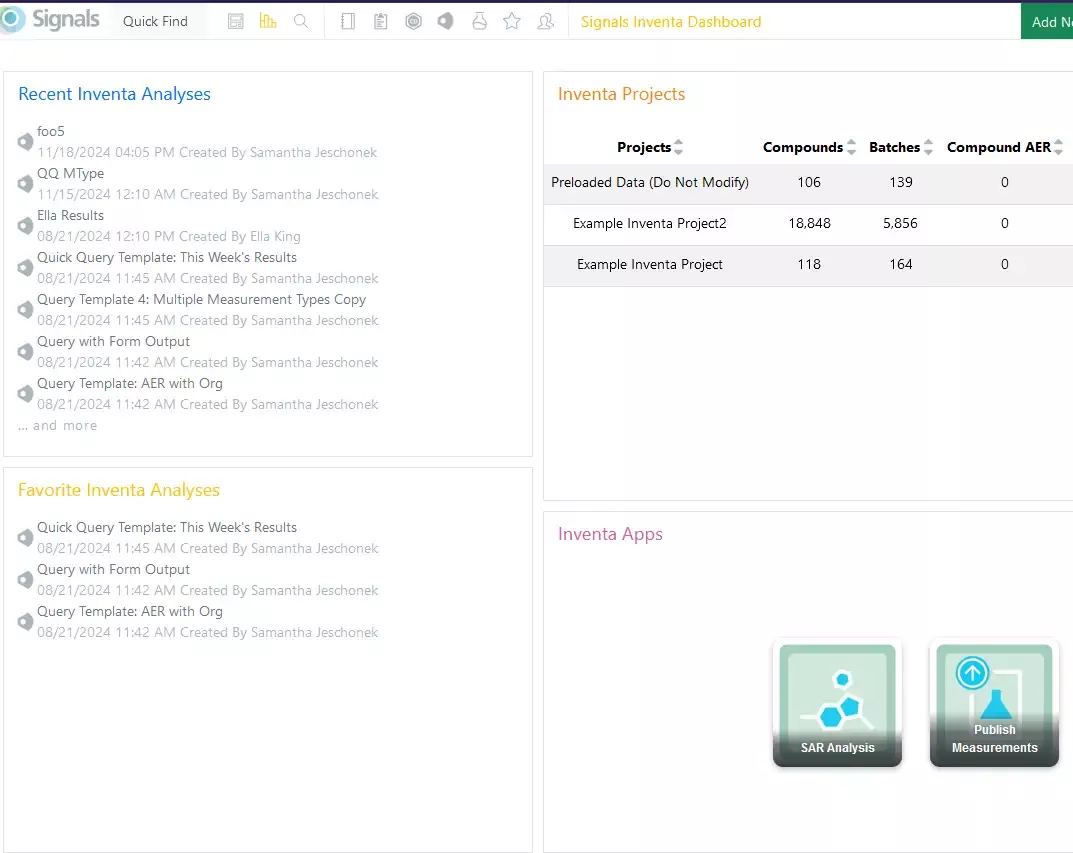
Custom Entity data can now be published directly to Data Factory projects (beta version) from the Inventa Dashboard.
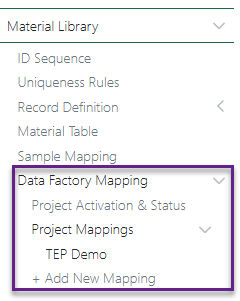
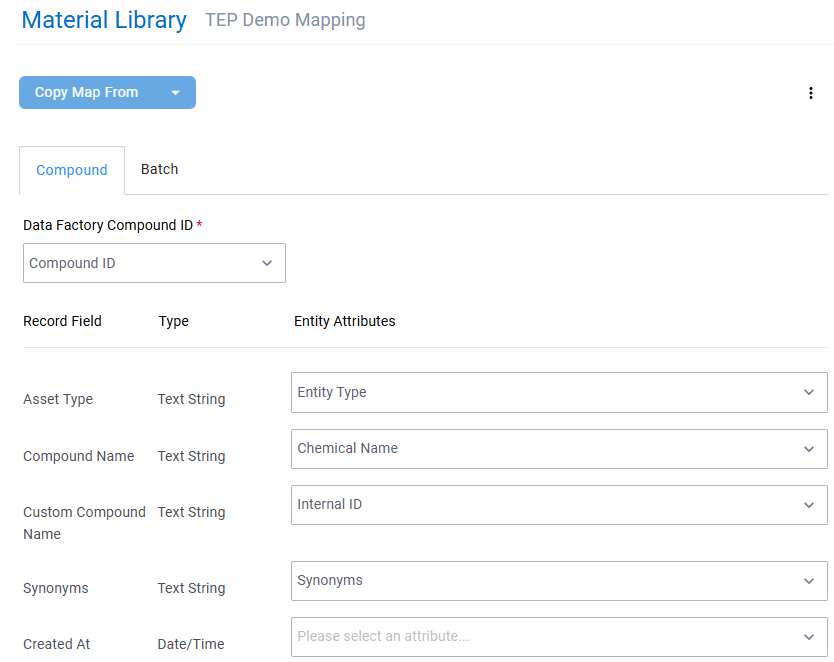
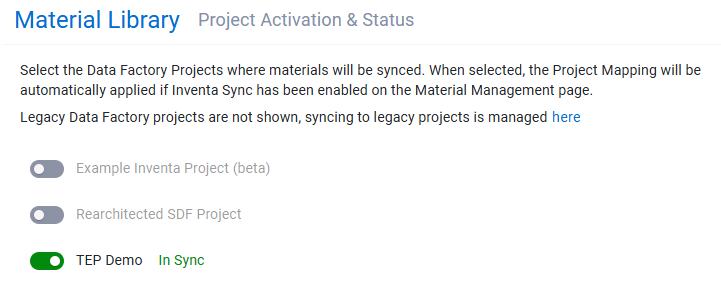
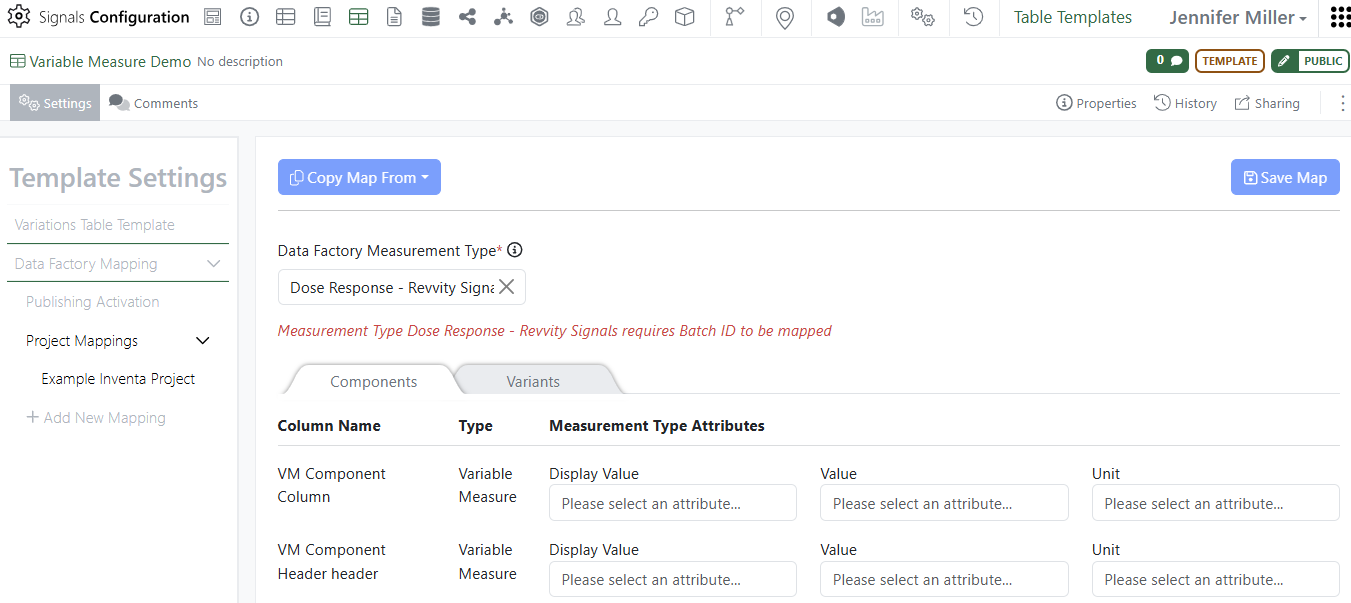
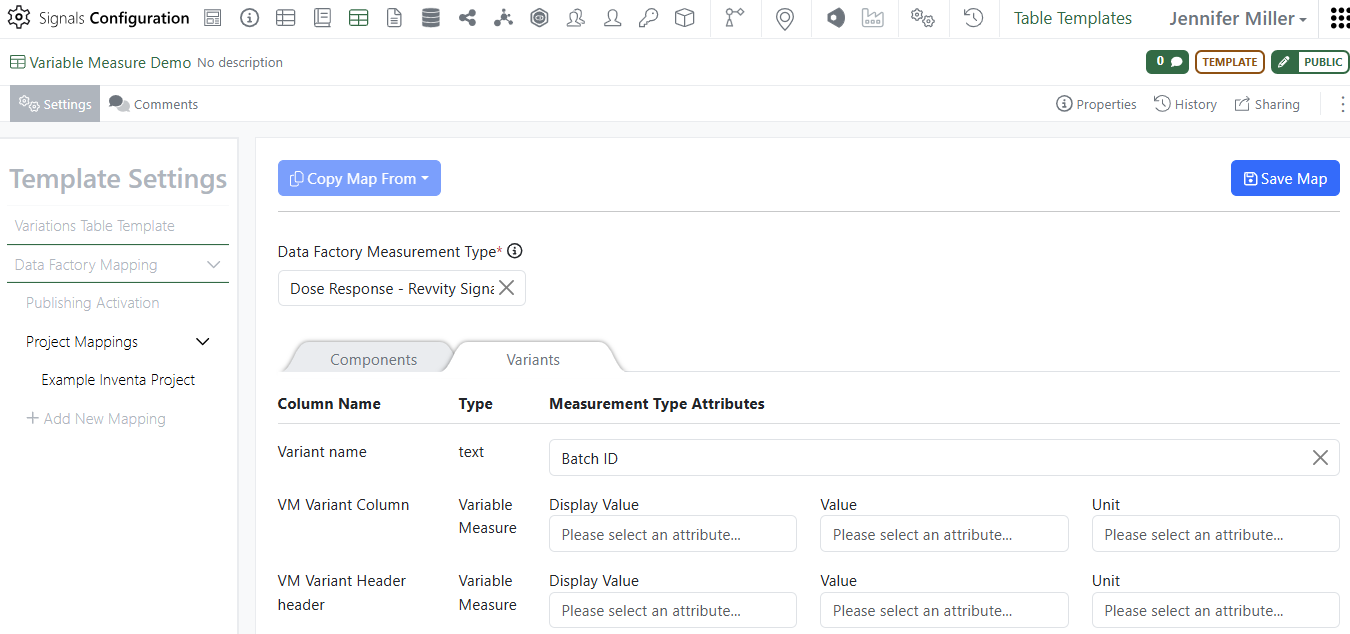
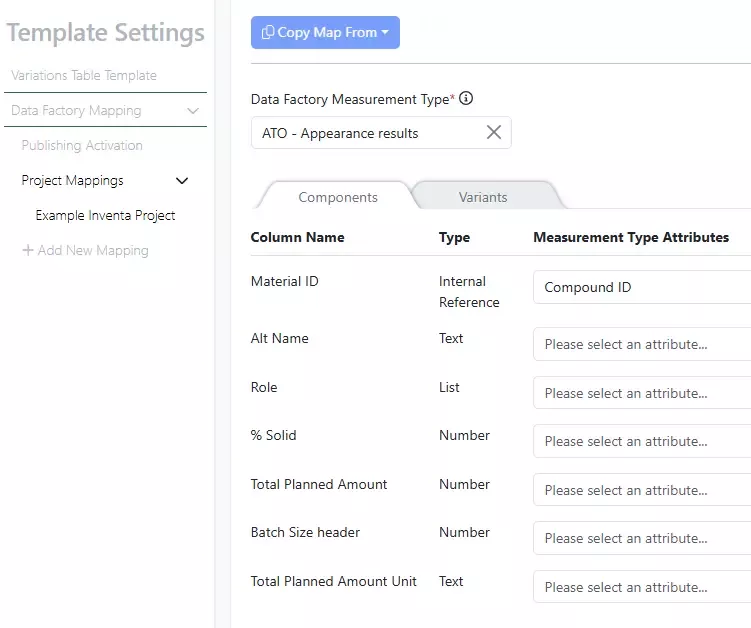
Inventa Sync now supports Data Factory projects (beta version). Map material libraries to projects using the new Data Factory Mapping section (accessible from the Material Management page), then activate sync on a per-project basis though the Project Activation and Status section.
Inventory
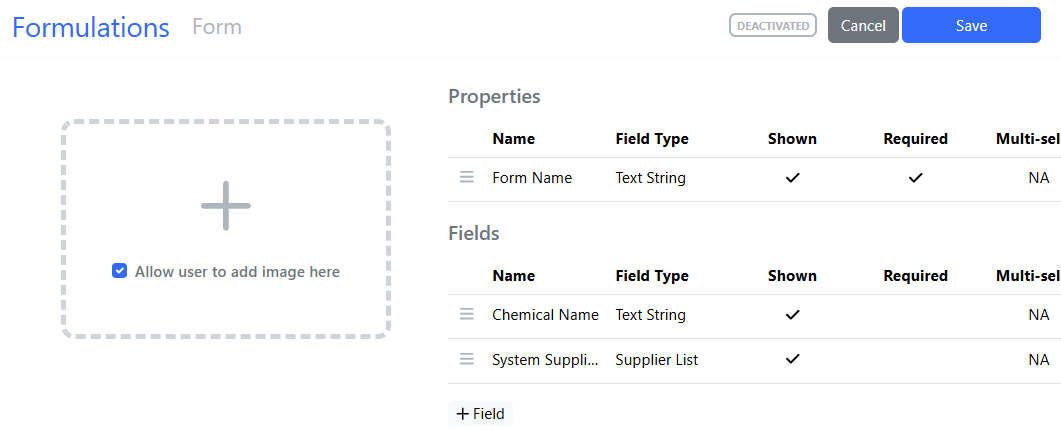
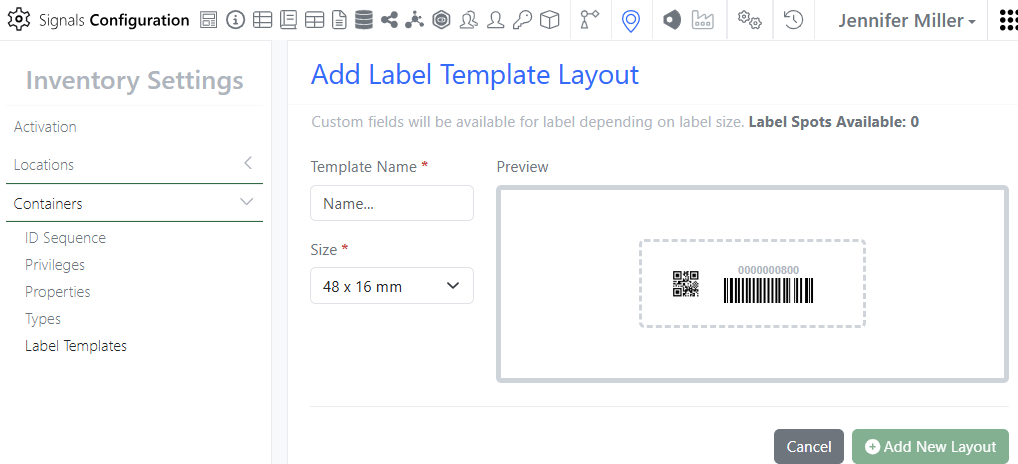
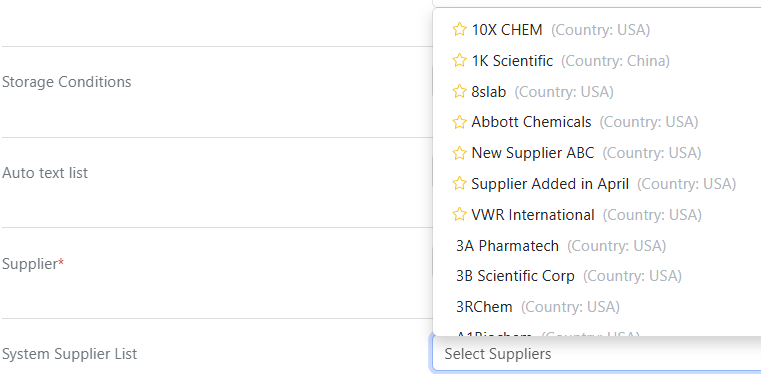
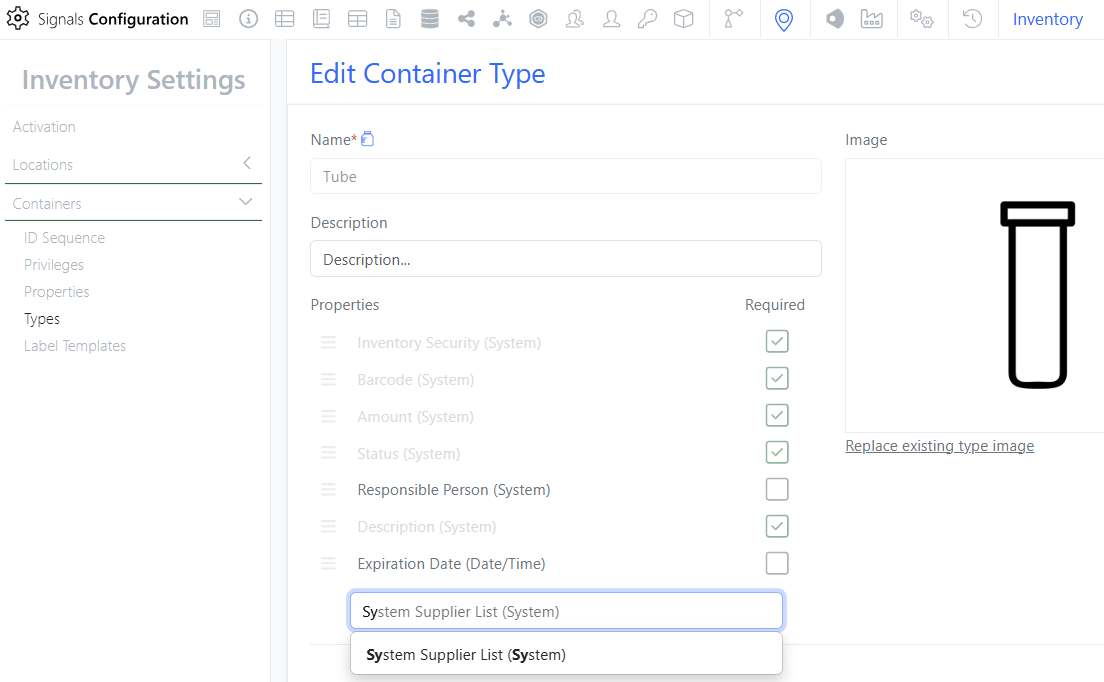
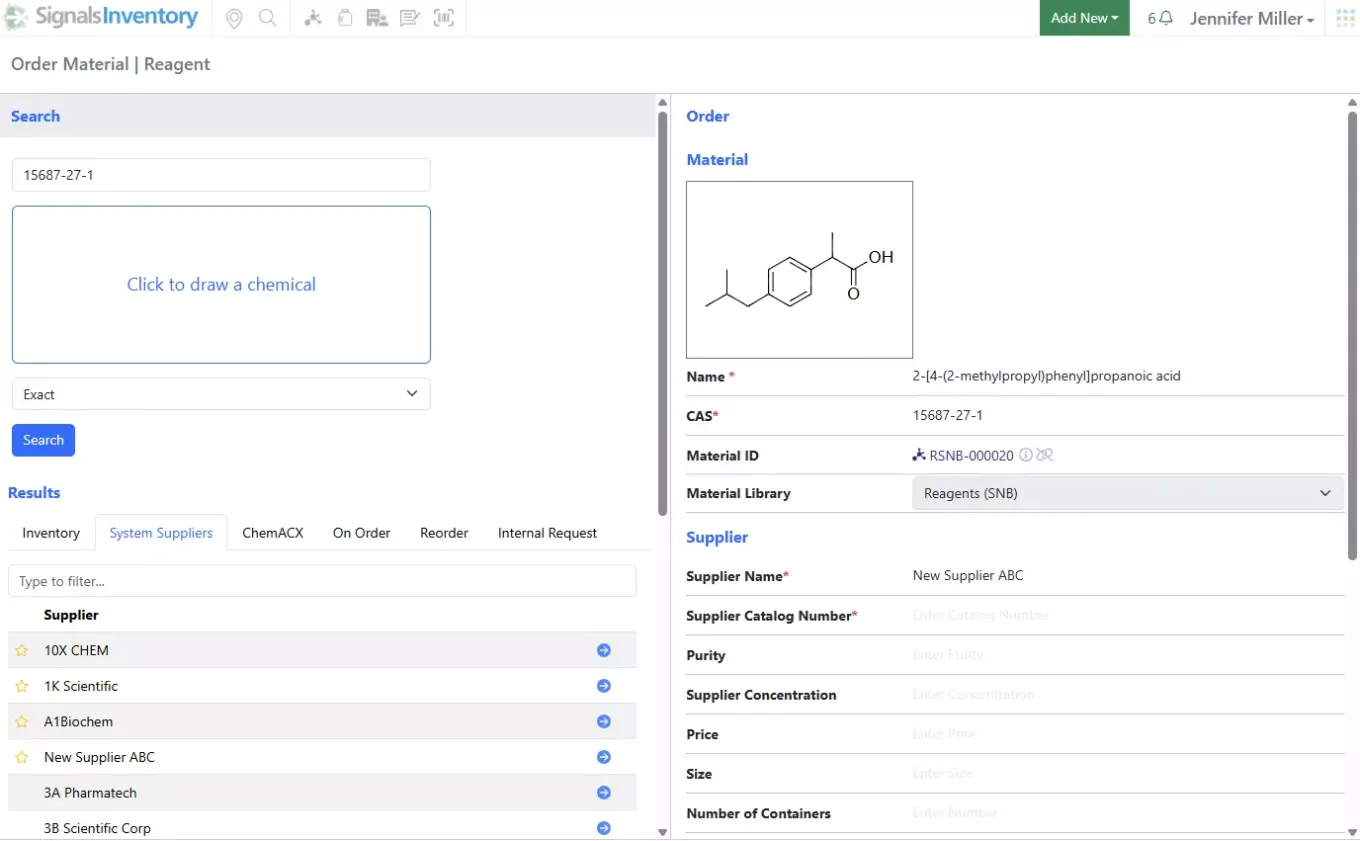
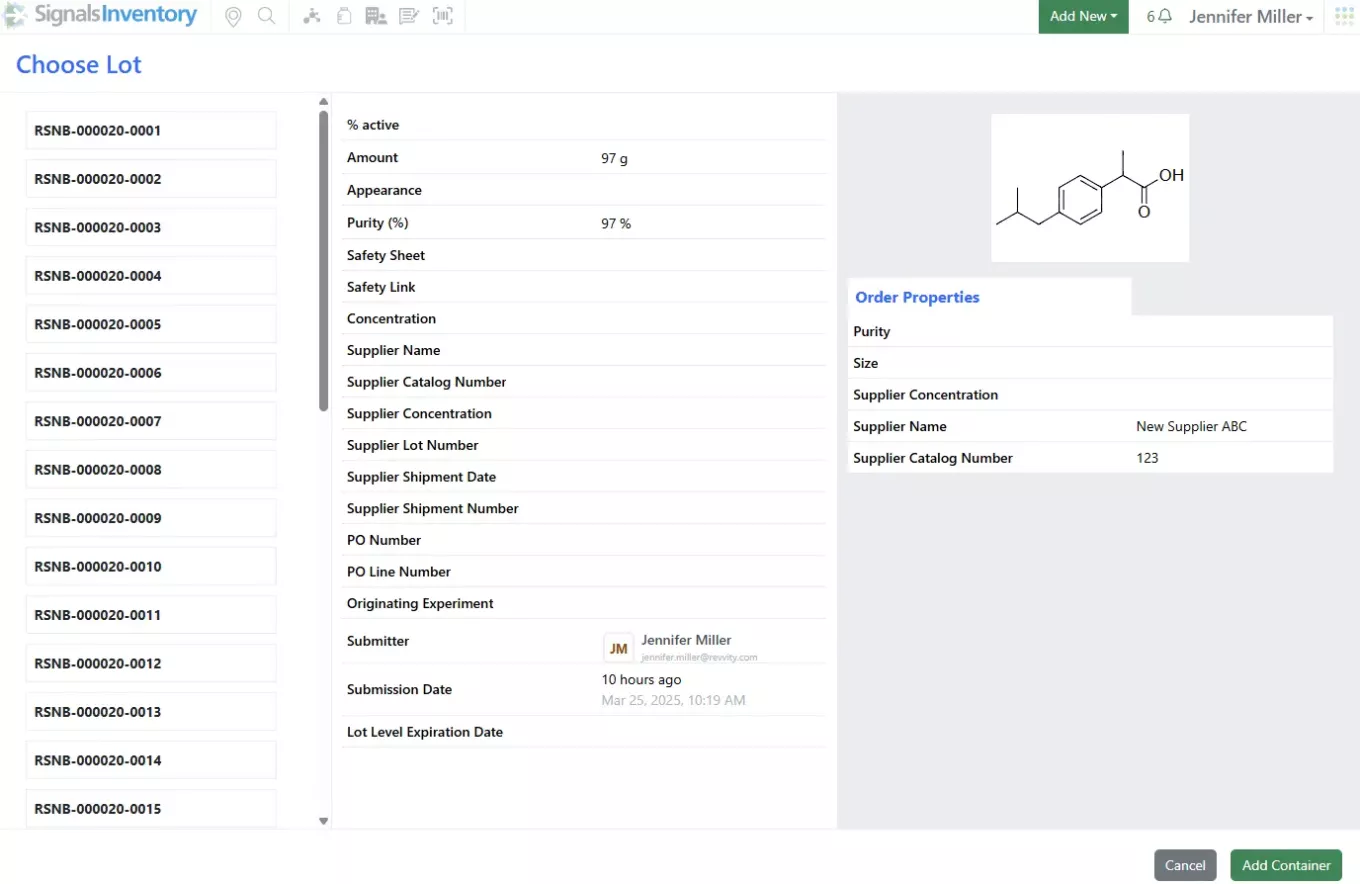
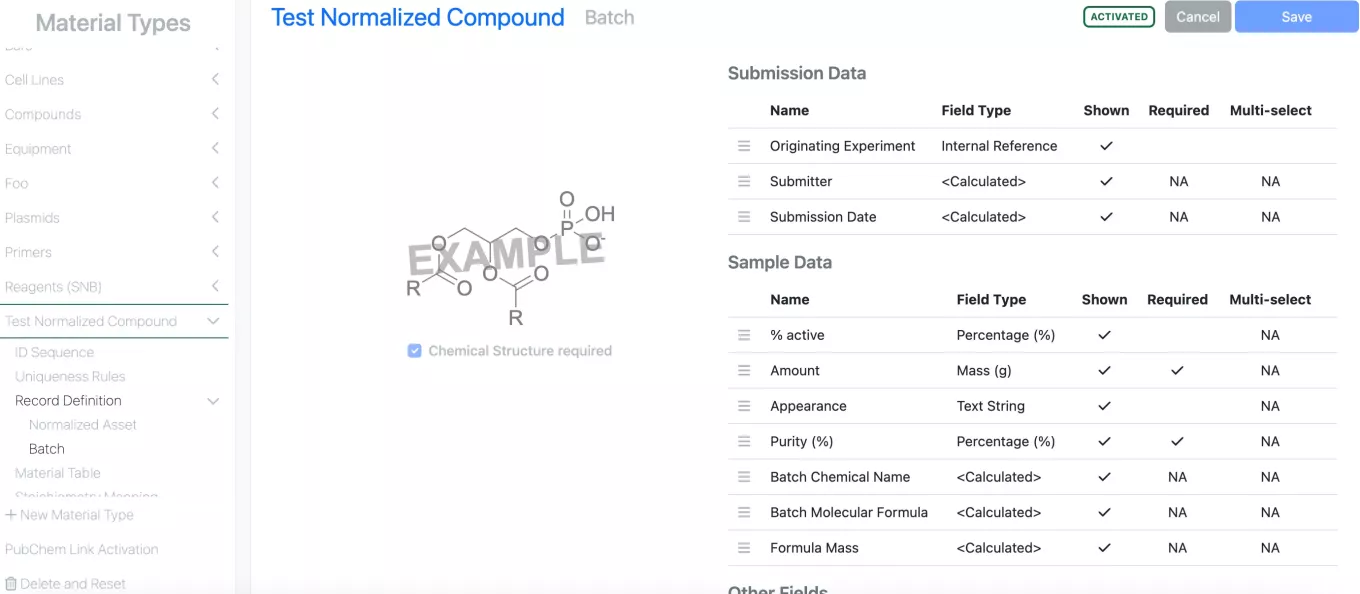
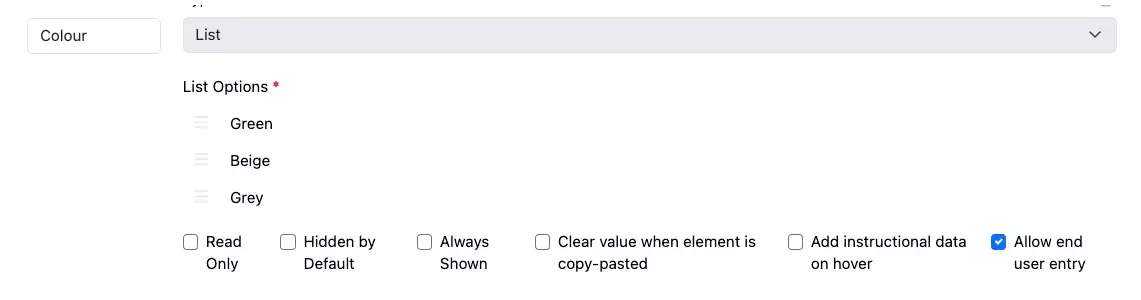
System Supplier List available in Material Library. Administrators can now add the System Supplier List to the Materials Library at both the asset level:
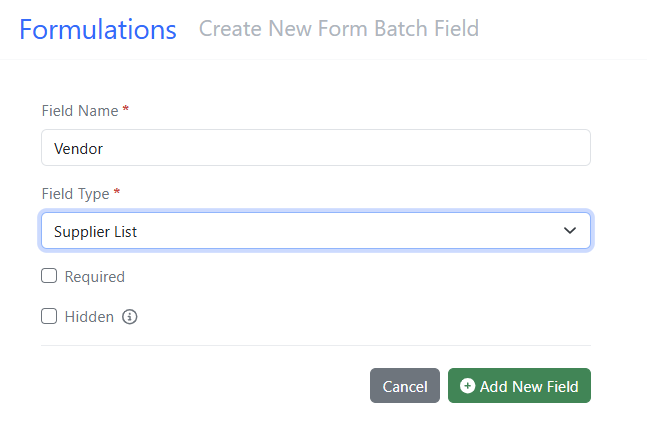
And the batch/lot level:
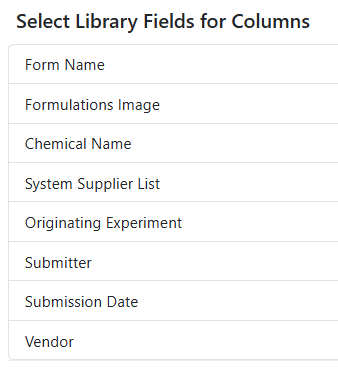
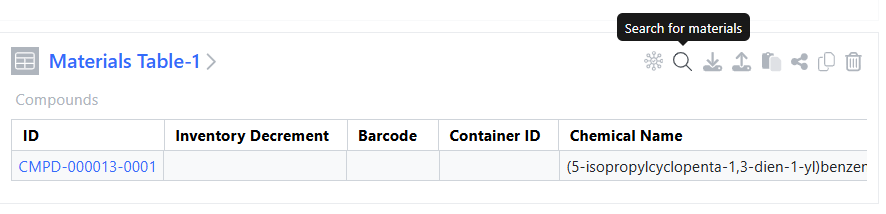
Multiple Fields can be associated with the System Supplier List and can be added to the Materials Table:
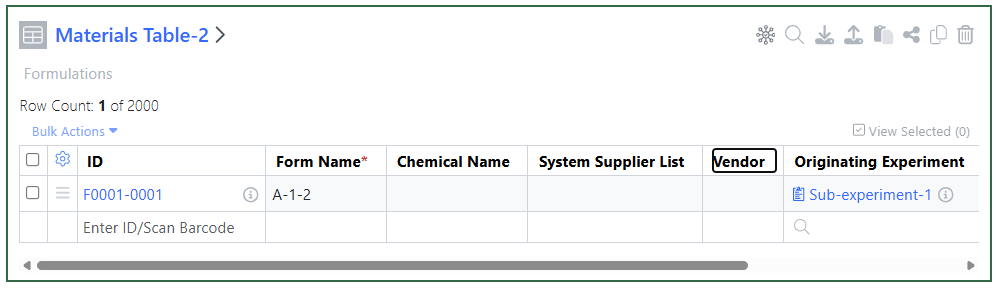
Users will see the fields in the Materials Table when they add them to an Experiment/ADO:
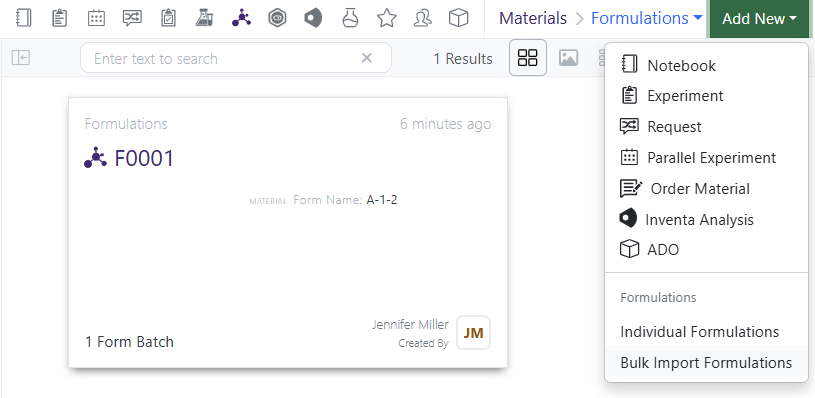
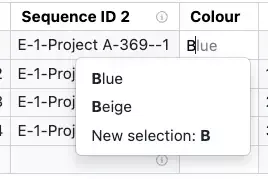
Bulk Import to a Materials Library supports the System Supplier List field type:
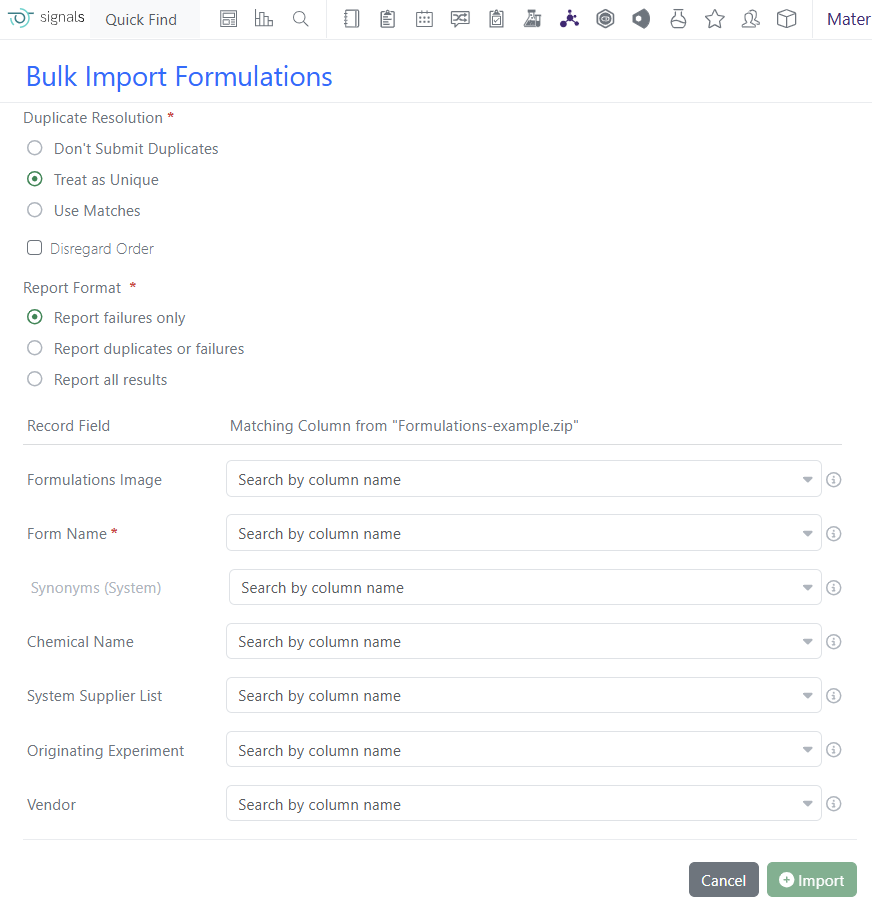
The mapping import screen as well as the example file supports the System Supplier List field: